Operation–Setting mode
33
2
Use the [VALUE] dial to select the type of aftertouch.
Ch (Channel AfterTouch)
Channel Aftertouch. Aftertouch will apply to all the keys that are
currently being played.
When you operate the joystick in Play mode, the main display will
indicate “ChAft---”.
Last (Polyphonic key pressure)
Polyphonic key pressure. Of the keys that are currently being played,
aftertouch will apply only to the last-pressed key.
When you operate the joystick in Play mode, the main display will
indicate “PyAft---”.
3
Press the OCTAVE SHIFT/CURSOR [
®
] key to proceed to “MIDI
Channel” (specify the MIDI channel).
■
Assigning velocity
If you select
Velocity
in “Message Select,” use “Velocity Type” to select the
type of velocity.
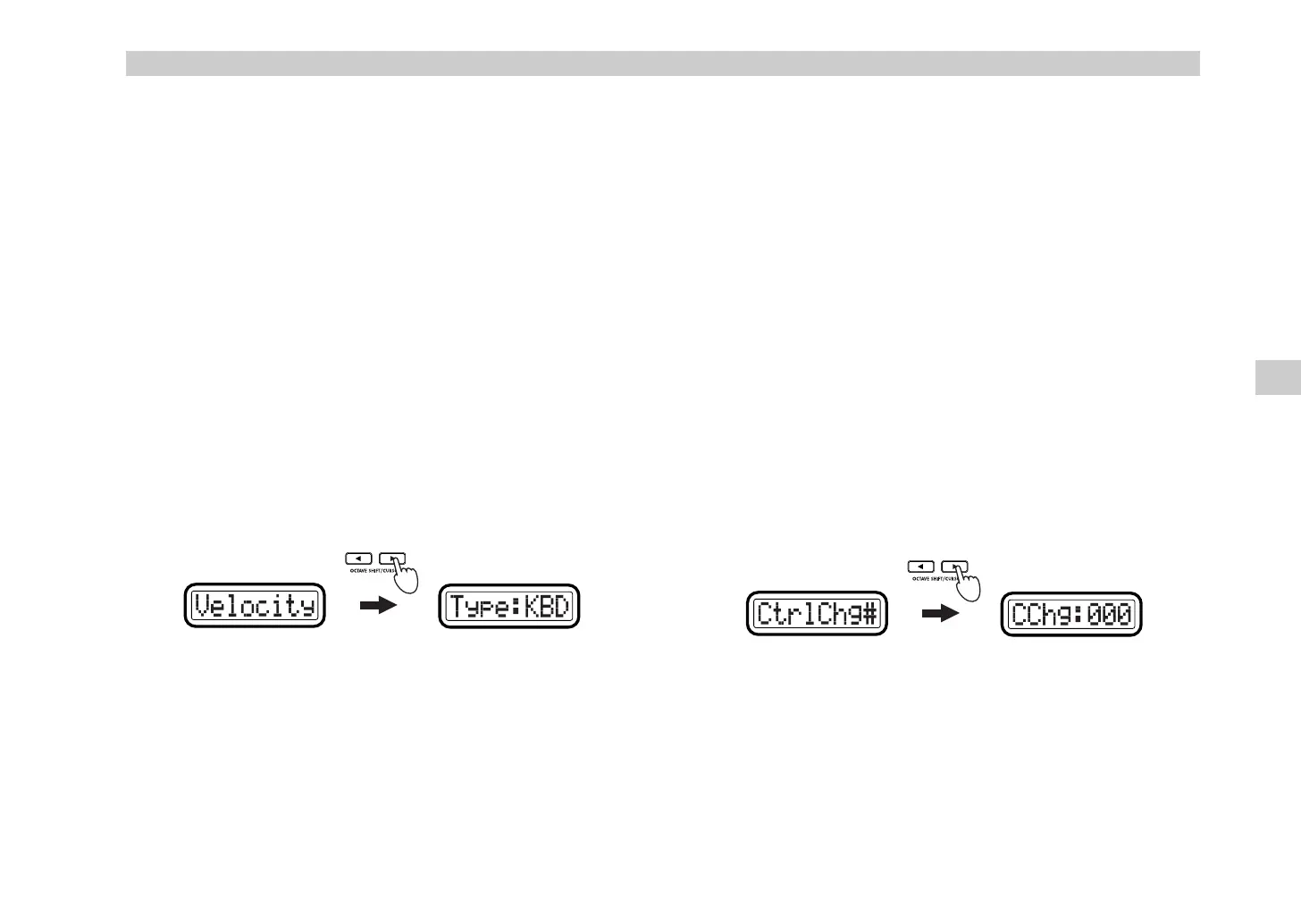
1
Press the OCTAVE SHIFT/CURSOR [
®
] key to proceed to “Velocity
Type” (select the type of velocity).
2
Use the [VALUE] dial to select the velocity type.
This setting takes priority over the Global parameter settings
(
☞
”Keyboard Velocity setting” and “Pad Velocity setting”).
In Play mode, the joystick position will determine the velocity value
that is transmitted. If the velocity value is 0, the display will indicate
“KbdOnVel” or “PadOnVel,” and the velocity value transmitted will be
according to the global parameter setting.
KBD (Keyboard)
The joystick will determine the velocity of notes transmitted by the
keyboard. The notes are transmitted on the global MIDI channel.
When you operate the joystick in Play mode, the main display will
indicate “KyVel---”.
PAD (Pad)
The joystick will determine the velocity of notes transmitted by the
pads. The notes are transmitted on the MIDI channel specified for each
pad.
When you operate the joystick in Play mode, the main display will
indicate “PdVel---”.
3
Press the [ENTER] key.
The setting will be updated, and you will return to Play mode.
■
Assigning a control change
If you select
CtrlChg#
in “Message Select,” use “Control Change Select” to
select the control change, and then proceed to “MIDI Channel” (specify the
MIDI channel).
1
Press the OCTAVE SHIFT/CURSOR [
®
] key to proceed to “Control
Change Select” (select the control change number).
2
Use the [VALUE] dial or the pads to select the control change number.
The range is
0–127
.
3
Press the OCTAVE SHIFT/CURSOR [
®
] key to proceed to “MIDI
Channel” (specify the MIDI channel).
(Green)(Green)
Setting mode
&& !"



 To Next Page