Operation–Message mode
48
5
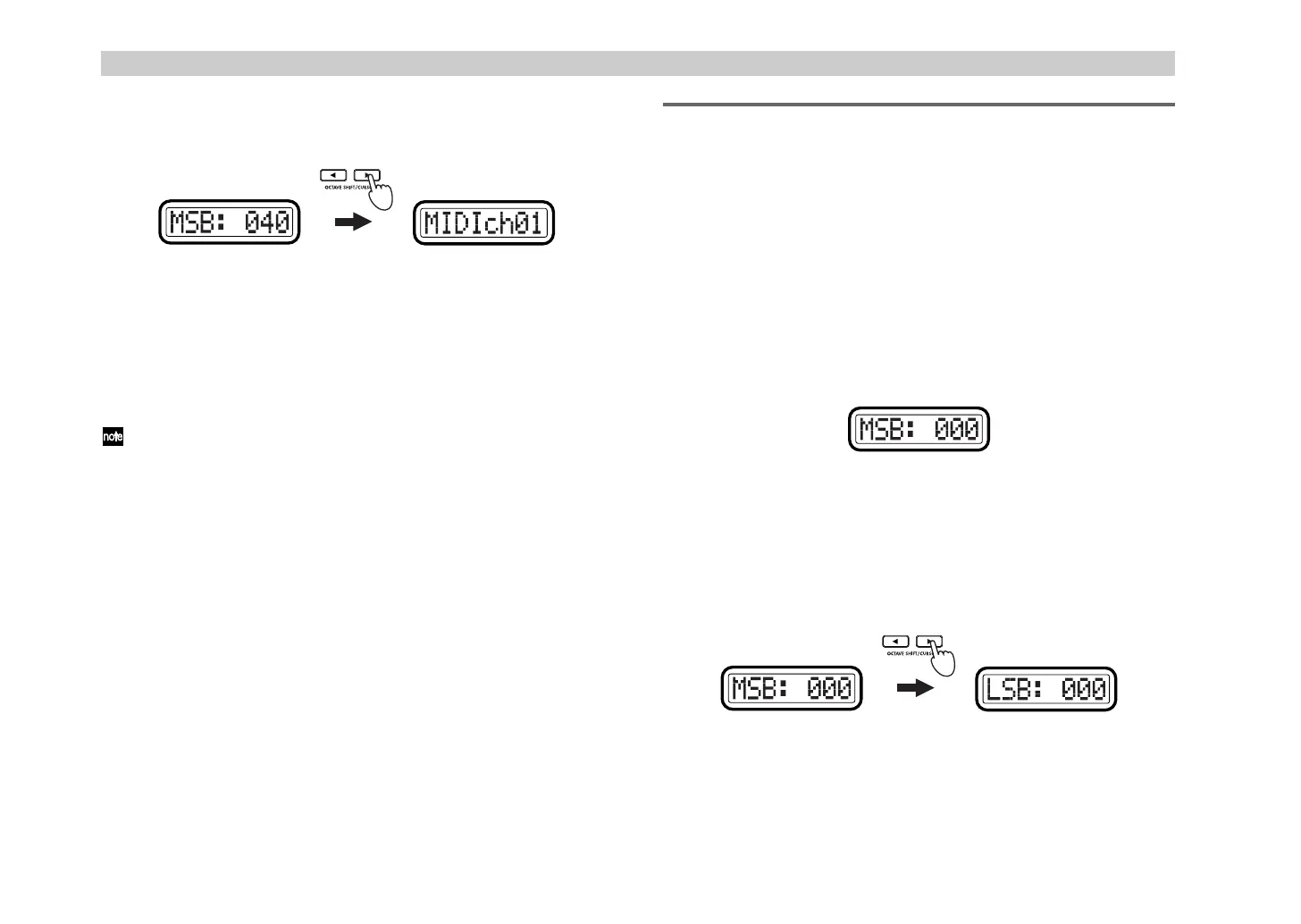
Press the OCTAVE SHIFT/CURSOR [
®
] key to proceed to “MIDI
Channel” (specify the MIDI channel).
6
Use the [VALUE] dial or the pads to select the MIDI channel on which
the pitch bend message will be transmitted. The range is
1–16 (ch)
.
7
Press the [ENTER] key to transmit the message.
When transmission is completed, the main display will indicate
“Trnsmit!” and you will return to Play mode.
If you press the [EXIT] key, the scene number will be displayed.
The next time that you use this function, the previously-specified
message will be displayed. The microKONTROL will remember this
message until you turn off the power.
[13] RPN (RPN message)
This lets you transmit any desired
RPN (Registered Parameter Number)
message.
RPN
messages are used to make common settings that are not specific to
individual manufacturers.
The parameter number is specified by the combination of two controllers,
CC#101 (MSB) and CC#100 (LSB). After the parameter number is specified,
its value is specified by another pair of controllers: CC#6 (MSB) and CC#38
(LSB).
1
Hold down [MESSAGE] and press pad [13].
The [MESSAGE] key and pad [13] will light, and you will enter the
RPN (RPN message) page. The main display will indicate “MSB”
(specify the parameter number MSB for CC#101).
2
Use the [VALUE] dial or the pads to input the “MSB” value. The range
is
0–127
. (
☞
p.4 “About the trigger pad functions–Input numerical
values”)
3
Press the OCTAVE SHIFT/CURSOR [
®
] key to proceed to “LSB”
(specify the parameter number LSB for CC#100).
4
Use the [VALUE] dial or the pads to input the “LSB” value. The range
is
0–127
.
(Green)(Green)
'+ !"



 To Next Page