Operation–Message mode
46
6
Use the [VALUE] dial or the pads to specify the MIDI channel on
which the control change will be transmitted. The range is
1–16 (ch)
.
7
Press the [ENTER] key to transmit the message.
When transmission is completed, the main display will indicate
“Trnsmit!” and you will return to Play mode.
If you press the [EXIT] key, the scene number will be displayed.
If you decide to cancel mid-way through the procedure, press the
[EXIT] key to return to Play mode.
The next time that you use this function, the previously-specified
message will be displayed. The microKONTROL will remember this
message until you turn off the power.
[10] BANK (Bank Select message)
This lets you transmit a
bank select message [Bn, 00, mm]
,
[Bn, 20, bb]
(n:
MIDI channel, mm: MSB, bb: LSB).
The combination of the two values, MSB and LSB, lets you specify a total of
16,384 different banks.
1
Hold down the [MESSAGE] key and press pad [10].
The [MESSAGE] key and pad [10] will light, and you will enter the
BANK (Bank Select message) page. The main display will indicate
“MSB” (Most Significant Byte setting).
2
Use the [VALUE] dial or the pads to input the “MSB” value. The range
is
0–127
. (
☞
p.4 “About the trigger pad functions–Input numerical
values”)
3
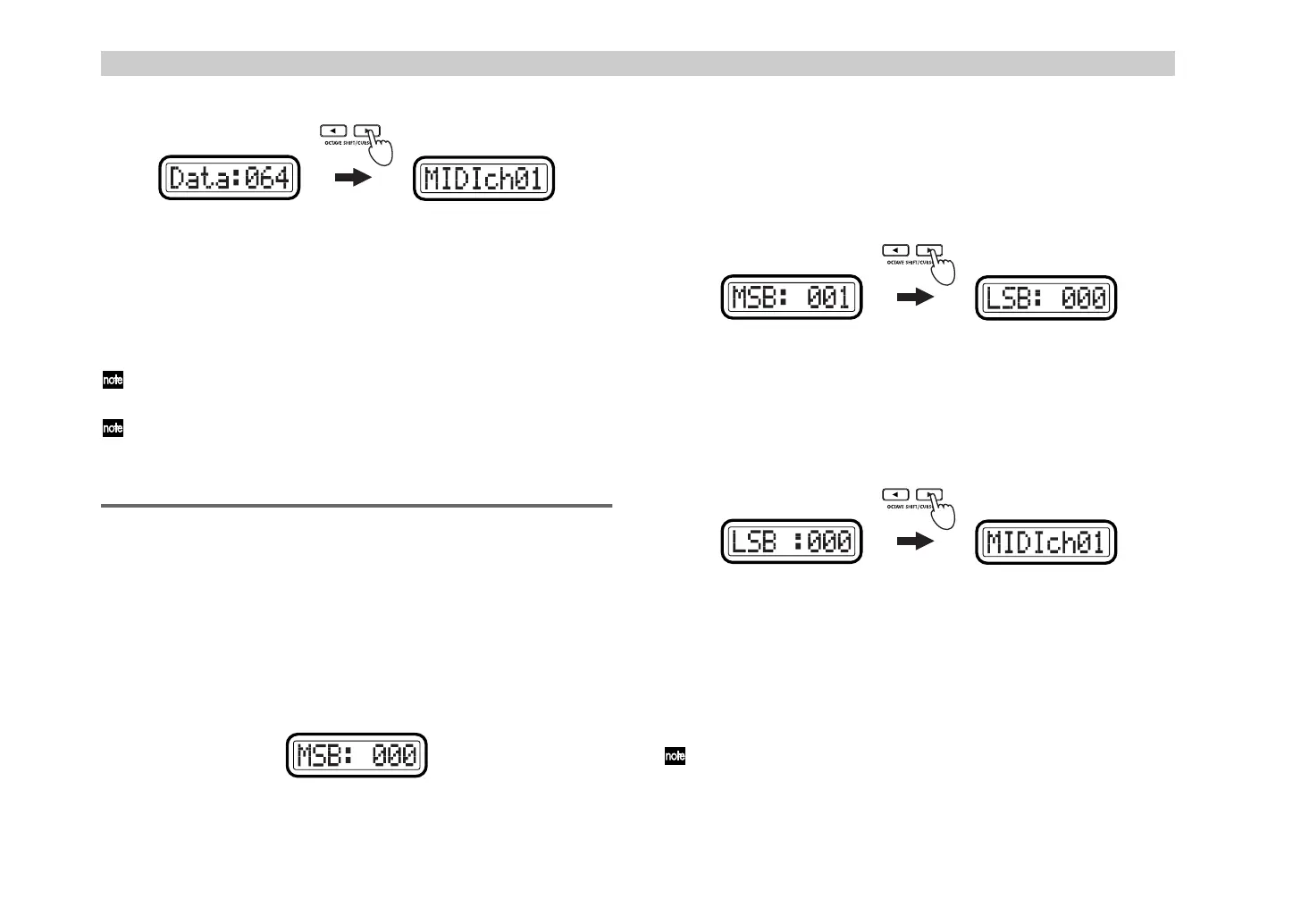
Press the OCTAVE SHIFT/CURSOR [
®
] key to proceed to “LSB”
(Least Significant Byte setting).
4
Use the [VALUE] dial or the pads to input the “LSB” value. The range
is
0–127
.
5
Press the OCTAVE SHIFT/CURSOR [
®
] key to proceed to “MIDI
Channel” (specify the MIDI channel).
6
Use the [VALUE] dial or the pads to select the MIDI channel on which
the bank select message will be transmitted. The range is
1–16 (ch)
.
7
Press the [ENTER] key to transmit the message.
When transmission is completed, the main display will indicate
“Trnsmit!” and you will return to Play mode.
If you press the [EXIT] key, the scene number will be displayed.
The next time that you use this function, the previously-specified
message will be displayed. The microKONTROL will remember this
message until you turn off the power.
(Green)(Green)
') !"



 To Next Page