Operation–Setting mode
40
4
Use the [VALUE] dial to select the backlight color.
5
Press the OCTAVE SHIFT/CURSOR [
√
] key to return to “Display
Select,” and make settings for other displays in the same way.
6
When you have finished making settings for each display, press the
[ENTER] key to save the settings and return to Play mode.
[12] PAD ILLUMI (PAD Illumination setting)
In the PAD Illumination setting page you can specify whether the pads will
light when they transmit a MIDI message in Play mode.
1
Hold down the [SETTING] key and press pad [12].
The [SETTING] key and pad [12] will light, and you will be in the PAD
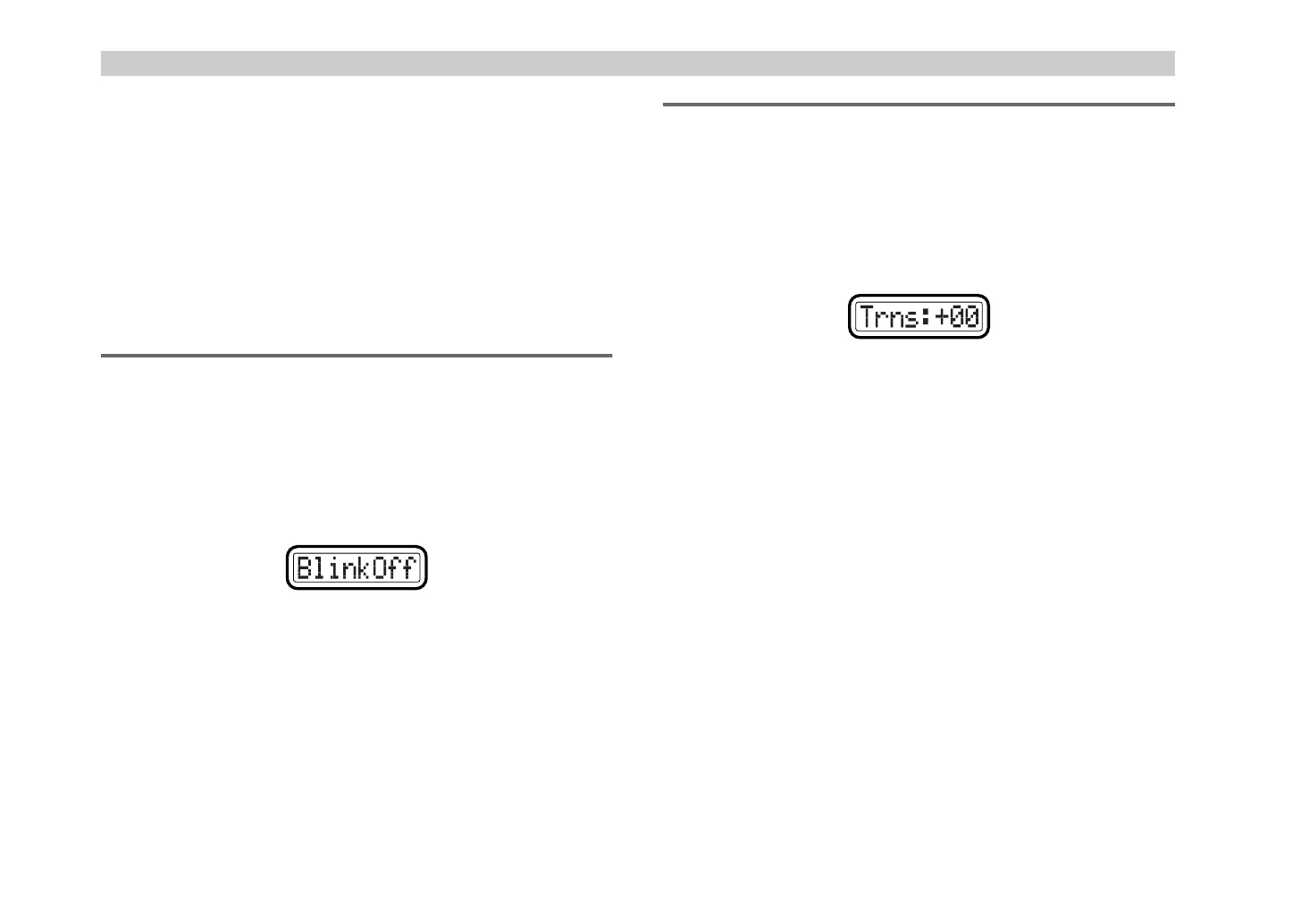
Illumination setting page. The main display will indicate “Blink” (pad
illumination setting).
2
Use the [VALUE] dial to specify whether the pad will momentarily
light or go dark, or not change when you strike a pad in Play mode.
3
Press the [ENTER] key.
The setting will be saved, and you will return to Play mode.
[13] TRANSPOSE (Transpose setting)
The Transpose setting sets the transposition of the keyboard.
You can adjust this in semitone steps.
1
Hold down the [SETTING] key and press pad [13].
The [SETTING] key and pad [13] will light, and you will be in the
Transpose setting page. The main display will indicate “Transpose”
(transpose setting).
2
Use the [VALUE] dial or the pads to specify the keyboard transpose
setting. The range is
–24 – +24
(±2 octaves). (
☞
p.4 “About the trigger
pad functions–Input numerical values”)
3
Press the [ENTER] key.
The setting will be saved, and you will return to Play mode.
Off:
backlight off
Red:
red
Grn:
green
Org:
orange
BlinkOff:
The pad illumination will not change. (It will remain lit or
dark.)
BlinkOn:
The pad will momentarily light or momentarily go dark.
'- !"



 To Next Page