Operation–Setting mode
41
[14] GLOB.CH (Global MIDI Channel setting)
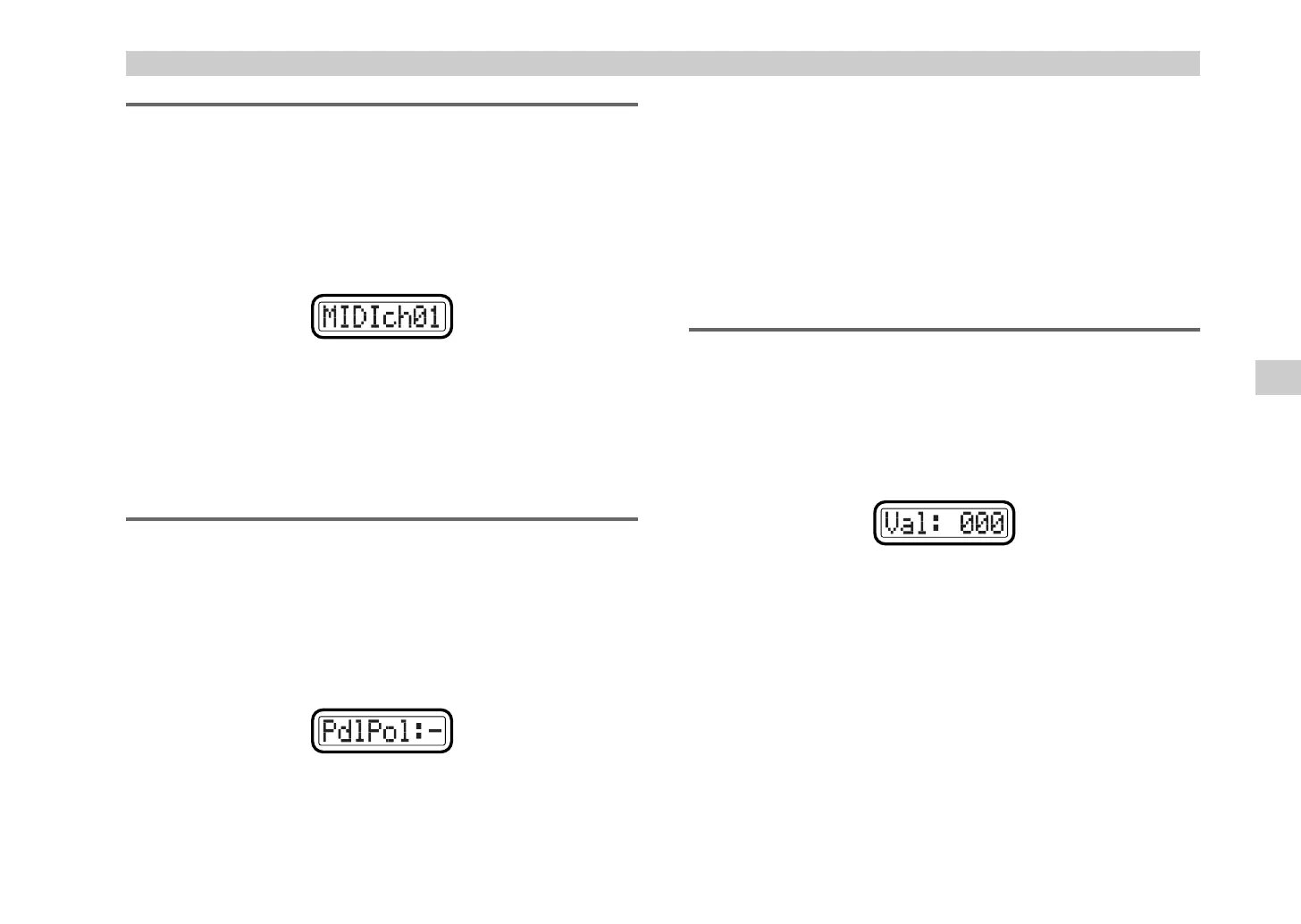
The Global MIDI Channel setting specifies the global MIDI channel; the
channel on which note data is transmitted when you play the keyboard.
1
Hold down the [SETTING] key and press pad [14].
The [SETTING] key and pad [14] will light, and you will be in the
Global MIDI Channel setting page. The main display will indicate
“Global MIDI Channel” (set the global MIDI channel).
2
Use the [VALUE] dial or the pads to select the global MIDI channel.
The range is
1–16 (ch)
. (
☞
p.4 “About the trigger pad functions–Input
numerical values”)
3
Press the [ENTER] key.
The setting will be saved, and you will return to Play mode.
[15] POLARITY (Polarity setting)
The Polarity setting specifies the polarity of the damper pedal or pedal
switch connected to the rear panel PEDAL jack.
1
Hold down the [SETTING] key and press pad [15].
The [SETTING] key and pad [15] will light, and you will be in the
Polarity setting page. The main display will indicate “Pedal Polarity”
(pedal polarity setting).
2
Use the [VALUE] dial to specify the polarity of the pedal you have
connected.
3
Press the [ENTER] key.
The setting will be saved, and you will return to Play mode.
[16] SYSTEM (System setting)
This specifies the initial values of the encoders when you reselect a scene.
1
Hold down the [SETTING] key and press pad [16].
The [SETTING] key and pad [16] will light, and you will be in the
System setting page. The main display will indicate “Value” (specify
the initial value).
2
Use the [VALUE] dial to specify the initial value.
You can select either
000
,
064
,
127
, or
Last
as the initial value.
If you select
Last
, the last-set encoder value will be the initial value.
3
Press the [ENTER] key.
The saving will be saved, and you will return to Play mode.
+:
Select this setting if the connected pedal has a + (
↑
) polarity.
–:
Select this setting if the connected pedal has a – (
↓
) polarity. Use the
“–”
setting if you have connected a Korg damper pedal (the optional
DS-1H) or a Korg pedal switch (the optional PS-1). If no pedal is
connected to the PEDAL jack, select the
“–”
setting.
Setting mode
'$ !"



 To Next Page