Getting Started
Placement and Connections
7
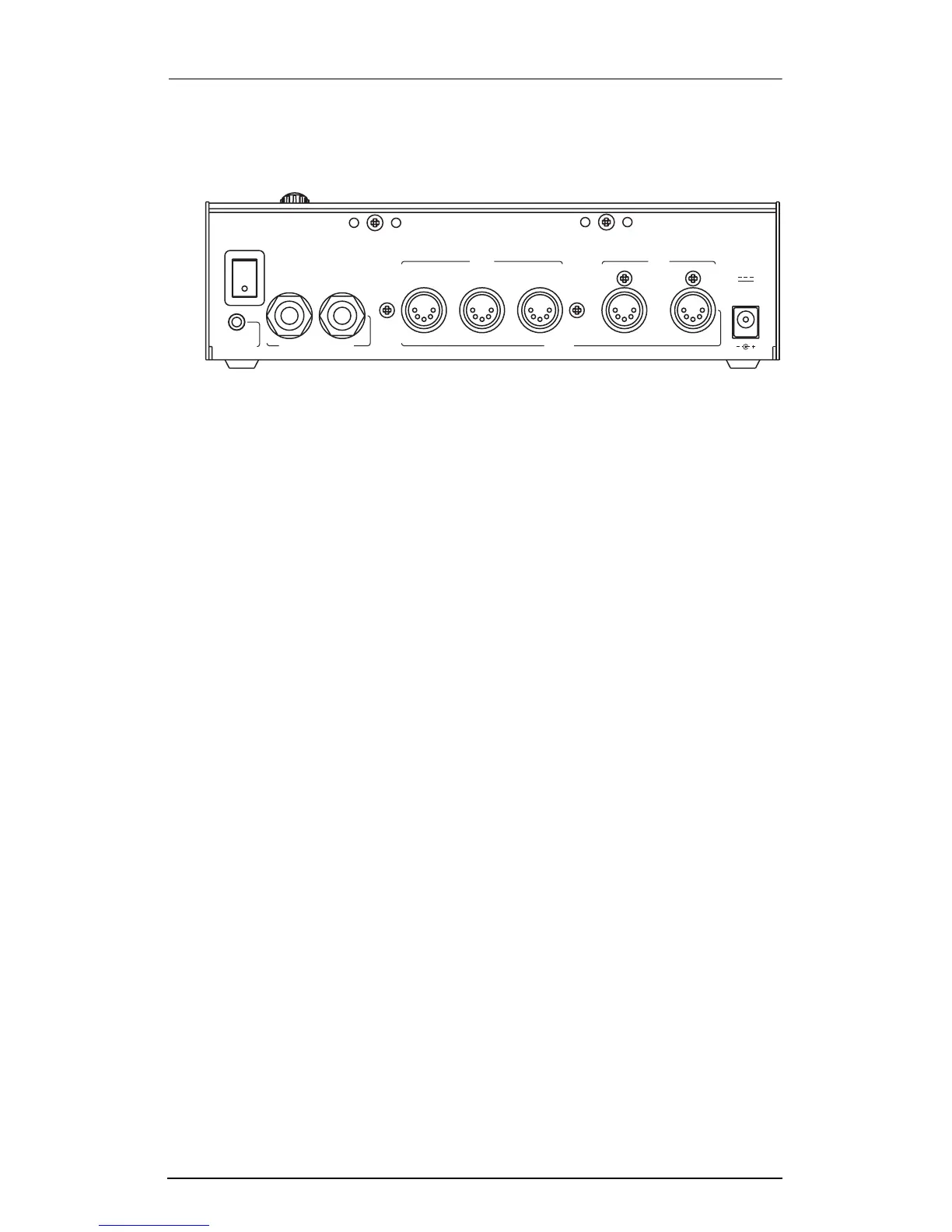
The Rear Panel
Here are brief descriptions of the rear panel connectors.
Power Switch
Press this to turn the ExpressionMate on or off.
Breath Jack
Plug a breath controller into this jack.
SP1/CC Jack
Connect either a CC (continuous control) pedal or a switch pedal
to this jack.
SP2 Jack
Plug a switch pedal into this jack.
MIDI Ports
Use these ports to connect the ExpressionMate to other MIDI
devices or instruments.
Power Jack
Plug the included AC adapter into this jack.
SP
B
reath witch / CC Pedals
S
1 / CC
SP
2
M
In
ain
Thru
MIDI
Out In
A
ux
12VDC
0.4A
Out














 To Next Page