Editing and Creating Setups
Continuous Controller Parameters
32
After youÕve selected which Zone and which controller to work
with, use the Destination parameter to choose what this
controller will do. Some of the controllers have default settings
that are pre-programmed in some of the Factory Setups (of
course, you can change them). You can select from the entire list
of numbered MIDI controllers, as well as other MIDI commands
and some ÒSpecial Functions.Ó To move through the list, use the
data knob and the - and + buttons, or hold the Learn button and
move any continuous controller.
Continuous Controller Parameters
The continuous (physical) controllers are those that have a range of values:
the Ribbon, the continuous control pedal, and the breath controller. As the
table on page 30 shows, all of them use mostly the same parameters. Each
parameterÕs function is described below.
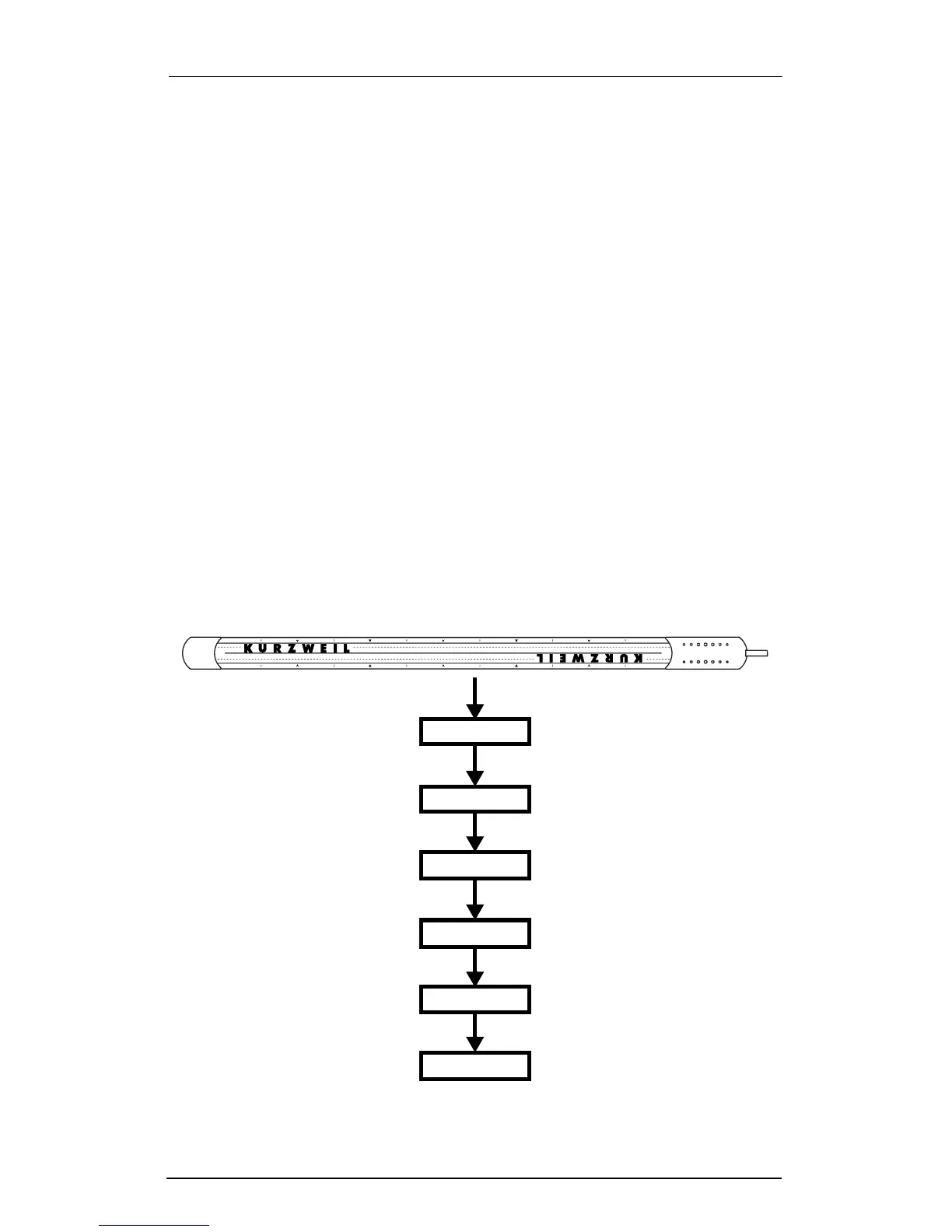
The illustration below shows the processing order that the
ExpressionMate uses to create Continuous Controller messages
from your input.
Input from Ribbon, CC pedal, and Breath controller
Scale
Offset
MIDI Output
Zone
Curve
Destination














 To Next Page