Getting Started
Placement and Connections
10
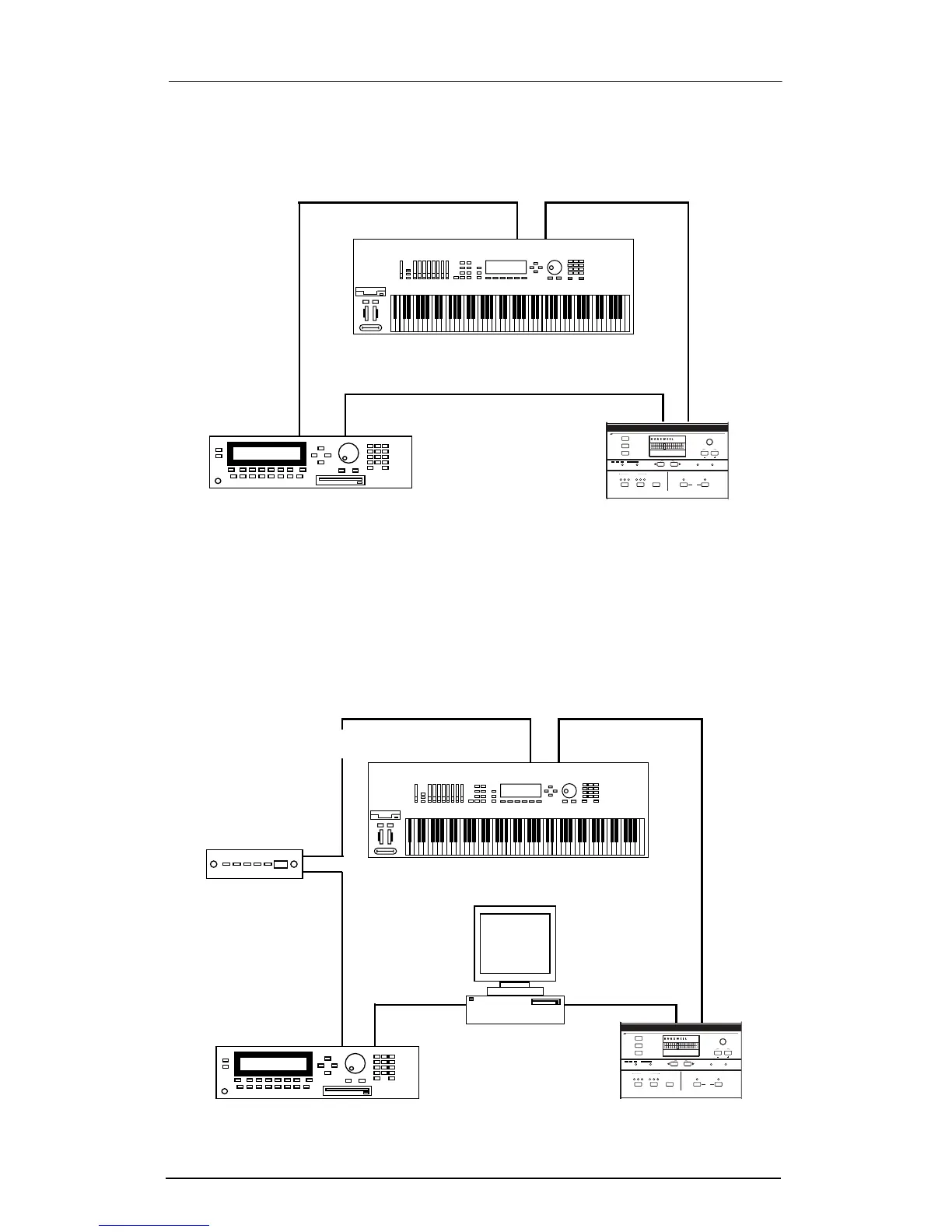
Connecting Two MIDI Devices
You can connect a master controller, a MIDI sound module, and
the ExpressionMate as shown here.
Figure 2-4. Connecting the ExpressionMate to two MIDI devices.
Connecting Several MIDI Devices
You might have sound modules and a computer with a MIDI
interface. HereÕs one arrangement that lets you play everything
in your studio from a master controller and the ExpressionMate.
Figure 2-5. Connecting the ExpressionMate to several MIDI devices.
Main
Out
Main
In
Out
In
Thru
In
ExpressionMateModule
Master Controller
onfiguration
ontroller
1
C
12
Sections
ibbon
R
3
C
earn
L
Z
ones
E
dit
A
rpeggiator
13 23
G
lobal
Compare
Section
xit
tore
S
E
SW
1
ate
ist
L
tep
S
xpression
Jump Param
Panic
Jump Value
EM
SW
2
xternal
MIDI
nternal
I E
Main
Out
onfiguration
ontroller
1
C
12
Sections
ibbon
R
3
C
earn
L
Z
ones
E
dit
A
rpeggiator
13 23
G
lobal
Compare
Section
xit
tore
S
E
SW
1
ate
ist
L
tep
S
xpression
Jump Param
Panic
Jump Value
EM
SW
2
xternal
MIDI
nternal
I E
Main
In
Out
In
Thru
In
ExpressionMateModule A
Master Controller
Computer
Module B
InOut
In
Thru
Etc.














 To Next Page