KW Aufzugstechnik GmbH OPERATING MANUAL DAVID-613
DAVID-D613-V125-E 13.04.2021 Page - 220 -
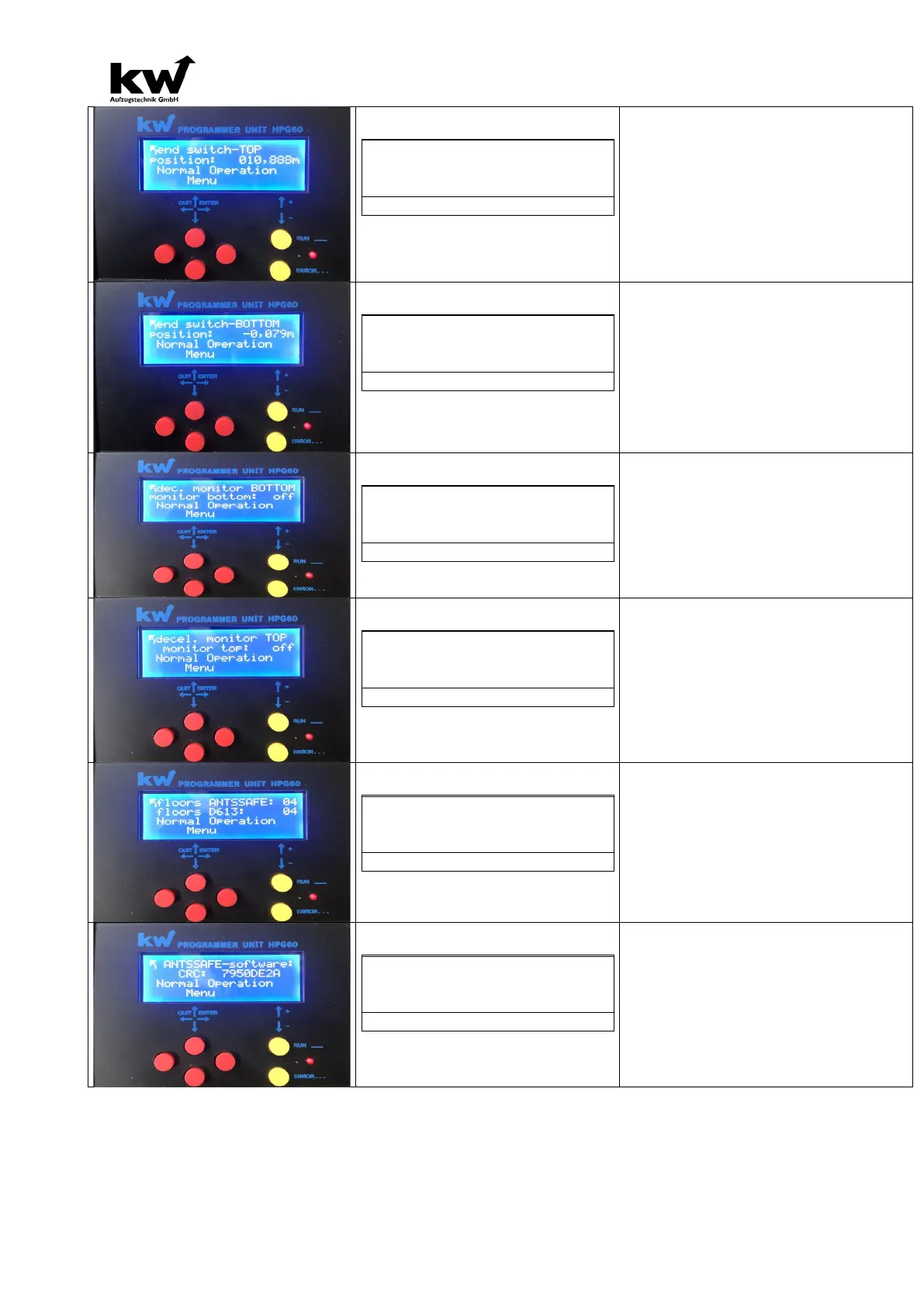
position: xxx,000m
Normal operation
Display of the switch position top in m.
The absolute position of the upper, taught-
switch is displayed here.
position: xxx,000m
Normal operation
Display of the switch position down in m.
The absolute position of the lower taught-
switch is displayed here.
Control above: Off/On
Normal operation
Indication of whether the deceleration control
was activated below.
Here,
you can see if the delay check below when
configuring the
SAFE copy disabled or enabled. If this has been ac-
tivated stands
there the absolute position of the monitoring point.
Control above: Off/On
Normal operation
Indicates whether the delay control has been
activated above.
Here, you can see if the delay control above in the
configuration of the
SAFE copy disabled or enabled. If this has been
activated stands
there the absolute position of the monitoring point.
floors D613: 04
Normal operation
Here, the number of floors of the SAFE copy
and the floor number of the control D613 is dis-
played in comparison.
Here, the number of taught-in levels of the SAFE
copy after the
Learning trip and the
specified number of floors in
the shaft shown.
Both floor values must have the same value after
commissioning!
CRC: xxxxxxxx
Normal operation
Here, the CRC sum of the safe core of
Sil-3 software is displayed.
Here, the CRC sum of the safe core of the Sil-3 soft-
ware is displayed. This sum should match the value
of the certificate of the type examination certificate.
Off and On switches rewatch the CRC value. The
CRC sum may vary depending on the software ver-
sion.



 To Next Page