3.9 Operating the Storage Device
3-61
6
66
6
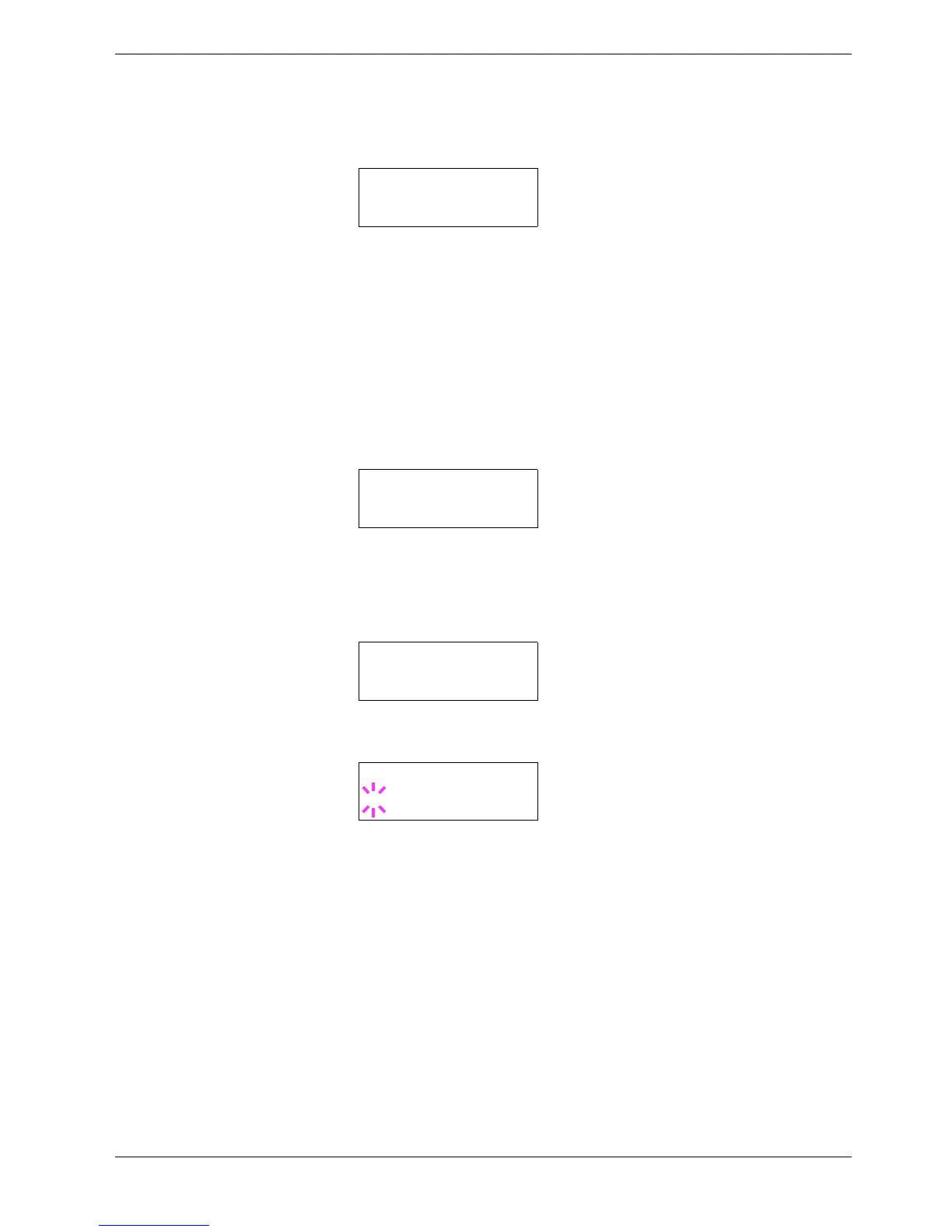
Press the ENTER key. Processing appears and the reading of data from the
memory card starts. When completed, Processing disappears.
7
77
7
Press the MENU key. The display returns to Ready.
Reading Data
You can print out the data in the memory card. To read the data saved on the memory card
and print it out, proceed as follows.
1
11
1
Press the MENU key.
2
22
2
Press the U or V key repeatedly until Memory Card > appears.
3
33
3
Press the Z key.
4
44
4
Press the U or V key repeatedly until >Read Data appears (Report, in this
example).
5
55
5
Press the ENTER key. A blinking question mark (?) appears before the data name.
6
66
6
Press the U or V key to display the desired data name.
7
77
7
Press the ENTER key. Processing appears and the reading of data from the
memory card starts.
>Read Fonts
Processing
Memory Card >
>Read Data
Report
>Read Data
?Report



 To Next Page