4.4 Clearing Paper Jams
4-14
4.4.3 Paper Jam — Right Cover #
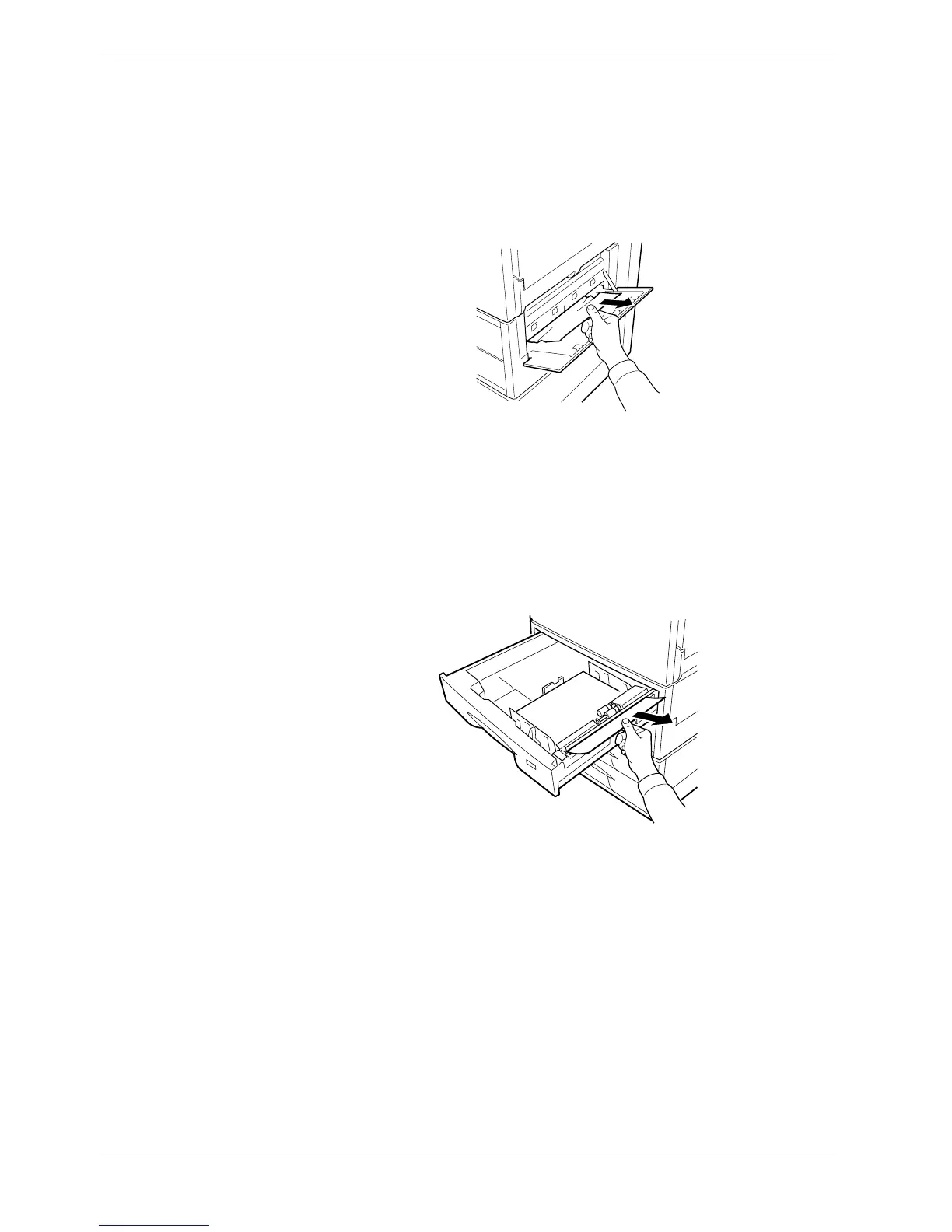
The paper jammed inside the right cover as the paper leaves the paper cassette. Clear the
jam in the indicated right cover.
Open the right cover. Pull the paper outward. Close the cover.
Figure 4-2
4.4.4 Paper Jam — Cassette #
The paper jammed in the paper cassette as indicated by # (=1, 2, 3...), from the topmost
feeder cassette to the bottom feeder cassette. Clear the jam in the indicated paper cassette.
Open the paper cassette. Remove the paper.
Figure 4-3



 To Next Page