3.5 Changing the Interface Parameters
3-35
8
88
8
Press the U or V key to scroll through the following communication modes:
Nibble (high)
Auto
Normal
High Speed
9
99
9
When the desired communication mode is displayed, press the ENTER key.
10
1010
10
Press the MENU key to exit the menu selection.
3.5.2 Changing Serial Interface Parameters
Note
This section applies to the printers having the option serial interface board kit (IB-11)
installed.
You can confirm or change the serial interface parameters including baud rate, data bits,
stop bits, parity, and protocol. These parameters must match those of the computer’s serial
interface.
1
11
1
Press the MENU key.
2
22
2
Press the U or V key repeatedly until Interface > appears.
3
33
3
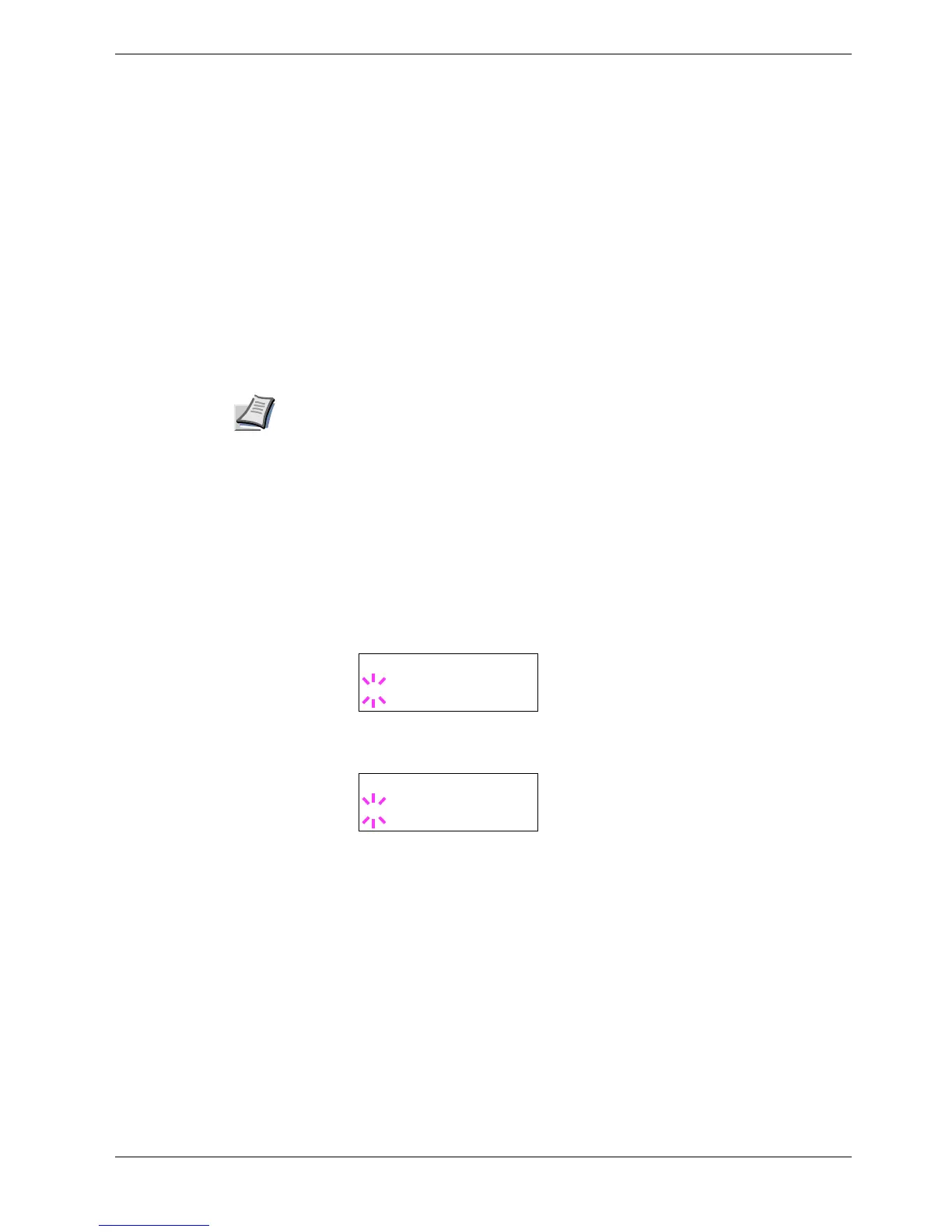
If the interface is other than serial, press the ENTER key. A blinking question mark
(?) appears.
4
44
4
Press the U or V key repeatedly until Serial appears.
5
55
5
Press the ENTER key again.
6
66
6
Press the Z key. One of the following serial parameters is indicated (Baud rate
for example).
Interface
? Parallel
Interface
? Serial



 To Next Page