5.3 Cleaning the Printer
5-8
5.3 Cleaning the Printer
As discussed earlier, the following parts must be cleaned each time the toner container is
replaced:
• Paper transfer unit
• Main charger unit
In addition to this, it is recommended that these parts are cleaned periodically at least once a
month.
5.3.1 Cleaning the Paper Transfer Unit
Print problems such as soiling of the reverse side of printed pages may occur if the paper
transfer unit becomes dirty. To clean the paper transfer unit, the following tool must be used:
• Cleaning cloth (included in the toner kit)
Clean the paper transfer unit according to the procedure that follows:
1
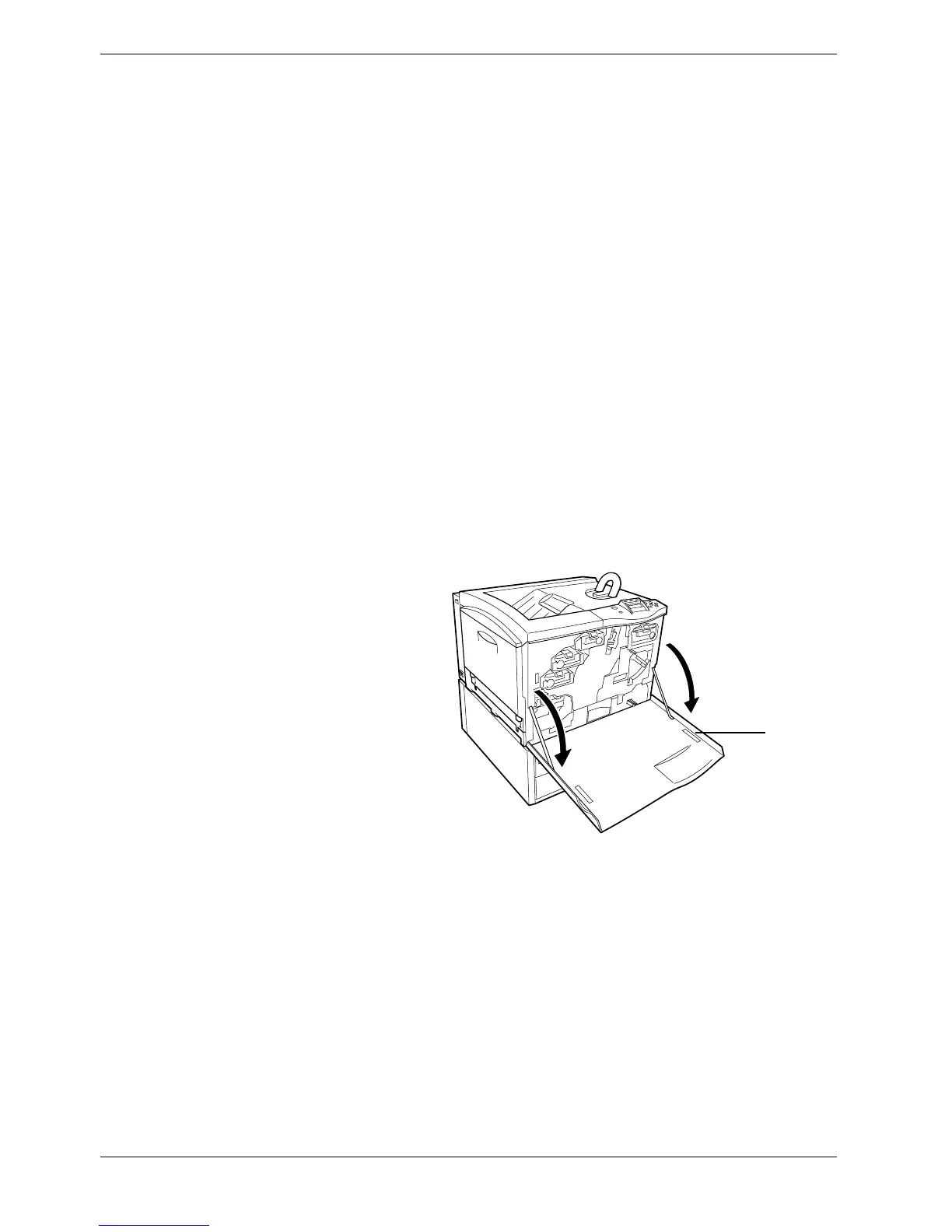
Open the front cover.
Figure 5-10
Front Cover



 To Next Page