3.7 Pagination
3-54
3.7.2 Print Orientation
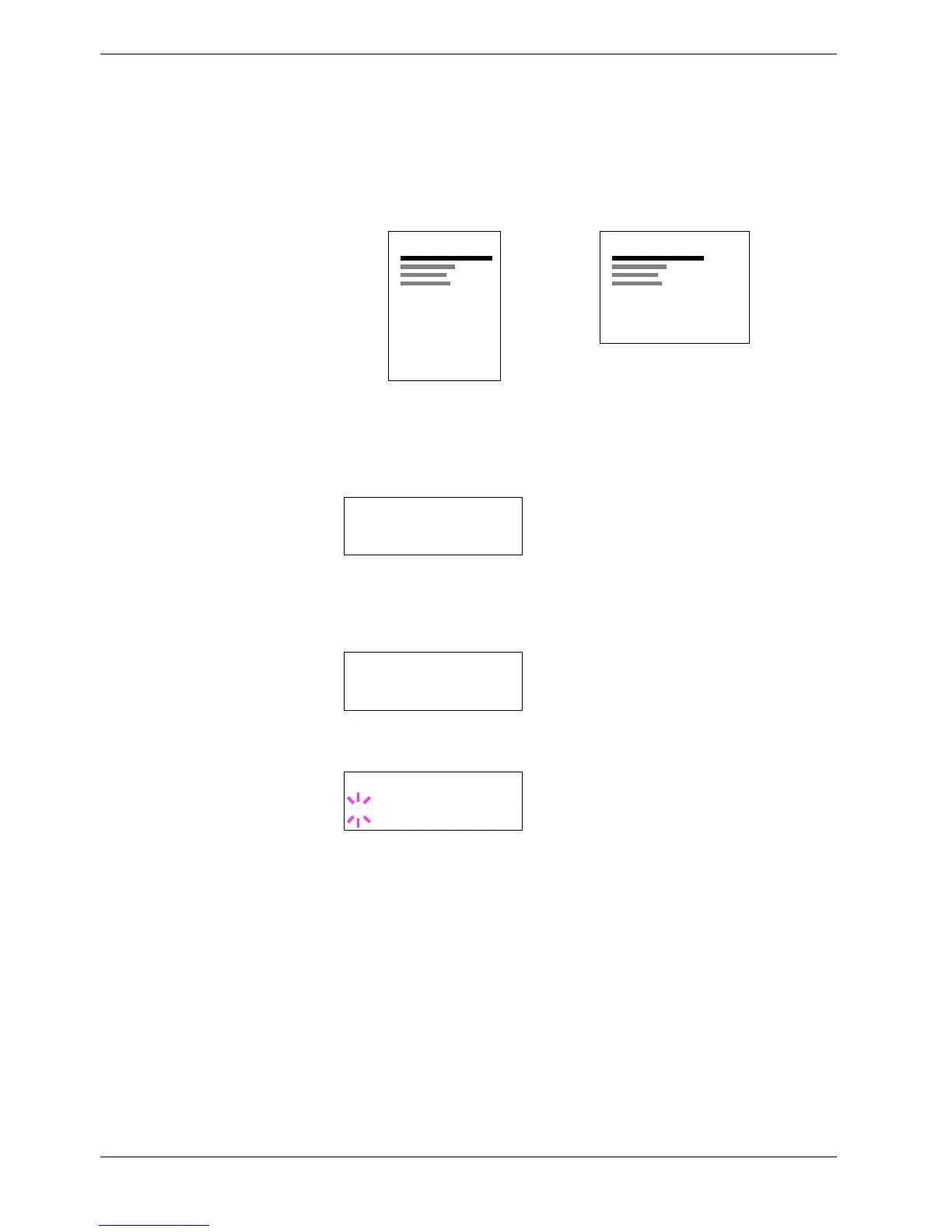
You can select portrait (upright) or landscape (sideways) page orientation.
Figure 3-9
1
11
1
Press the MENU key.
2
22
2
Press the U or V key repeatedly until Page Set > appears.
3
33
3
Press the Z key.
4
44
4
Press the U or V key repeatedly until >Orientation appears.
5
55
5
Press the ENTER key. A blinking question mark (?) appears.
6
66
6
Select Portrait or Landscape using the U or V key.
7
77
7
Press the ENTER key.
8
88
8
Press the MENU key. The display returns to Ready.
Portrait Orientation
A
Landscape Orientation
A
Page Set >
>Orientation
Portrait
>Orientation
? Portrait



 To Next Page