A.3 General Description of Options
A-10
A.3.4 SO-30 Sorter
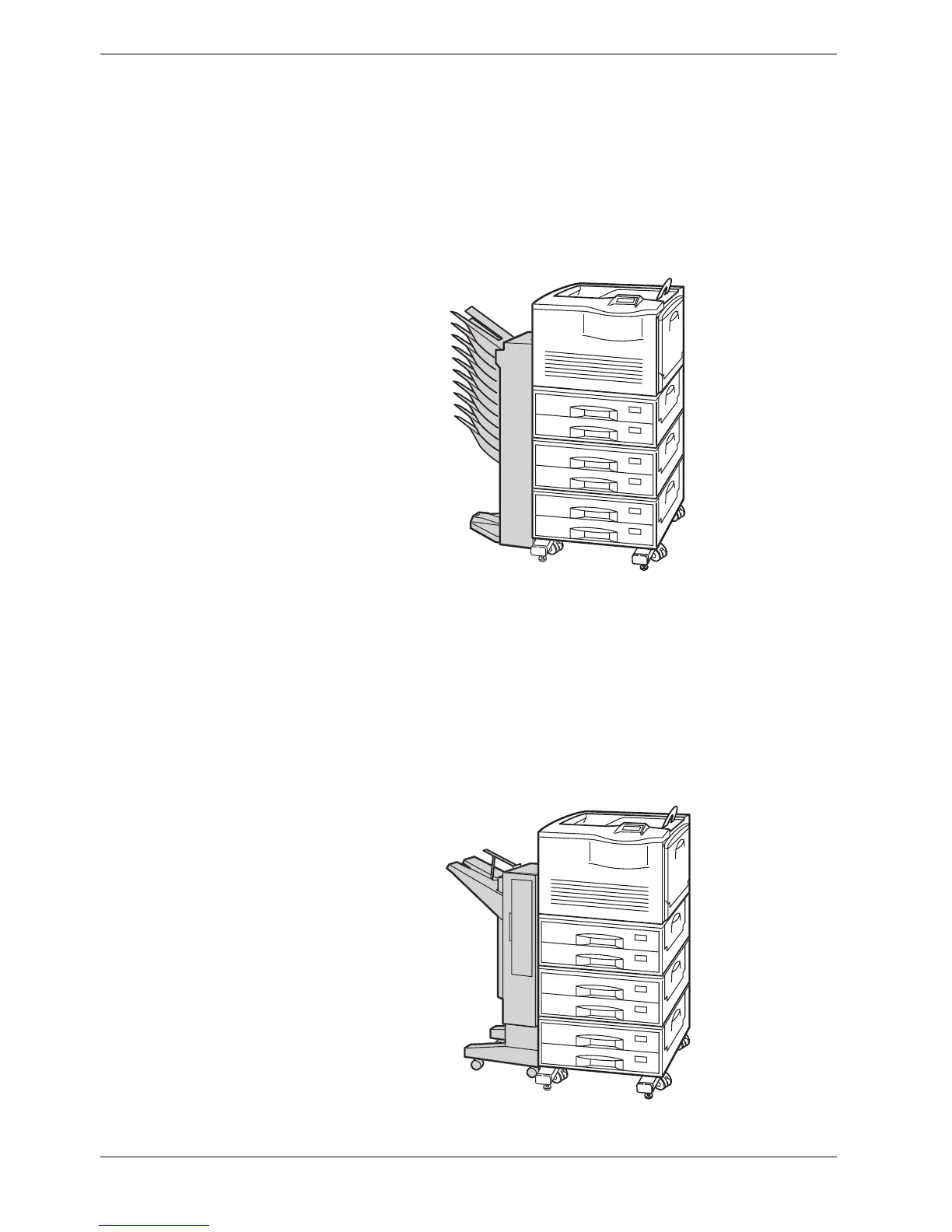
The SO-30 sorter has nine output trays that can be used to separate printouts in accordance
with different print driver settings—sorting or collating. You can also use it in mailbox
mode to prevent loss or mishandling of printouts by assigning dedicated output trays to
specific departments or individuals.
The sorter is attached to the left side of the printer as shown below.
Figure A-11
A.3.5 ST-30 Bulk Stacker
This bulk stacker can hold up to 3,000 copies for a continuous, voluminous output. It
incorporates the jog feature to avoid loss or mishandling of printouts by staggering and
dividing the stacked printed sheets.
The bulk stacker is attached to the left side of the printer as shown below. Use the supplied
dedicated bracket to attach the bulk stacker to the printer.
Figure A-12



 To Next Page