2.3 Loading Paper
2-8
2.3 Loading Paper
The following explains the procedure for loading paper in the cassette and the MP tray.
Caution
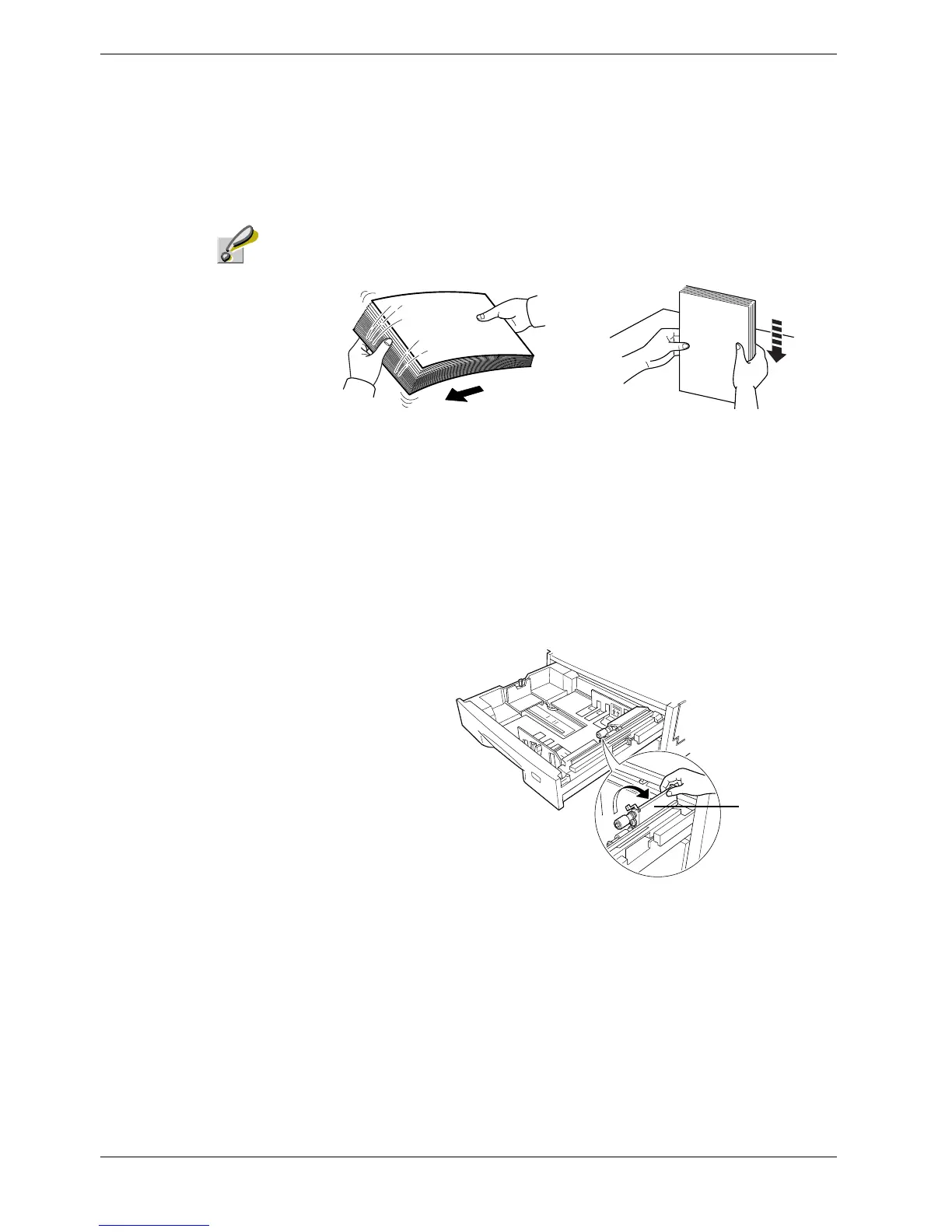
Fan the media (paper/transparencies), then tap it on a level surface to avoid media
jams or skewed printing.
Figure 2-2
2.3.1 Loading Paper into the Cassette
Perform the following procedure to load paper into the cassette.
1
11
1
Pull out the paper feed cassette until it stops.
2
22
2
Lift the paper feed roller located on the right side of the cassette upright.
Figure 2-3
Paper Feed
Roller



 To Next Page