3.13 Other Modes
3-97
3.13.9 Setting the Auto Continue Recovery Time
Follow the procedure given below to change the recovery time for Auto Continue.
1
11
1
Press the MENU key.
2
22
2
Press the U or V key repeatedly until Others > appears.
3
33
3
Press the Z key.
4
44
4
Press the U or V key repeatedly until Auto Continue Mode > appears.
5
55
5
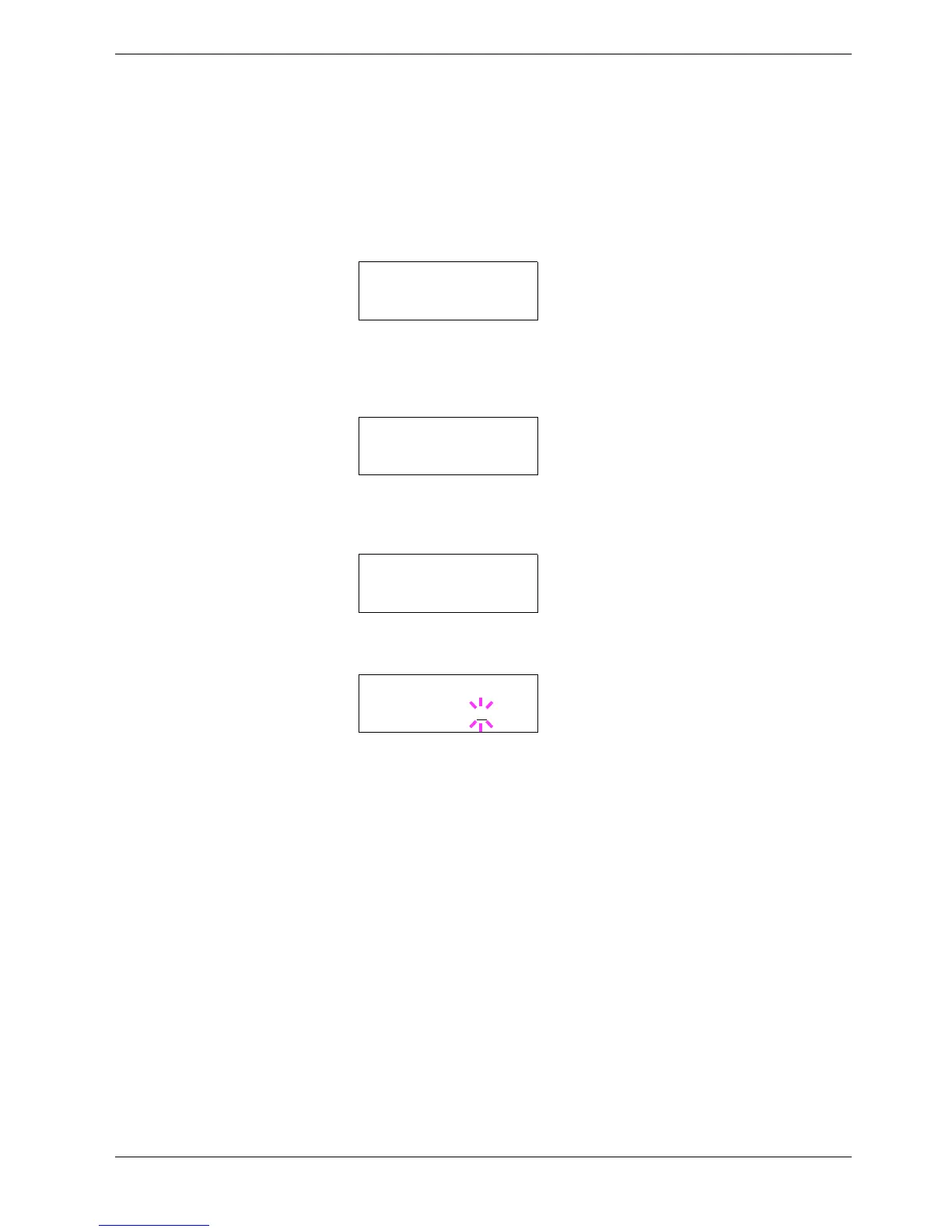
Press the Z key and display >> Auto Continue Timer. The default setting is
30 seconds.
6
66
6
Press the ENTER key. A blinking cursor (_) appears.
7
77
7
Press the U or V key to increase or decrease the value at the blinking cursor and set
the desired time. The time must be set between 000 and 495 seconds, in 5-second
increments. If set to 000, printing will be continued immediately without any time
interval. You can use the Z and Y keys to move the cursor right and left.
8
88
8
Display the desired time and press the ENTER key.
9
99
9
Press the MENU key. The display returns to Ready.
Others >
>Auto Continue >
Mode On
>>Auto Continue
Timer 030sec.
>>Auto Continue
Timer 030
sec.



 To Next Page