3.3 Menu Map and Status Pages
3-18
Understanding the Status Page
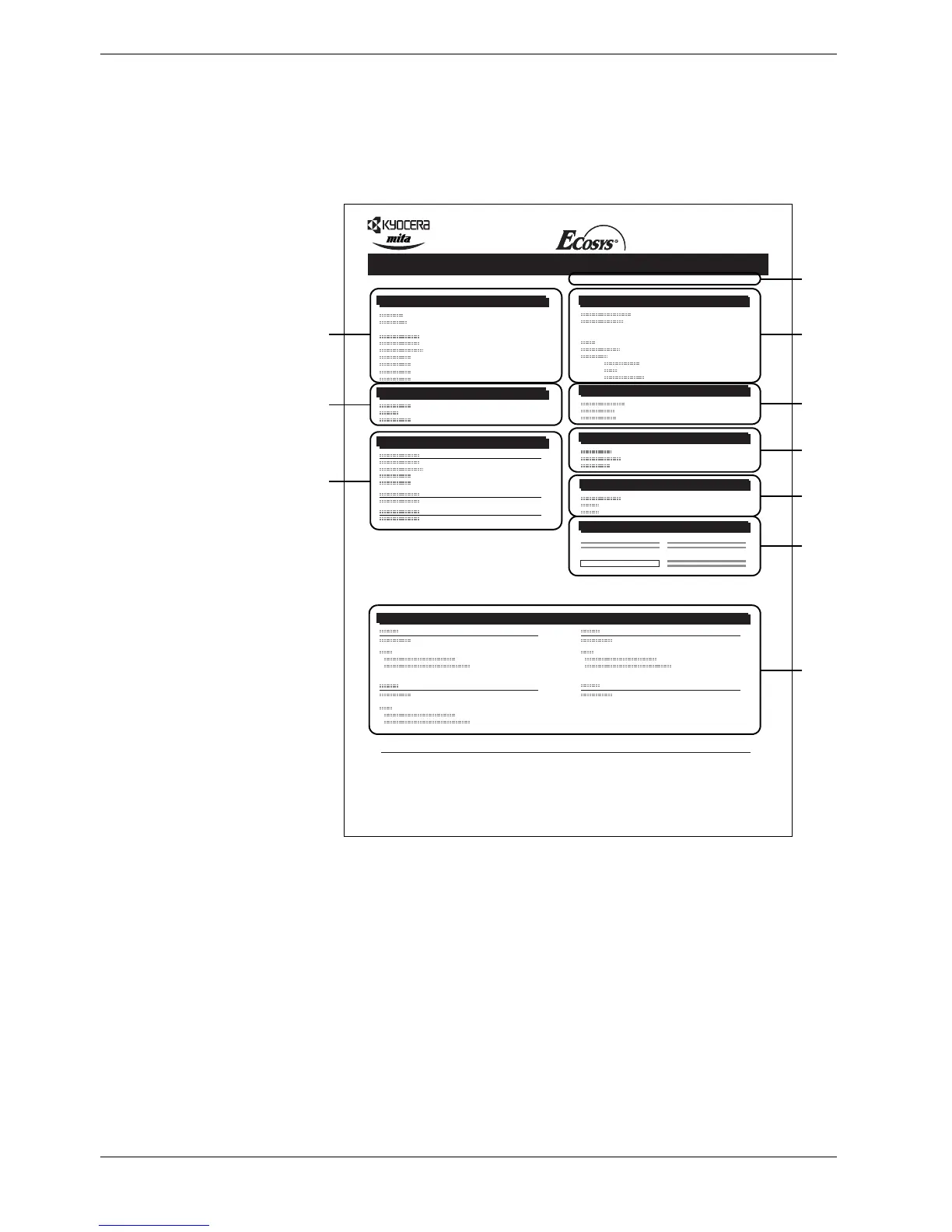
The numbers in the following diagram refer the items explained below the diagram. The
items and values on the status page may vary depending on the printer’s firmware version.
Figure 3-4
1 Software Version
This item shows the version and release date of the printer firmware.
2 Hardware Information
This item shows various printer settings for hardware-related items:
• MP tray paper size and type
• Paper cassette size and type
• Draft mode
• Buzzer control
• Host buffer size
• Sleep time timeout time
• Formfeed timeout time
Memory
Installed Options
Network Status
Emulation
Consumable Status
Interfaces
Hardware Information
Page Information
Error Log
STATUS PAGE
FS-C8008N Page Printer
Firmware Version: Released:
2
4
6
3
1
5
7
8
9
10



 To Next Page