3.13 Other Modes
3-93
3.13.5 Printer Resetting
The procedure described below resets the printer’s temporary conditions, such as the current
page orientation, font, etc., set by commands to their default values. Downloaded fonts and
macros are deleted from the printer’s memory.
1
11
1
Press the MENU key.
2
22
2
Press the U or V key repeatedly until Others > appears.
3
33
3
Press the Z key.
4
44
4
Press the U or V key repeatedly until >Printer Reset appears.
5
55
5
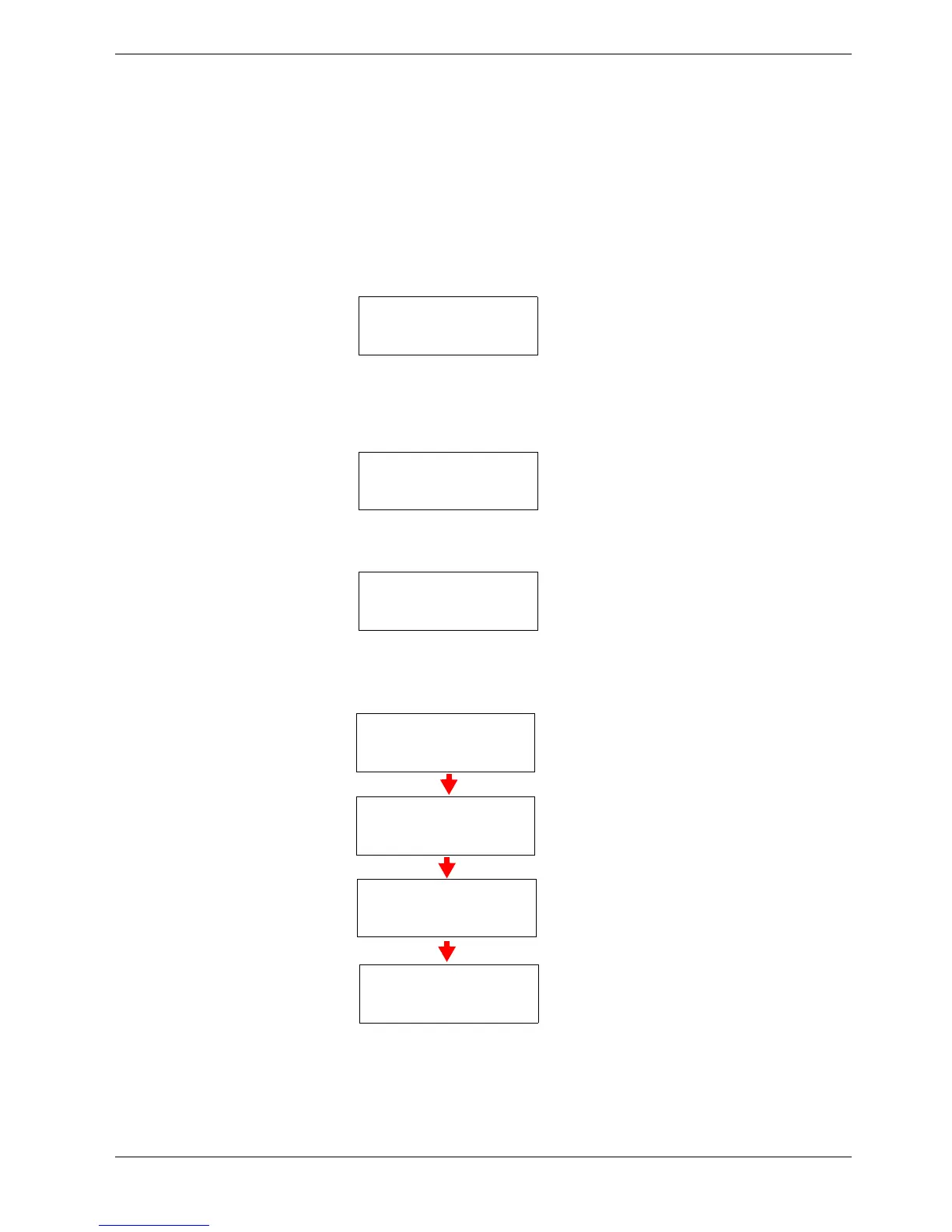
To reset the printer, press the ENTER key. A question mark (?) appears.
6
66
6
Press the ENTER key again. Self test appears while the printer is resetting
itself, followed by Please wait and then Ready.
Others >
>Printer Reset
>Printer Reset ?
Self test
Please wait
Please wait
(Calibrating)
Ready



 To Next Page