3.13 Other Modes
3-95
3.13.7 Alarm (Buzzer) Setting
You can set an alarm sound in addition to the message displayed when the paper supply is
exhausted, or when paper jamming occurs. This setting is useful, for example, when the
printer is located some distance from the user.
The audio alarm is set to Off when leaving the factory. If the alarm is set to Off, it will not
sound.
1
11
1
Press the MENU key.
2
22
2
Press the U or V key repeatedly until Others > appears.
3
33
3
Press the Z key.
4
44
4
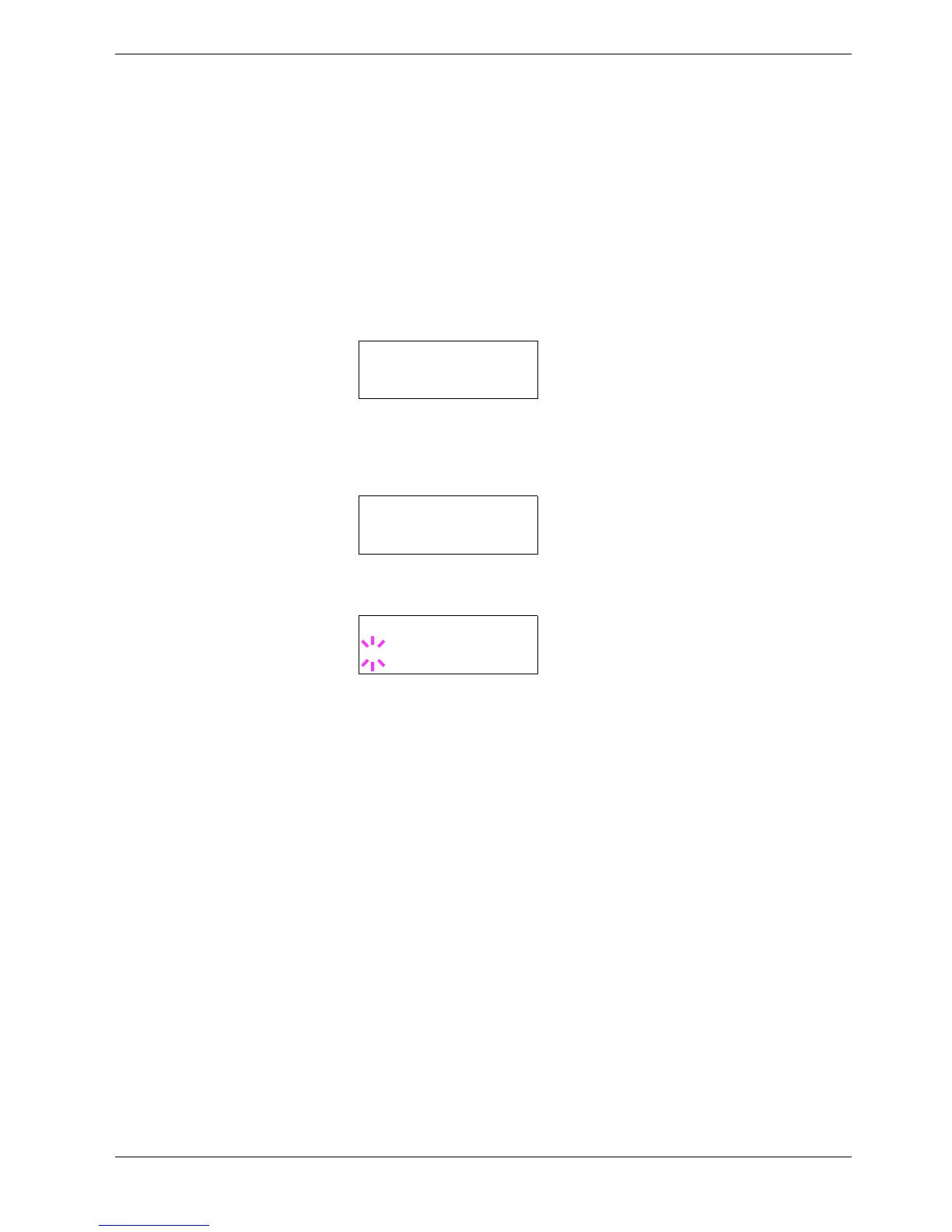
Press the U or V key repeatedly until Buzzer appears.
5
55
5
Press the ENTER key. A blinking question mark (?) appears.
6
66
6
Select On or Off using the U or V key.
7
77
7
Press the ENTER key.
8
88
8
To exit the menu selection, press the MENU key.
Others >
>Buzzer
Off
>Buzzer
? Off



 To Next Page