2.3 Loading Paper
2-10
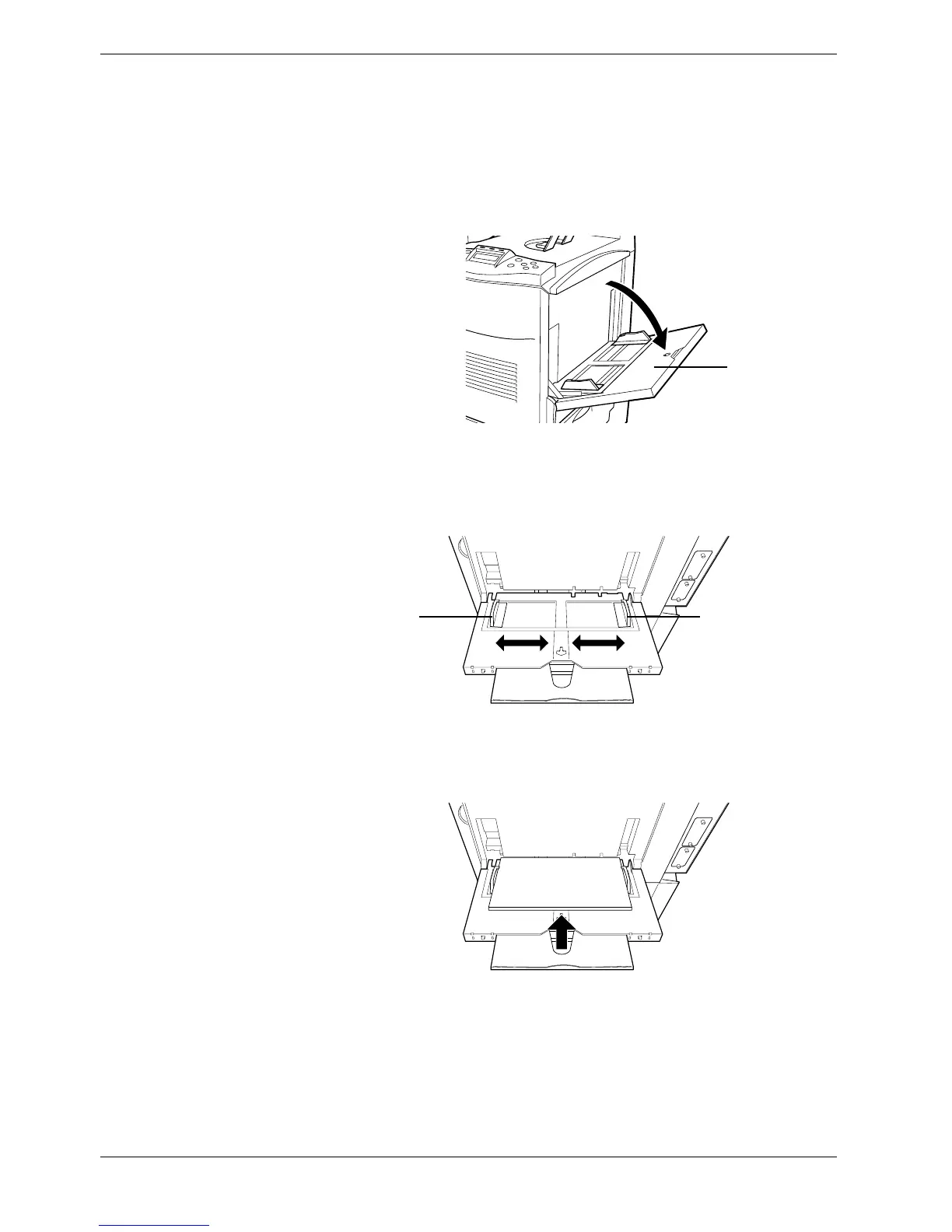
2.3.2 Loading Paper into the MP (Multi-Purpose) Tray
Perform the following procedure to load paper into the MP tray.
1
11
1
Open the MP tray located on the right side of the printer.
Figure 2-7
2
22
2
Adjust the position of the paper guides according to the size of the paper you will
use.
Figure 2-8
3
33
3
Square the edges of the paper and insert into the MP tray.
Figure 2-9
4
44
4
Set the MP tray paper size on the printer’s operator panel. Refer to
Chapter 3 Using
the Operator Panel, section 3.10.2 Setting MP Tray Paper Size on page 3-70
.
MP Tray
Paper GuidePaper Guide



 To Next Page