4.4 Clearing Paper Jams
4-17
4.4.7 Paper Jam — Paper Transfer Unit
The paper jammed inside the paper transfer unit. After checking and clearing the jam in the
paper transfer unit, also check the fuser unit and the primary transfer unit. Clear any paper
jams in these components.
1
11
1
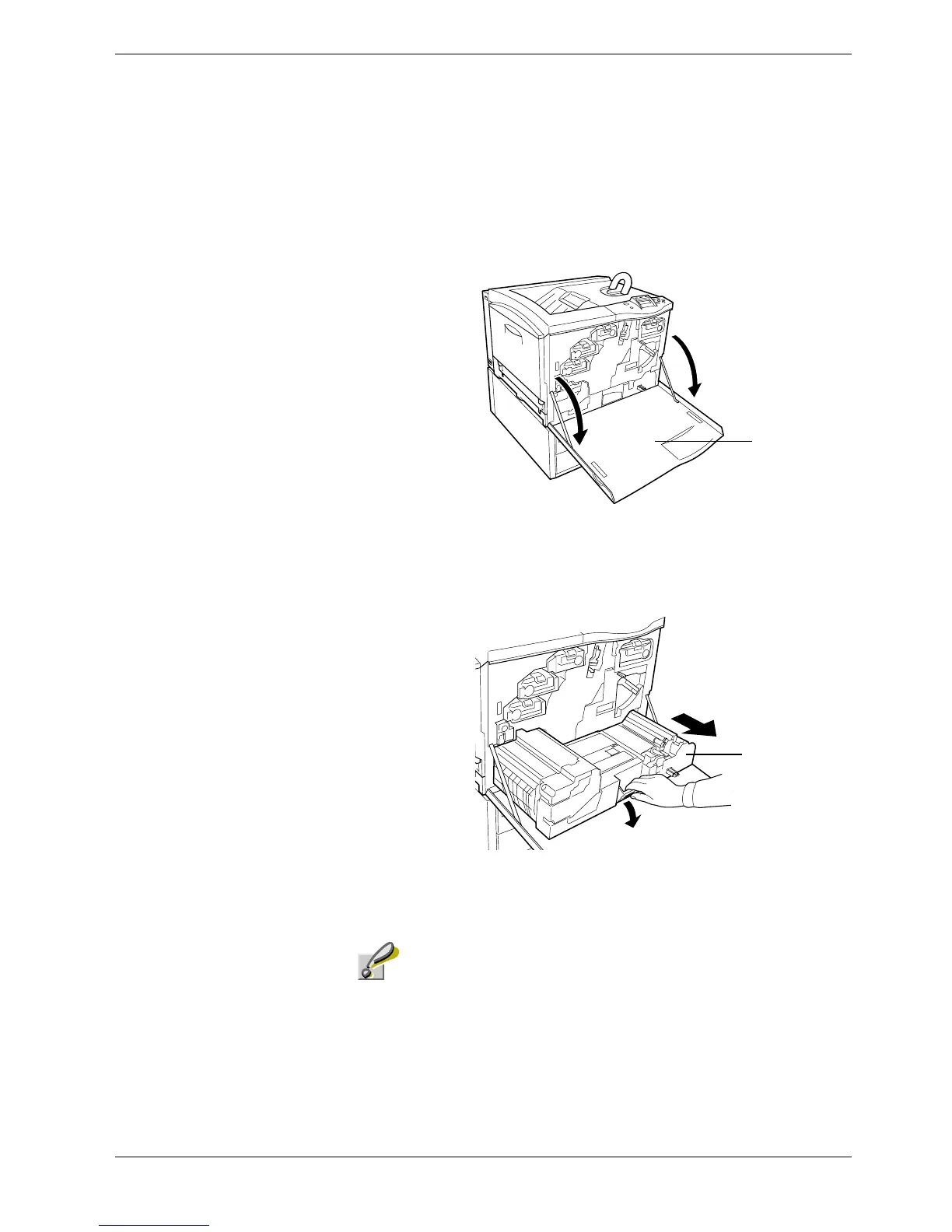
Open the front cover.
Figure 4-7
2
22
2
Grasp the handle at the end of the paper transfer unit and pull the unit out completely.
Figure 4-8
Be careful not to touch the transfer belt (brown) when removing
jammed paper as this may adversely affect print quality.
Front Cover
Paper Transfer Unit
Caution



 To Next Page