3.5 Changing the Interface Parameters
3-36
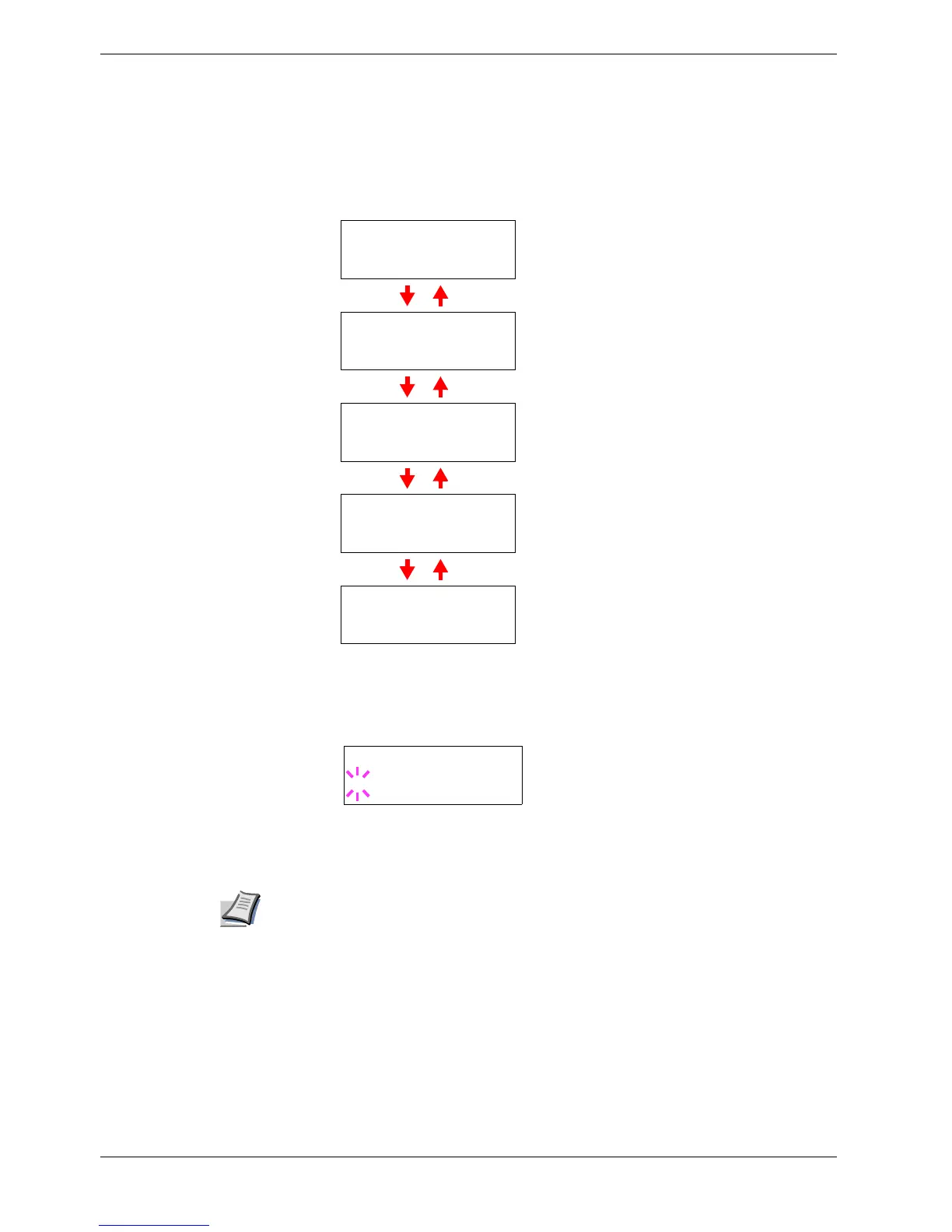
Pressing the U or V key toggles through the serial parameters as follows. To change
the serial parameter, press the ENTER key. Use the U or V key to change the value
or selection.
For example, to change baud rate from 9600 to 115200, display the baud rate
menu following the above procedure. When the display shows baud rate, 9600
(bps), press the ENTER key. A blinking question mark (?) appears.
Press the U or V key to scroll through values. When 115200 is displayed, press the
ENTER key. Press the MODE key to exit the menu selection.
Note
Some computers may not be able to handle a baud rate of 115200 bps. If you set the
baud rate to 115200 and encounter communication problems, select a lower baud rate.
Range
>Baud Rate
9600
1200
,
2400
,
4800
,
9600
(Default),
19200
,
38400
,
57600
,
115200
>Data Bits
8
7
or
8
(Default)
>Stop Bits
1
1
(Default) or
2
>Parity
None
None
(Default),
Odd
,
Even
, or
Ignore
>Protocol
DTR(pos.)&XON
DTR(pos.)& Xon
(Default),
DTR
(positive),
DTR
(negative),
XON/XOFF
, or
ETX/ACK
>Baud Rate
? 9600



 To Next Page