3.10 Paper Handling
3-84
3
33
3
Press the Z key.
4
44
4
Press the U or V key repeatedly until >Sorter Mode appears.
5
55
5
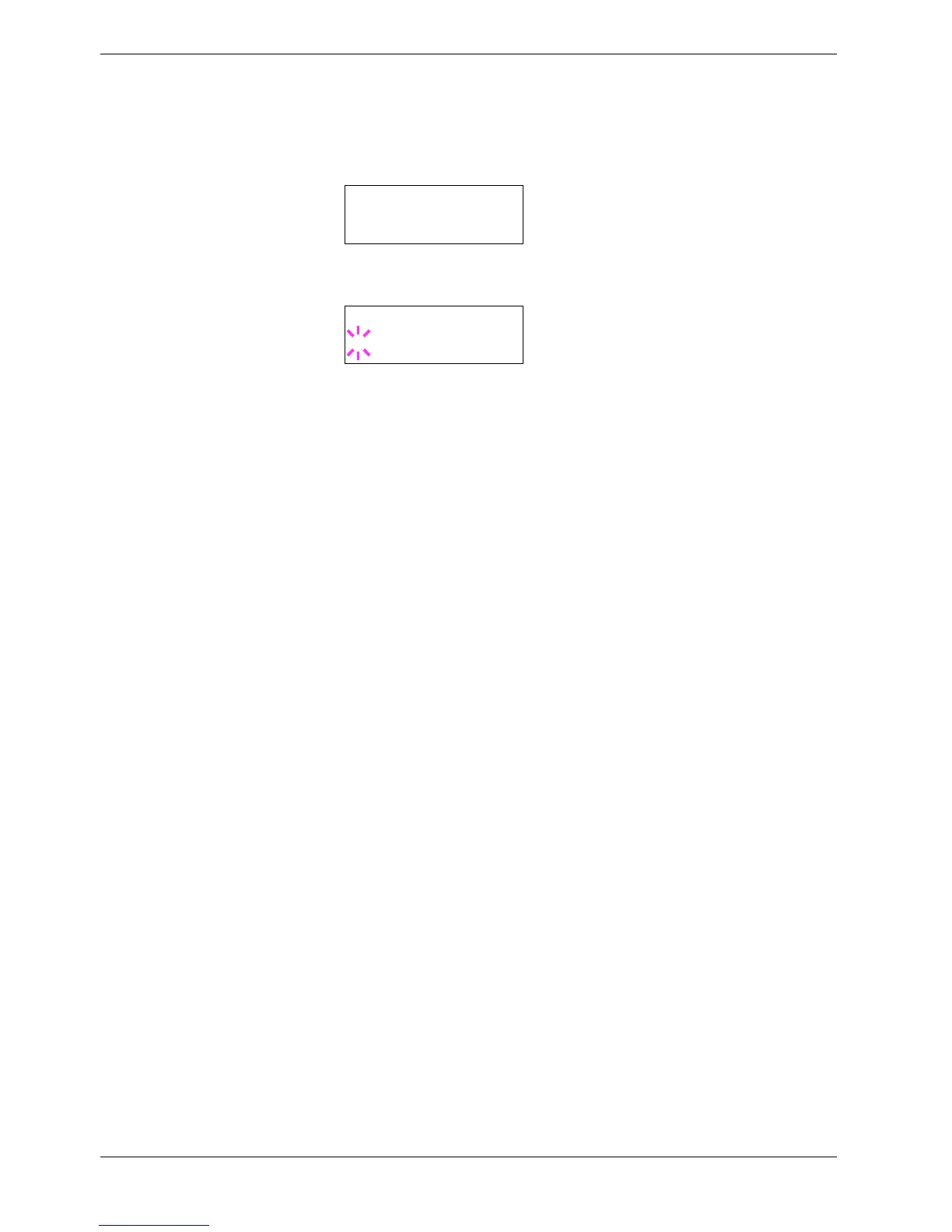
To change mode, press the ENTER key. A blinking question mark (?) appears.
6
66
6
Press the U or V key to display the desired sorter mode. The message display
toggles through the following:
Sorter (default)
Collator
Mail box
7
77
7
When the desired sorter mode is displayed, press the ENTER key. The sorter mode
is changed.
8
88
8
To exit the menu selection, press the MENU key.
>Sorter Mode
Sorter
>Sorter Mode
? Sorter



 To Next Page