1.2 Parts and Functions
1-6
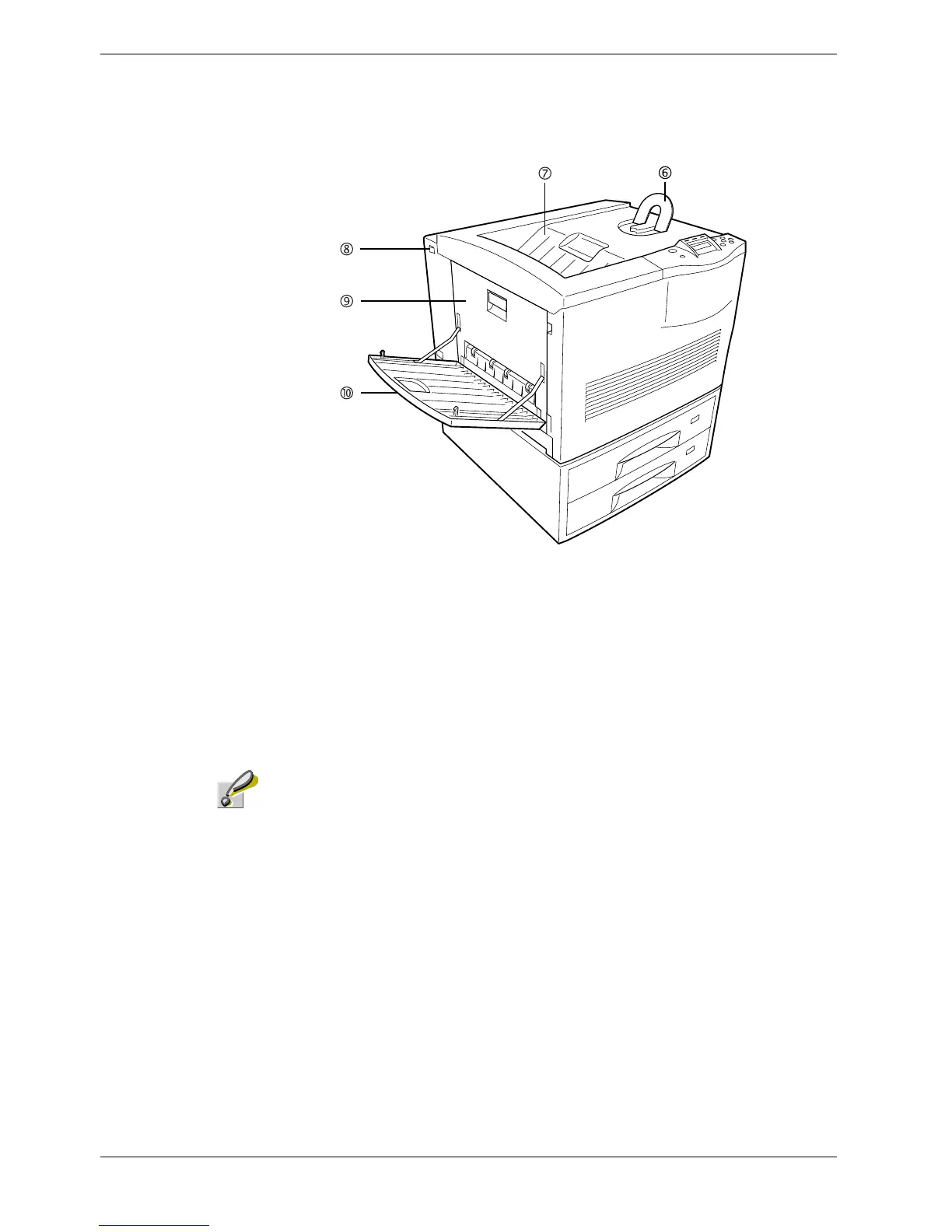
Figure 1-2
6 Paper Stopper
This stopper, when flipped up, prevents the printed sheet of large size from falling.
7 Face-down Tray
This tray receives printouts face down.
8 Power Switch
This switch turns printer power on and off.
Caution
In order to maintain operability and print quality, this printer operates a cooling fan for 30
minutes even after the power is turned off. For this reason, you should not unplug the
power cord even after turning off the power.
9 Left Cover
This cover is open by pulling the handle to clear paper jams.
10 Face-up Tray
This tray receives printouts face up.



 To Next Page