EasyManua.ls Logo

Kyocera Mita WP31C - Page 58

Kyocera Mita WP31C
214 pages
Print Icon
To Next Page IconTo Next Page
To Previous Page IconTo Previous Page
Loading...
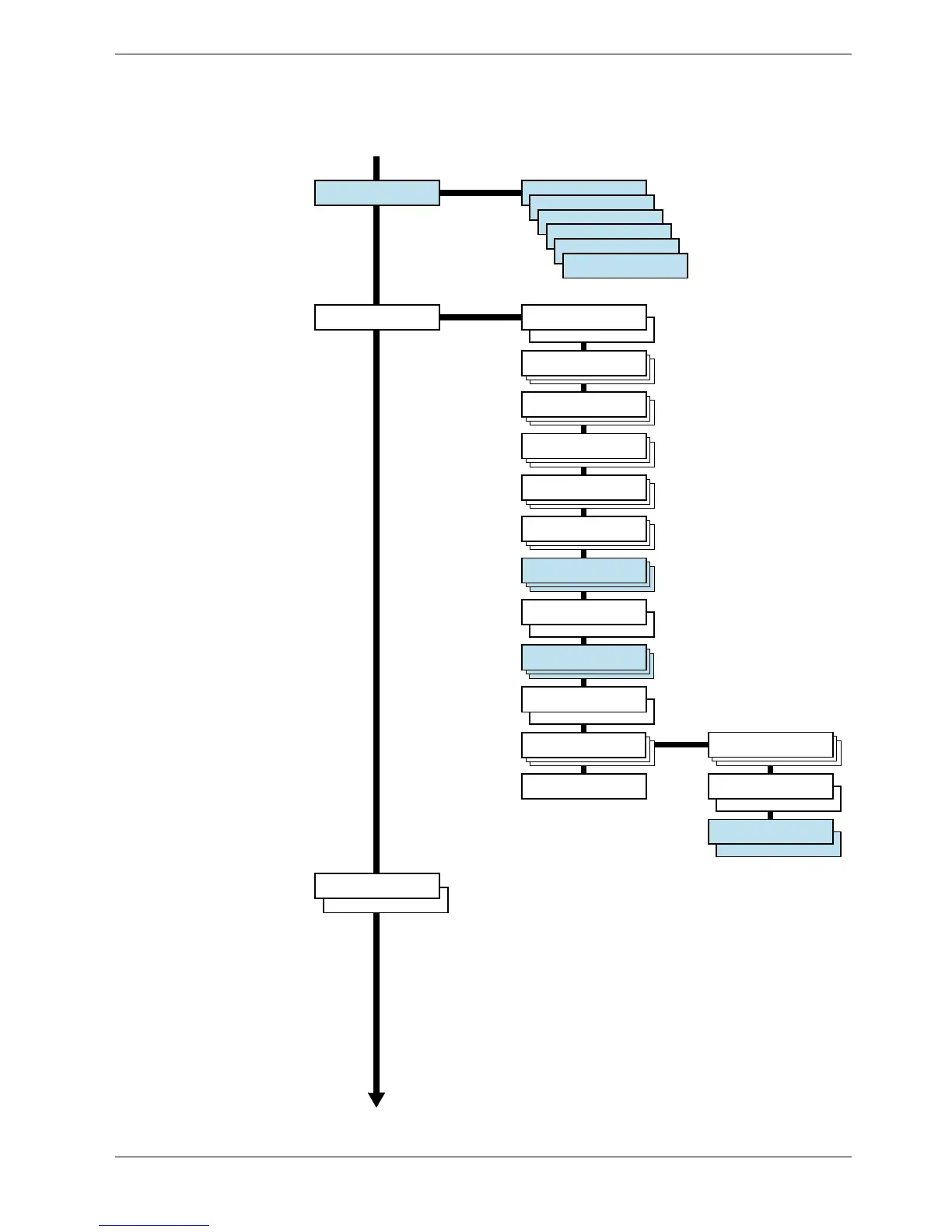
3.2 Using the Menu Selection System
3-13
>Read Fonts
>Write Data
>Write Data
>Delete Data
>Format
>List of
Partition
Paper Handling >
>MP Tray Size
A4
>MP Tray Type
Plain
>Cassette 1 Type
Plain
>Type Adjust >
Custom 1
>>Paper Weight
Normal
>Reset Type
Adjust
>Feed Select
Cassette 1
>Cassette 2 Type
Plain
>Sorter Mode
Sorter
Memory Card >
>MP Tray Mode
First
>MP Tray Mode
Cassette
>Duplex Mode
None
>Stack Select
Facd-up tray
>Stack Select
Facd-down tray
>Override A4/LT
On
>Override A4/LT
Off
>>Fuser Mode
Middle
>>Fuser Mode
Low
>>Duplex Path
Disable
>>Duplex Path
Enable
Continued
Continued on the next page
Color Mode
Monochrome
Color Mode
Color

Table of Contents

Related product manuals