3.4 e-MPS
3-22
Printing Additional Copies using Quick Copy
To print additional copies of a job stored in the printer:
1
11
1
Press the MENU key.
2
22
2
Press the U or V key repeatedly until e-MPS > appears.
3
33
3
Press the Z key.
4
44
4
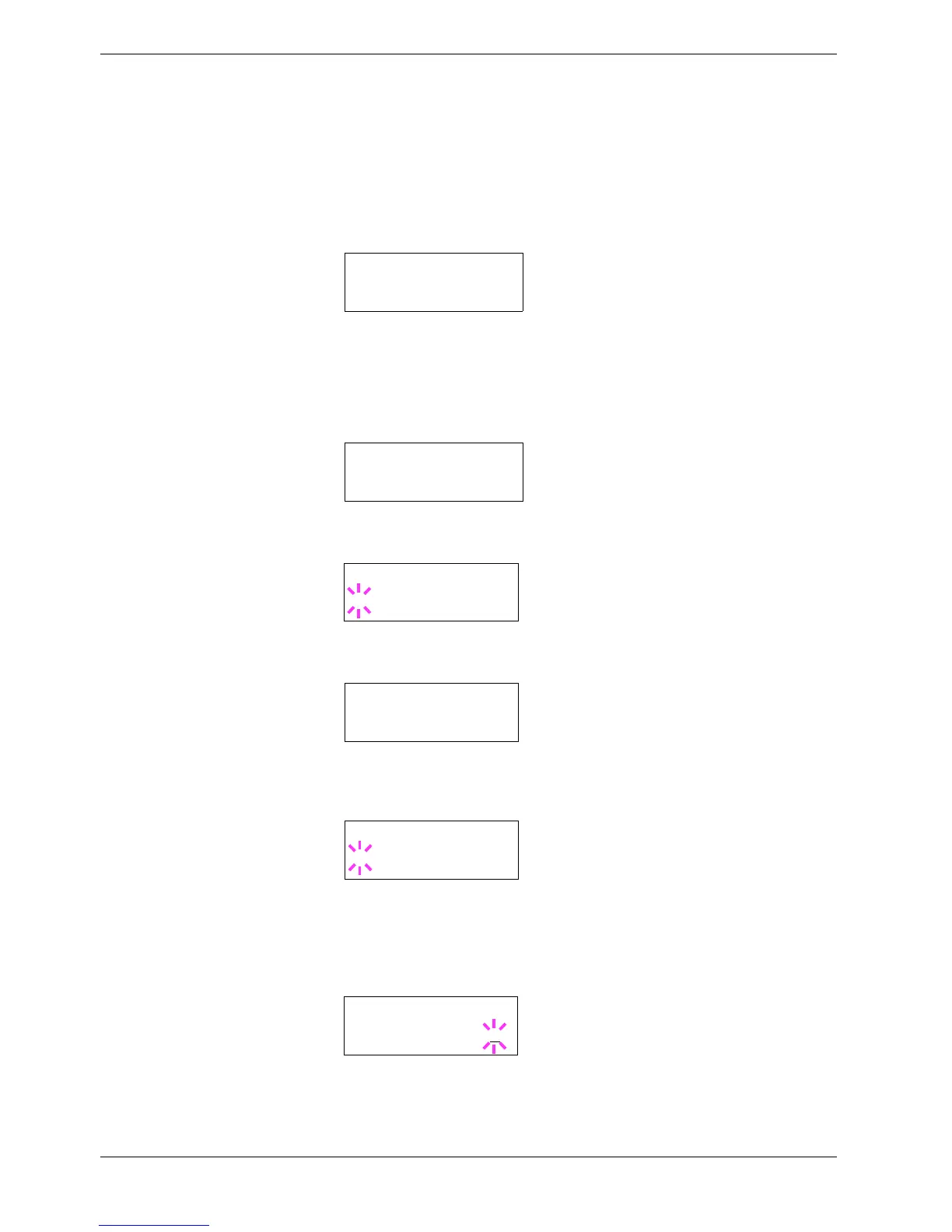
Press the U or V key repeatedly until >Quick Copy appears followed by the user
name (Harold, in this example). The user name is assigned at printing using the
printer driver.
5
55
5
Press the ENTER key. A blinking question mark (?) appears before the user name.
6
66
6
Press the U or V key to display the desired user name, Arlen, in this example.
7
77
7
Press the ENTER key. The job name entered in the printer driver (Report, in this
example) appear with a blinking question mark (?) before the letters.
8
88
8
Press the U or V key to scroll to the desired job title.
9
99
9
Press the ENTER key. The number of copies to be printed can be set. To increase the
copy count, press the U key; to decrease the copy count, press the V key.
10
1010
10
Press the ENTER key to finalize the copy count. The printer prints the specified
number of copies for the job.
e-MPS >
>Quick Copy
Harold
>Quick Copy
?Harold
>Quick Copy
?Arlen
>Arlen
?Report
>Report
Copies 001



 To Next Page