3.4 e-MPS
3-27
Printing a List of Code Jobs
If you select Permanent Job Storage on the printer driver, you can have a List of Code Job
printed using the operator panel.
1
11
1
Press the MENU key.
2
22
2
Press the U or V key repeatedly until e-MPS > appears.
3
33
3
Press the Z key.
4
44
4
Press the U or V key repeatedly until >List of Code JOB appears.
5
55
5
Press the ENTER key. A question mark (?) appears.
6
66
6
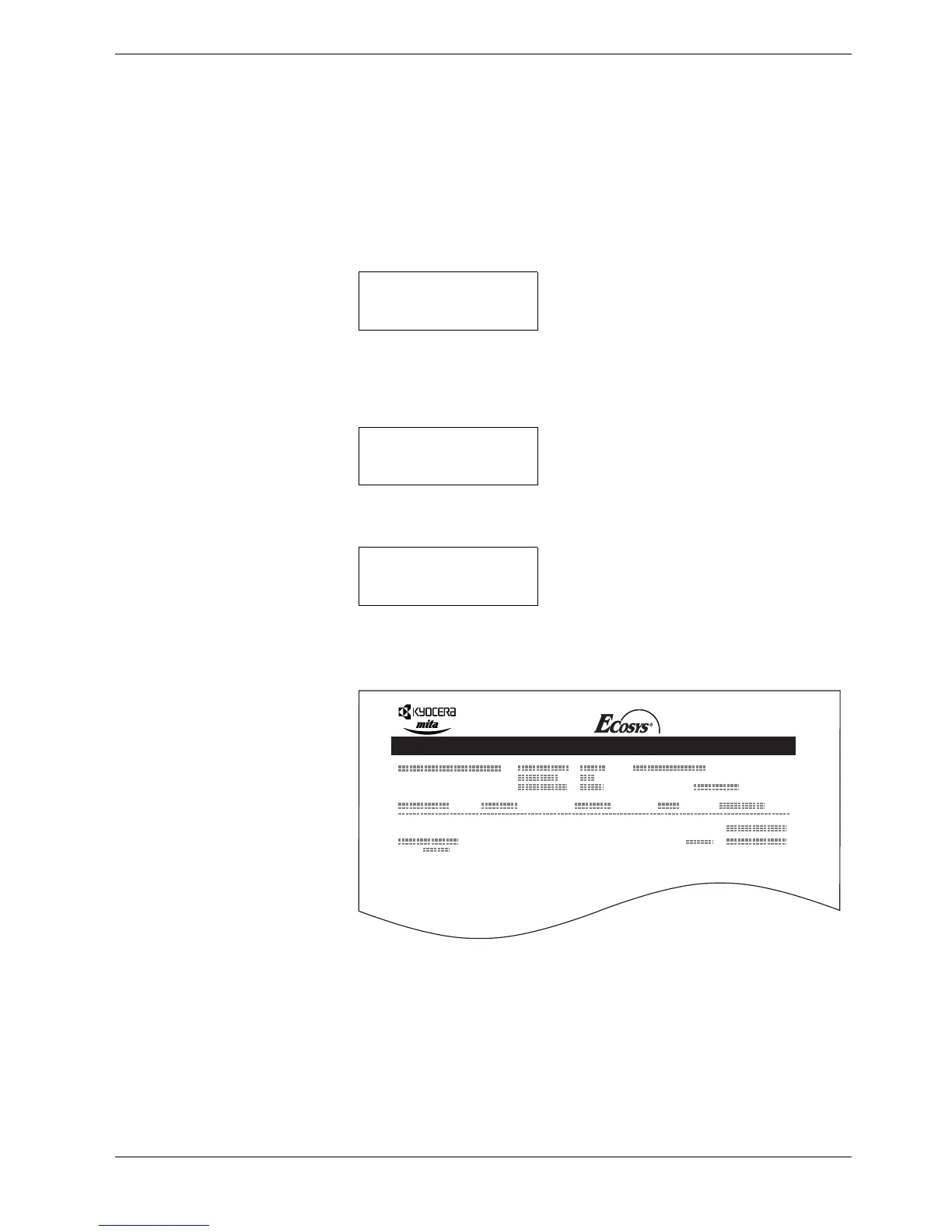
Press the ENTER key again. The printer prints a Code Job list as shown in
Figure 3-5 below.
Figure 3-5
e-MPS >
>List of
Code JOB
>List of
Code JOB ?
PERMANENT CODE JOB LIST
FS-C8008N Page Printer



 To Next Page