3.4 e-MPS
3-32
Maximum Space Assigned to Permanent Code Jobs
This changes the hard disk space that holds permanent code jobs. You can change the
maximum space from 0 to 9999 (megabytes). The actual maximum size depends on the size
of free hard disk space, however. The default size is 1/6 of the total hard disk space, rounded
off in unit of 50 MB. For example, if the total hard disk space is 10 GB, the default size is
1550 MB.
1
11
1
Press the MENU key.
2
22
2
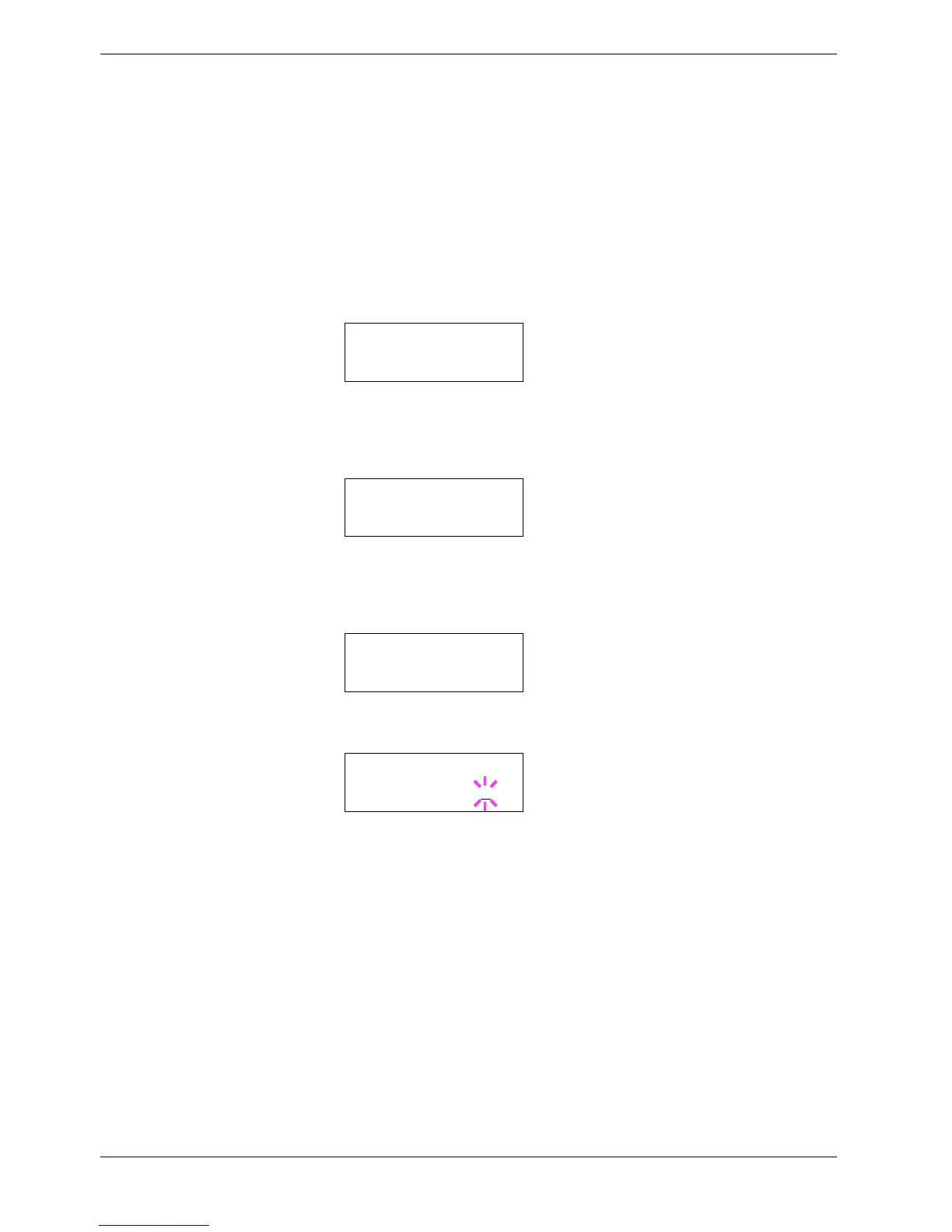
Press the U or V key and select e-MPS >.
3
33
3
Press the Z key.
4
44
4
Press the U or V key and select >e-MPS Configuration >.
5
55
5
Press the Z key.
6
66
6
Press the U or V key and select >>Perm. Code JOB Size.
7
77
7
Press the ENTER key, the message display shows a blinking cursor (_).
8
88
8
Press the U or V key to increase or decrease, respectively, the value at the blinking
cursor. Use the Zand Y keys to move the cursor right and left.
9
99
9
When the desired size is displayed, press the ENTER key.
10
1010
10
Press the MENU key and the display returns to Ready.
e-MPS >
>e-MPS >
Configuration
>>Perm. Code JOB
Size 1550MB
>>Perm. Code JOB
Size 1550
MB



 To Next Page