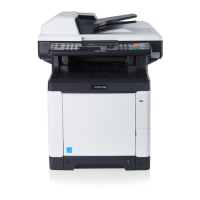
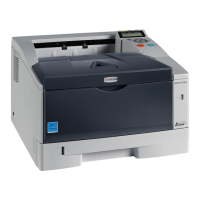
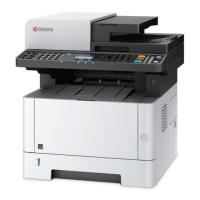
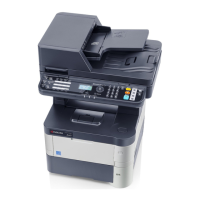
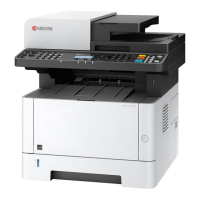
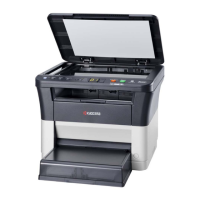
2M4/2M5/2M6/2M7
1-2-17
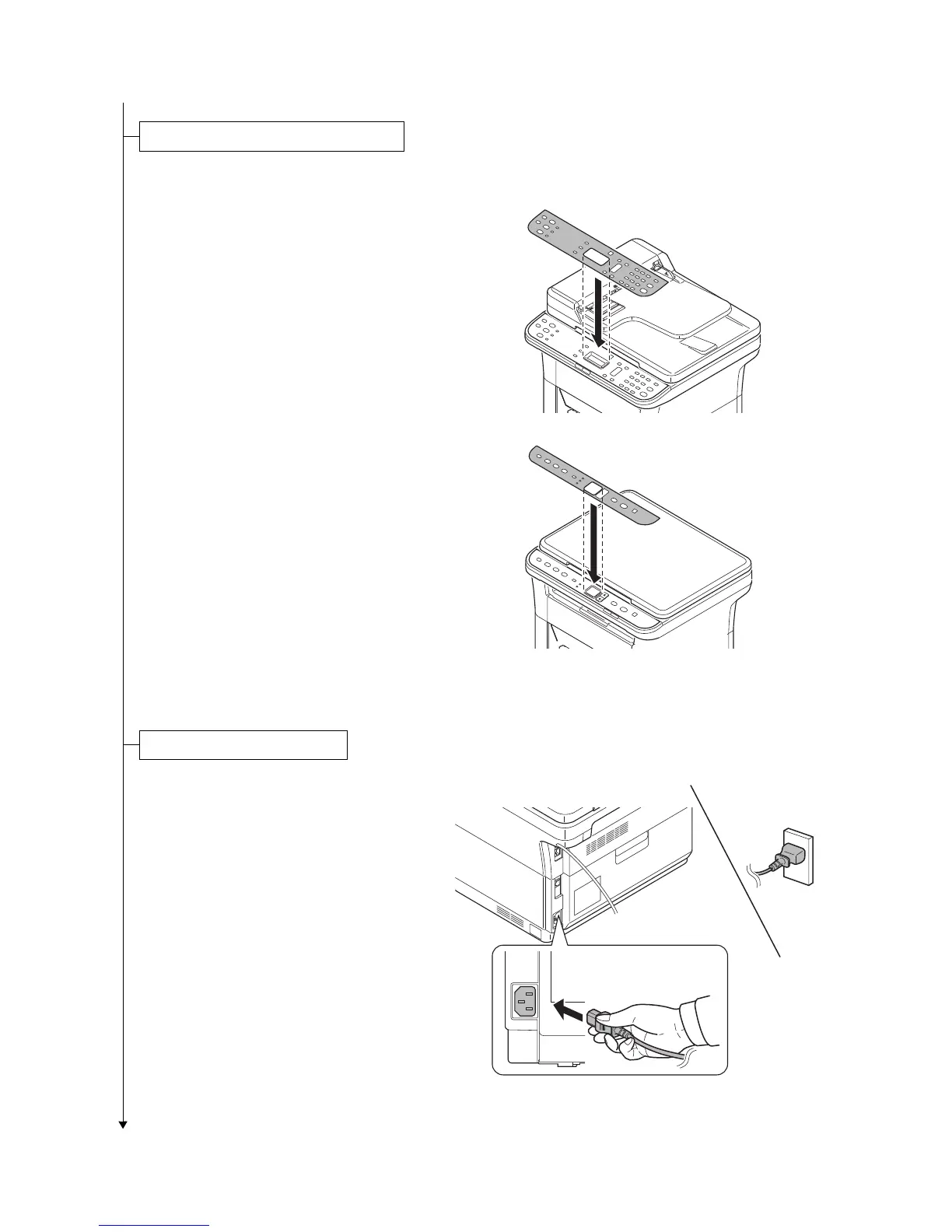
1. Affix the operation panel sheet which
was supplied.
Figure 1-2-30
1. Connect the power cord to the power
cord connector at the rear of the
machine.
2. Connect the other end of the power
cord to a power outlet.
Figure 1-2-31
Installing the operation panel sheet
D
3 in1 20/21 ppm model
3 in1 25/26 ppm model
4 in1 20/21,25/26 ppm model
Connecting the power code


 To Next Page
 Loading...