SYS
F・1 F・2 F・3 F・4 F・5 F・6
F・7
INPUT
EXT
MULTI
WFM
VECT
PIC
CAP
AUDIO
STATUS
EYE
VPOS HPOS
F・D
MEM
RECALL
S‐CUT
12
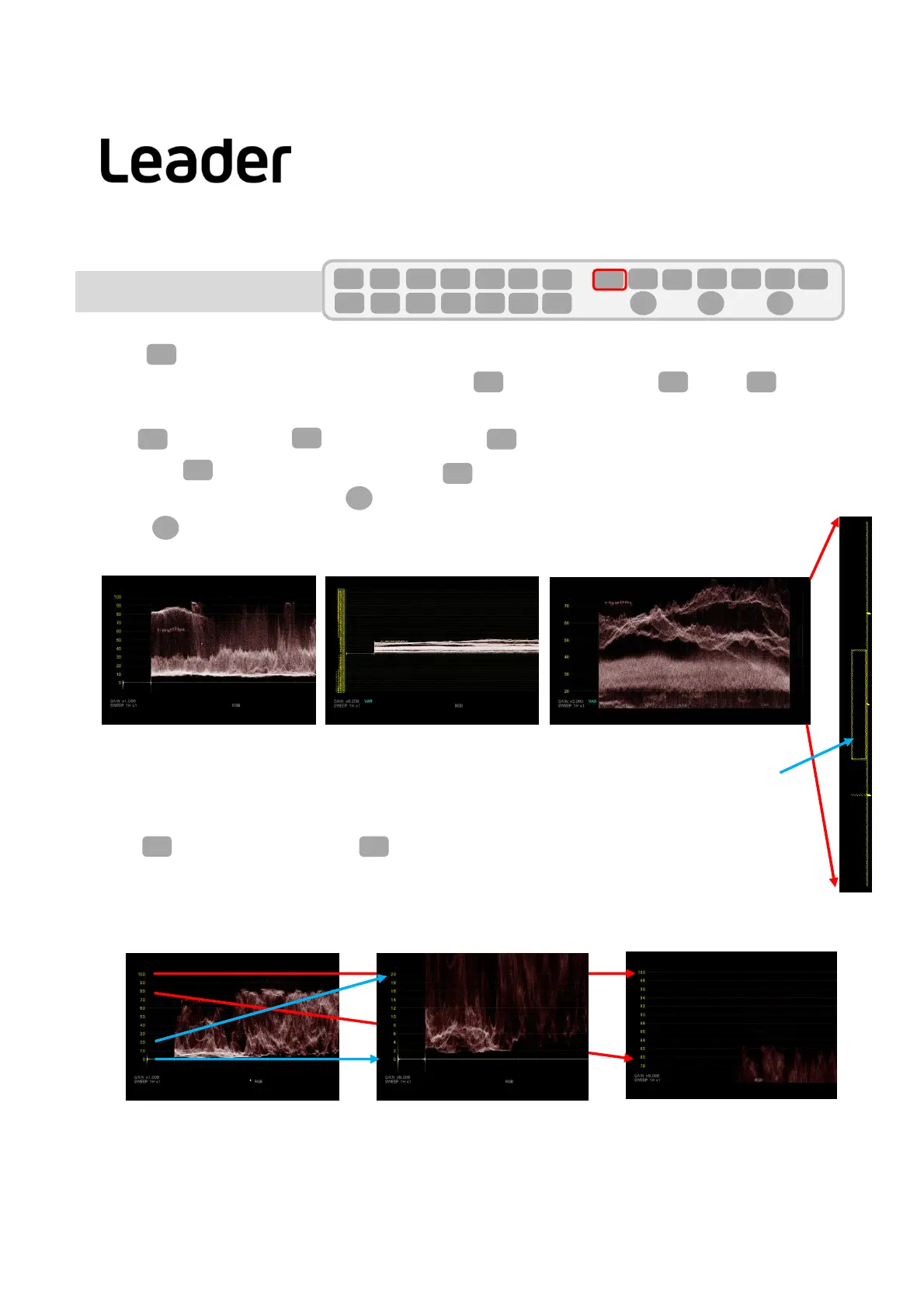
Displaysizevariablesetting
・ Press(WAVEFORM)todisplaythevideowaveform.
SetF2(GAIN/FILTER)>F2(GAINMAG)toX1.SetF1(GAINVARIABLE)toVARIABLE.
ThewaveformisscaledbyturningFD(FUNCTIONDIAL)ortheflywheelofthemouse.
PressFD(FUNCTIONDIAL)toreturntoX1.
Ontherightside,theenlargedpartforfullscaleisdisplayedasasquareframe.
WFM
F・2
Note:IftheEXTERNALSYNCwaveformisdisplayed,pressF1(WFMINTEN/CONFIG)>F1=OFF>F7(upmenu)
toreturntothenormalvideowaveformdisplay.
F・2
X1display
Scalejumpdisplaysetting(e.g.,changedto80%ofX5)
Setthebasepointforenlargeddisplay.
・ SetF2(GAINMAG)toX5.ChangeF5(SCALEJUMP)to80%.
Normally,itisdisplayedfrom0%,butin"scalejump"itisdisplayedfromthesetbasepoint.
(SCALEJUMPcanselect0%,
10%,20%,30%,40%,50%,60%,70%,80%,90%,100%whensettingX5orX10.
CURSORissetbasedontheYmeasurementcursor.)
F・2 F・5
Note:WhenF2isotherthan(GAIN/FILTER),pressWF(WAVEFORM)twice.
F・2
WFM
F・1F・1 F・7
F・1
F・D
Zoom Out Zoom In
F・D
X1display
X5display
0%to20%
X5display
SCALEJUMP80%
80%to100%
80%
Thedisplayareaforfullscaleisasquareframe.
100%
80%
100%
0%
0%
20%
20%
Waveform display(No.2)
LV5300/LV5350/LV7300QuickManual



 To Next Page