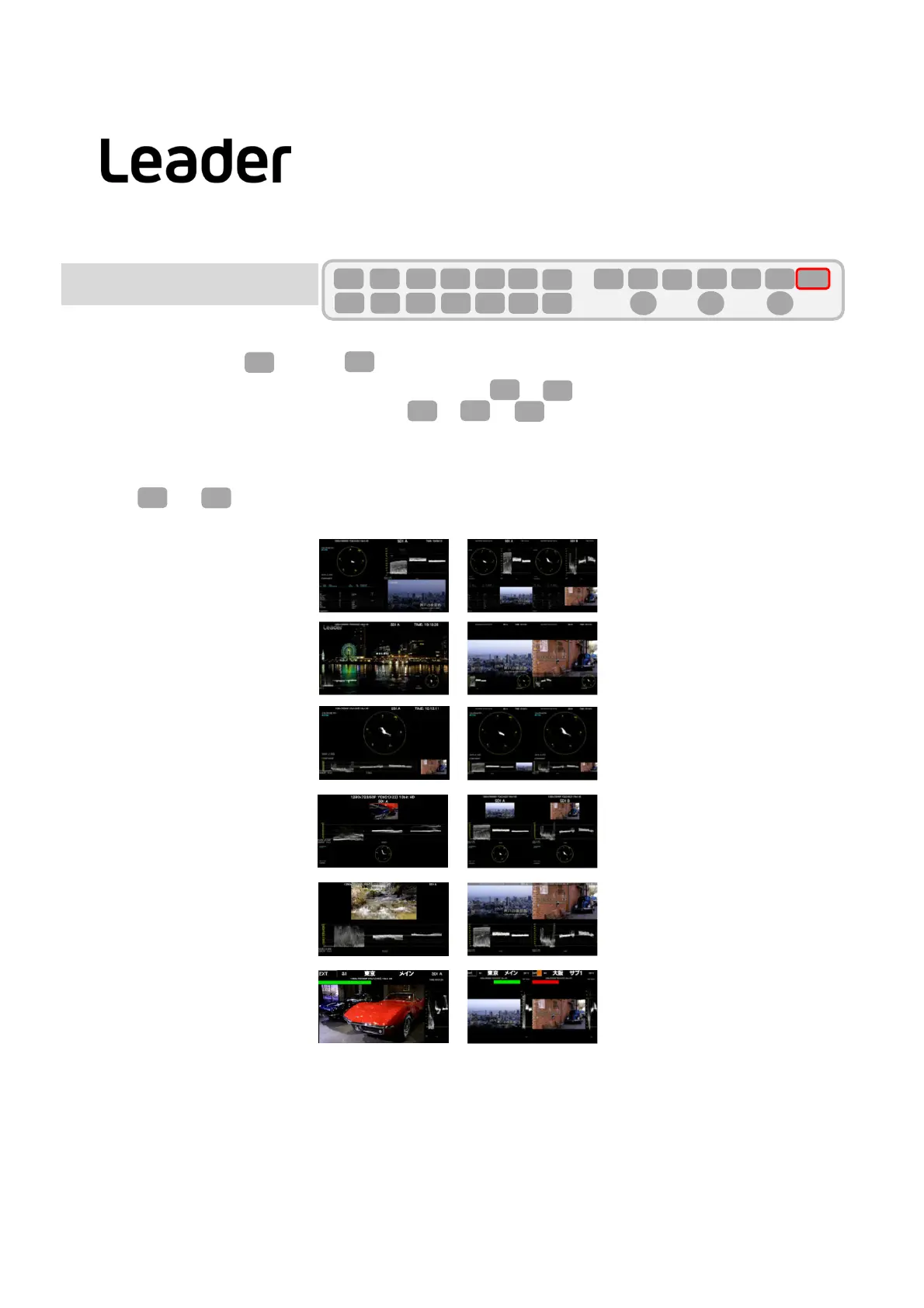
・DISPLAYsetting:SetIN(INPUT)>F7(DISPLAY)toSIMUL.
・WhentheSystemsettingisSD/HD/3G‐A/3G‐B‐DLandINP>F7(DISPLAY)isSIMULsetting,
ThelayoutchangesdependingonON /OFFofINP>F1toF2(A,B).
Howtouse
theregisteredlayoutsettings
PressMandF1toselectLAYOUTUSER1‐6.
32
F・7
INPUT
INPUT
F・1 F・2
F・7
INPUT
Example 1INPUT(A) 2INPUT(A,B)
USER1
USER2
USER3
USER4
USER5
USER6
SYS
F・1 F・2 F・3 F・4 F・5 F・6
F・7
INPUT
EXT
MULTI
WFM
VECT
PIC
CAP
AUDIO
STATUS
EYE
VPOS HPOS
F・D
MEM
RECALL
S‐CUT
F・1
MULTI
LV5300/LV5350/LV7300QuickManual
La youtSet tings(SIMUL)
Layoutsystemsettings



 To Next Page