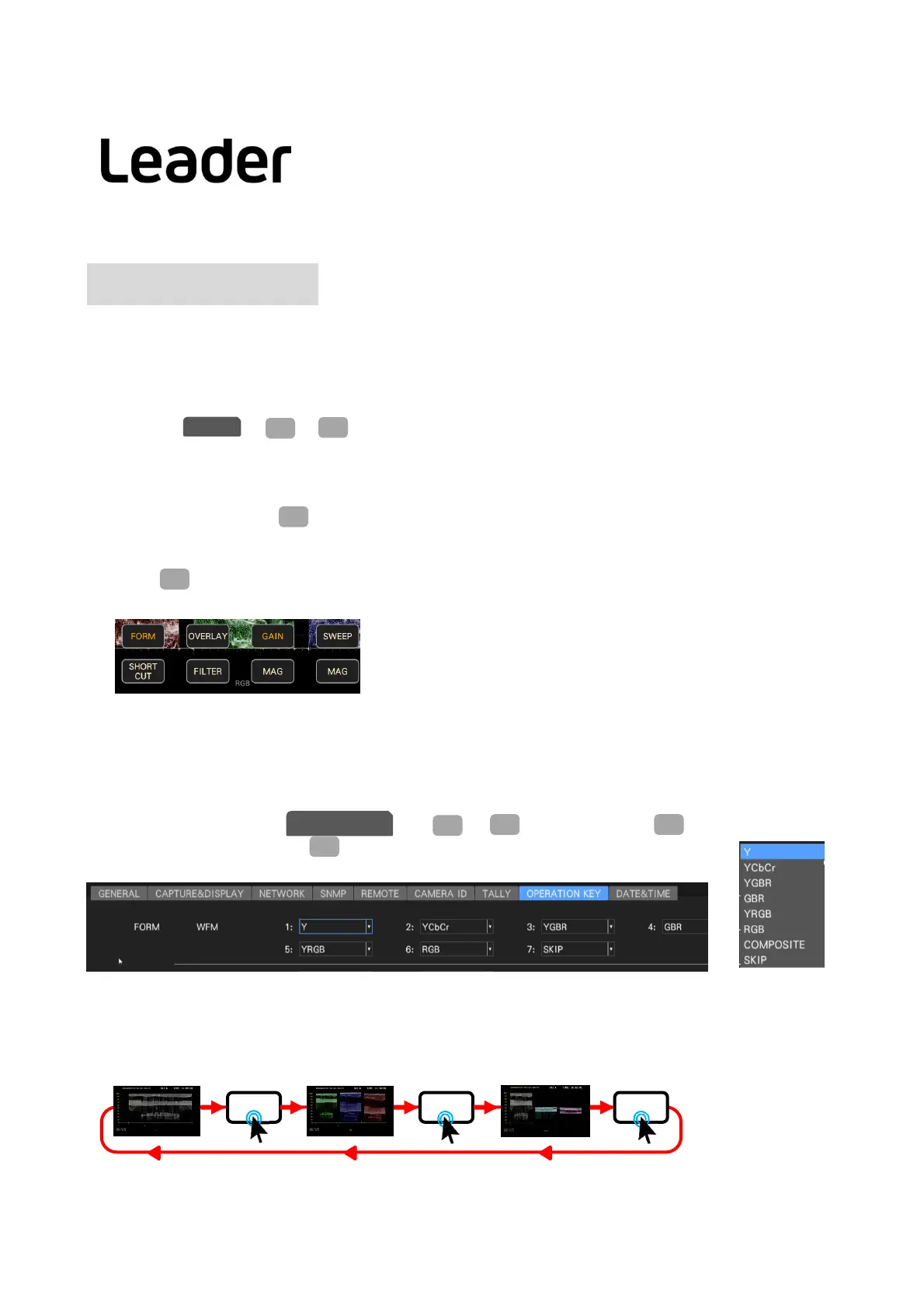
Withtheoperationkeys,frequentlyuseditems(waveformformat,gainandvectorgain,etc.)canbeeasilychanged
withthesoftkeys(icons)usingthemouseortouchpanel.
・Operationkeysetting
ItissetonGENofSYS>F2(SYSTEMSETUP)
SettheAutoOfffunctionoftheOn‐screen
MenutoOff.
TurnontheOperationKey.
Whenusingthetouchpanel,selectEnableofTouchPanel.
Confirmthesettingwith(COMPLETE).
・Operationkeyoperation
Press(WAVEFORM)todisplaythewaveform.
Theoperationkeyisdisplayedatthebottomrightofthescreen.Clickitwiththemouseortouchpanel.
43
F・2
SYS
GENERAL
F・1
Oper a tion K ey
FORM: Waveformandvectorformatchanges
OVLAY: Changewaveformoverlaysettings
FILTER: Changewaveformfiltersettings
GAIN: Waveformandvectorgainchange
GAIN‐MAG: Waveformandvectorscaling
SWEEP: Changewaveformsweep
SWEEP‐MAG: Setthehorizontalmagnification
SHORTCUT: Variousfunctionassignmentssuchascursorandcapture.
・ Operationkeysetting
ChangethedisplaytabtoOpe KaywithSYS>F2(SYSTEMSETUP)>F3(NEXTTAB).
ChangeeachitemandpressF1(COMPLETE).
SelectSKIPtoskipanitem.
YGBR
YPbPr
Ex:FROMWFM
No.1:Y
No.4~7setup:SKIP
Exampleofusingoperationkeys
FROM FROM FROM
F・2
SYS
OPERATIONKEY
F・1
F・3
No.2:GBRNo.3:YPbPr
WFM
LV5300/LV5350/LV7300QuickManual



 To Next Page