SYS
F・1 F・2 F・3 F・4 F・5 F・6
F・7
INPUT
EXT
MULTI
WFM
VECT
PIC
CAP
AUDIO
STATUS
EYE
VPOS HPOS
F・D
MEM
RECALL
S‐CUT
LV5300/LV5350/LV7300QuickManual
Picture display
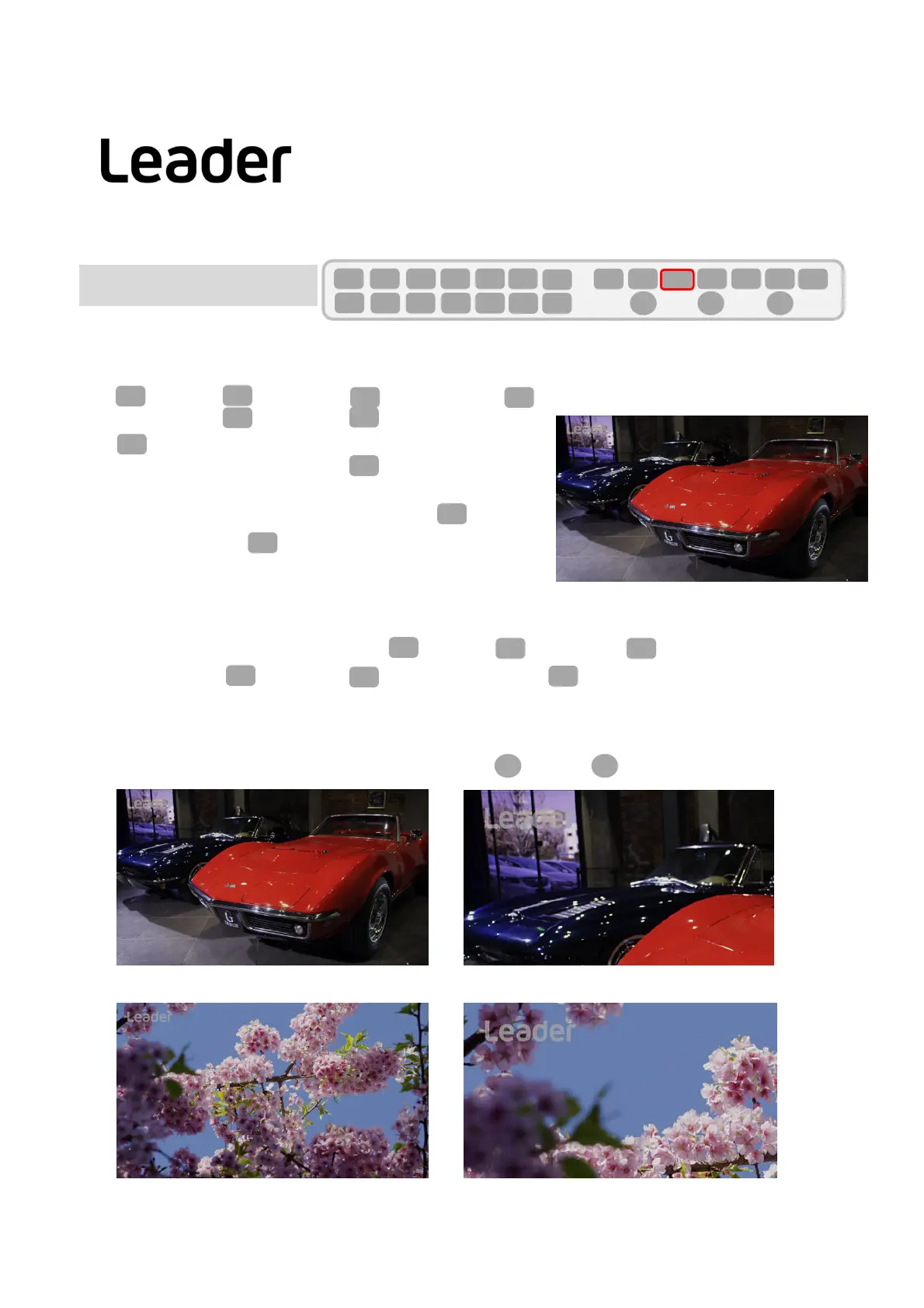
Japanesesubtitlescanbesimplydisplayedonthepicture.
SetPIC(PICTURE)>F1(PICCONFIG)>F5(SUPERIMPOSE)>F1toARIB.
HD/SD/ANALOG/CELLULARcanbeselectedwithF2(FORMAT).
Youcanselect1/2withF2(LANGUAGE).
18
PIC
F・1
F・1
F・2
Note:● IfyoupressPIC(PICTURE)andF1isnot(PICCONFIG),
pressPIC(PICTURE)twice.
● Whentheinputformatis3G‐B,F5(SUPERIMPOSE)isnot
displayed.
F・1
PIC
PIC
Japanesesubtitledisplayfunction(LV5300/5350/7300‐SER21)
F・5
F・2
これはリーダー電子株式会社
デモ用コンテンツです。
Japanesesubtitledisplay
Thepicturecanbedisplayedinrealsizeordoubled.。
YoucanselectFIT/REAL/X2/FULLFRMinPIC(PICTURE)>F1(PICCONFIG)>F1(PICTUREMODE).
ForHD,FIT/REAL/X2/FULLFRMcanbeselected.
For4K,FIT/ REALcanbeselected.
In
HDX2or4KREAL,thedisplaypositioncanbechangedbyVP(V‐POS)/HP(H‐POS).
PIC
F・1
Note:● IfyoupressPIC(PICTURE)andF1isnot(PICCONFIG),pressPIC(PICTURE)twice.
F・1
PIC
PIC
Picturemode
F・1
HD :FIT display
HD: x2 display
4K:FIT Display
4K : REALdisplay
VPOS HPOS
F・5



 To Next Page