ChangeLayout-basic- (LV5300/5350/7300‐SER26)
Youcanchangethelayoutfromeachofthemeasurementscreen(WFM,VECT,PIC,AUDIO,STATUS,EYE)
(onlyone),andMULTI measurementscreen(USER1~6)
Usemousefromthefrontpaneltosetup> Displaythescreenyouwanttochangethelayout.FromWFM,
VECT,PIC,MULTI(USER1) > Right‐clickthemouseon
thescreen > Layout
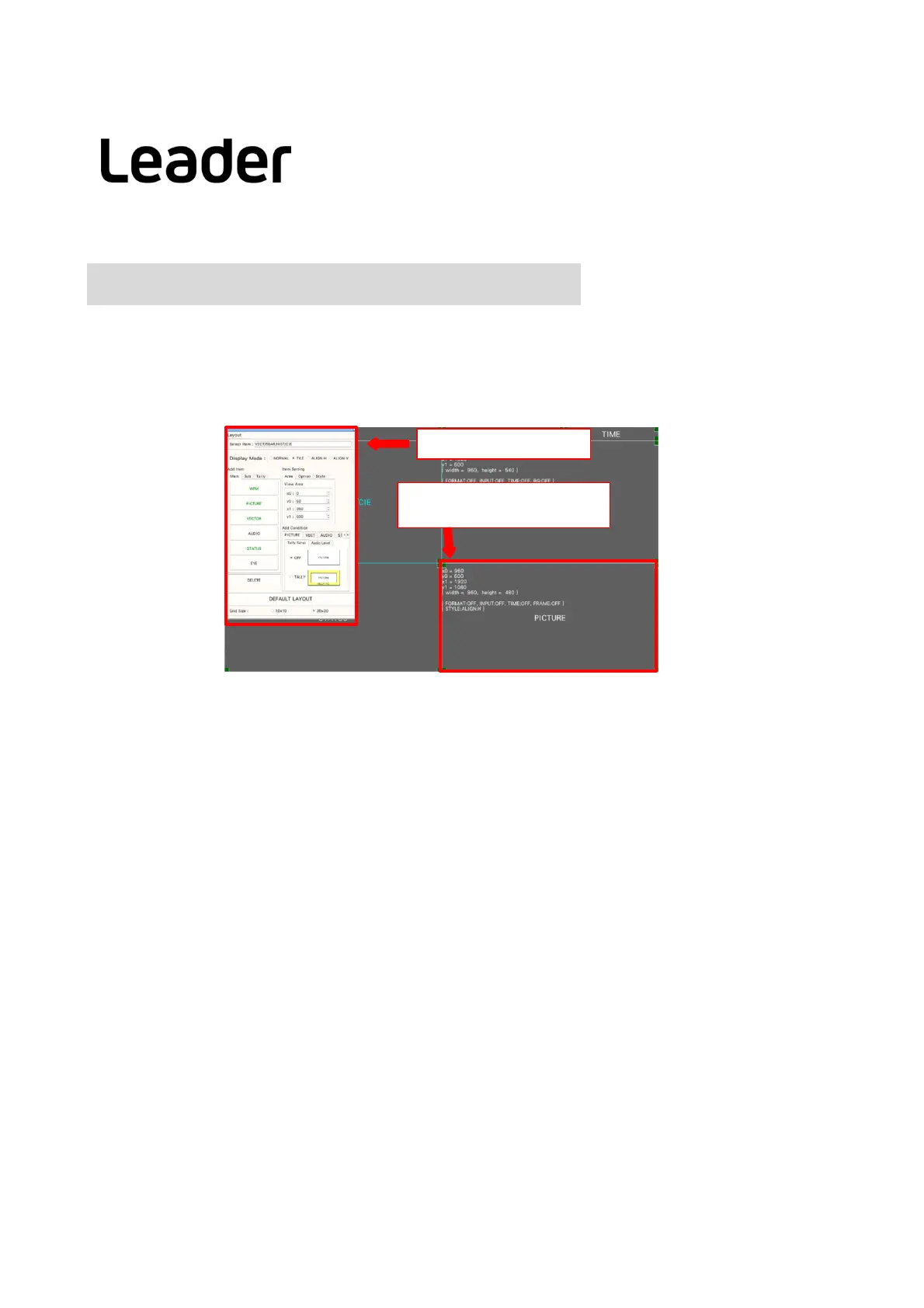
LayoutSetupwindow
Item window
(ex:WFM,VECT,PICandsoon)
36
Layoutprocedure
Here,threebasicexamplesandapplicationexamplesareintroduced.
BasicexampleP.37
ProcedureforchangingthelayoutofMULTI(USER1)(addingaudioitems,etc.)
① Displayoflayoutscreen
② ItemchangefromTIMEtoDATEintheupperrightofthescreen
③ Overlaythevectorwaveformonthepicture
④ Addaudio
item
⑤ AddTIMEtoSTATUSitem
⑥ Confirmchanges
ApplicationexampleP.39
ProceduretochangethelayoutofMULTI(USER1)(simultaneousdisplayofVECTandCIEcharts)
① Displayoflayoutscreen
② Deleteallitemsonthescreen
③ AddVECTitem
④ AddCIEitem
⑤ Confirmchanges
ApplicationexampleP.41
ProcedureforchangingtheEYElayout
(simultaneousdisplayofEYEmeasurementandJittermeasurement)
① Displayoflayoutscreen
② DeleteEYE/JITTERdisplay
③ Select/addEYEandJitteritems
④ Format,Input,Timeitemdisplay
⑤ Confirmchanges
LV5300/LV5350/LV7300QuickManual



 To Next Page