Configuration
Power Analyzer NORMA 4000, NORMA 5000 23
EO1111G REV G
7.1 Call up General Setup / Call up system
information screen
Analyzer is switched on; start screen is displayed.
Move the cursor to menu item General Setup that shows the
name of the currently loaded configuration and press Enter.
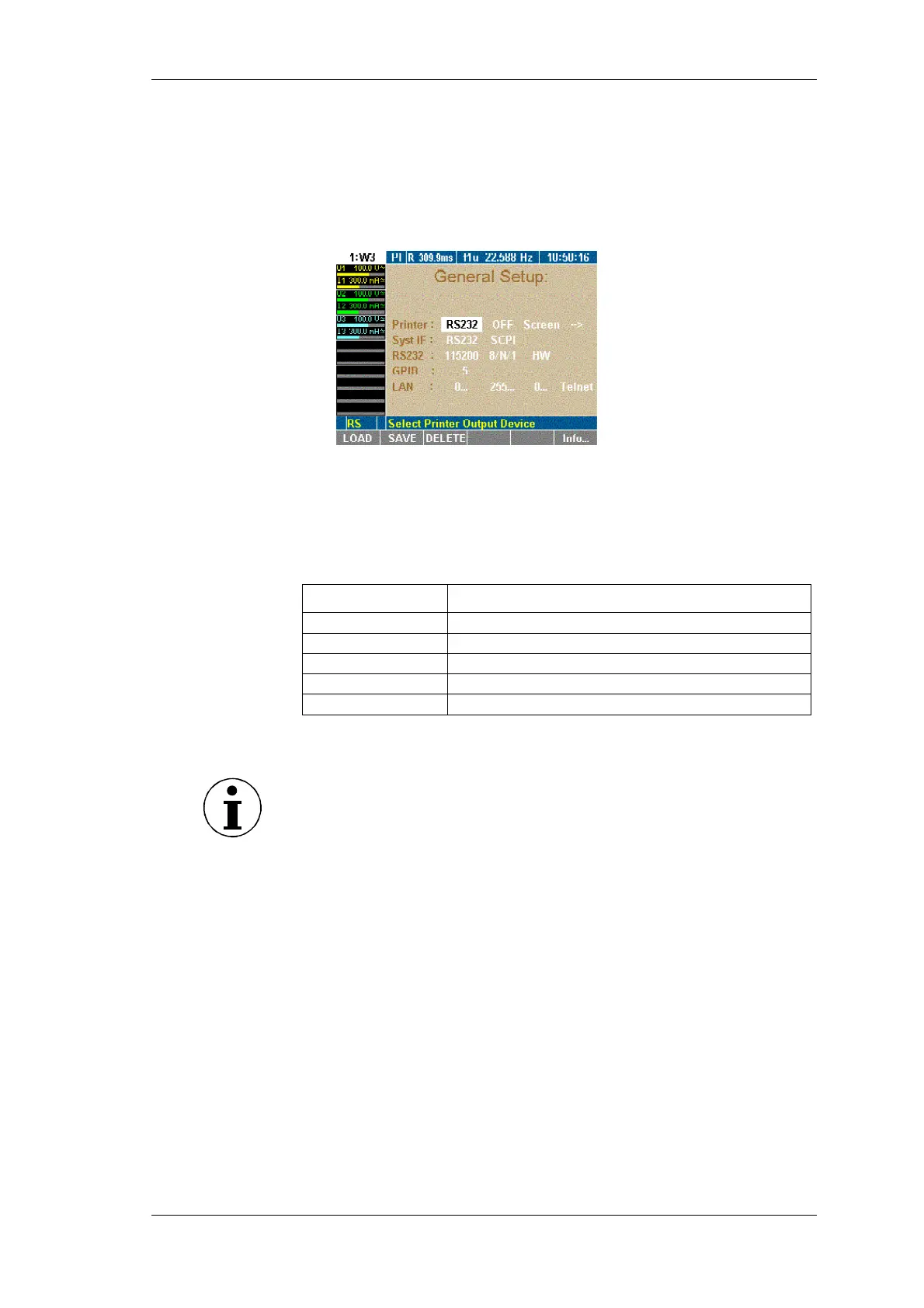
The General Setup menu is displayed.
General Setup menu is displayed.
Press function key F6 Info.
The System Info menu is displayed.
This screen shows the main information about the unit.
Line Description
System
Devices type and sample rate
Phases
Type and number of equipped power phases
Options
Equipped interfaces and options
Serial
Serial number
Version
Firmware version
7.2 Load configuration
Note
If you have not set up and saved a new configuration before, you
are currently working with factory configuration 1:W3.
Proceed as described in chapter 7.3: "Configure data transfer to
printer and PC" 23.
Press function key LOAD.
A list showing all existing configurations is displayed.
Select a configuration and confirm with Enter.
The name of the loaded configuration, e.g. 10:USER, is
displayed in menu item General Setup.
To modify the loaded configuration, proceed as described below.
7.3 Configure data transfer to printer and PC
If you wish to use an internal or external printer, of if you intend to
connect a PC, you must configure the parameters for the data
exchange. This procedure consists of the following steps:
- Configure external printer
- Configure interface to PC
- Configure RS 232
- Configure IEEE488 device address
- Configure LAN network addresses
Call up General
Setup
Call up system
information
screen
Load
configuration
(optional)



 To Next Page