Measuring process
Power Analyzer NORMA 4000, NORMA 5000 45
EO1111G REV G
Display Description
U
2 H01
rms value of fundamental
U
2 thd
Total harmonic distortion (according to IEC)
U
2 hc
Harmonic content (according to DIN)
U
2 fc
Fundamental content
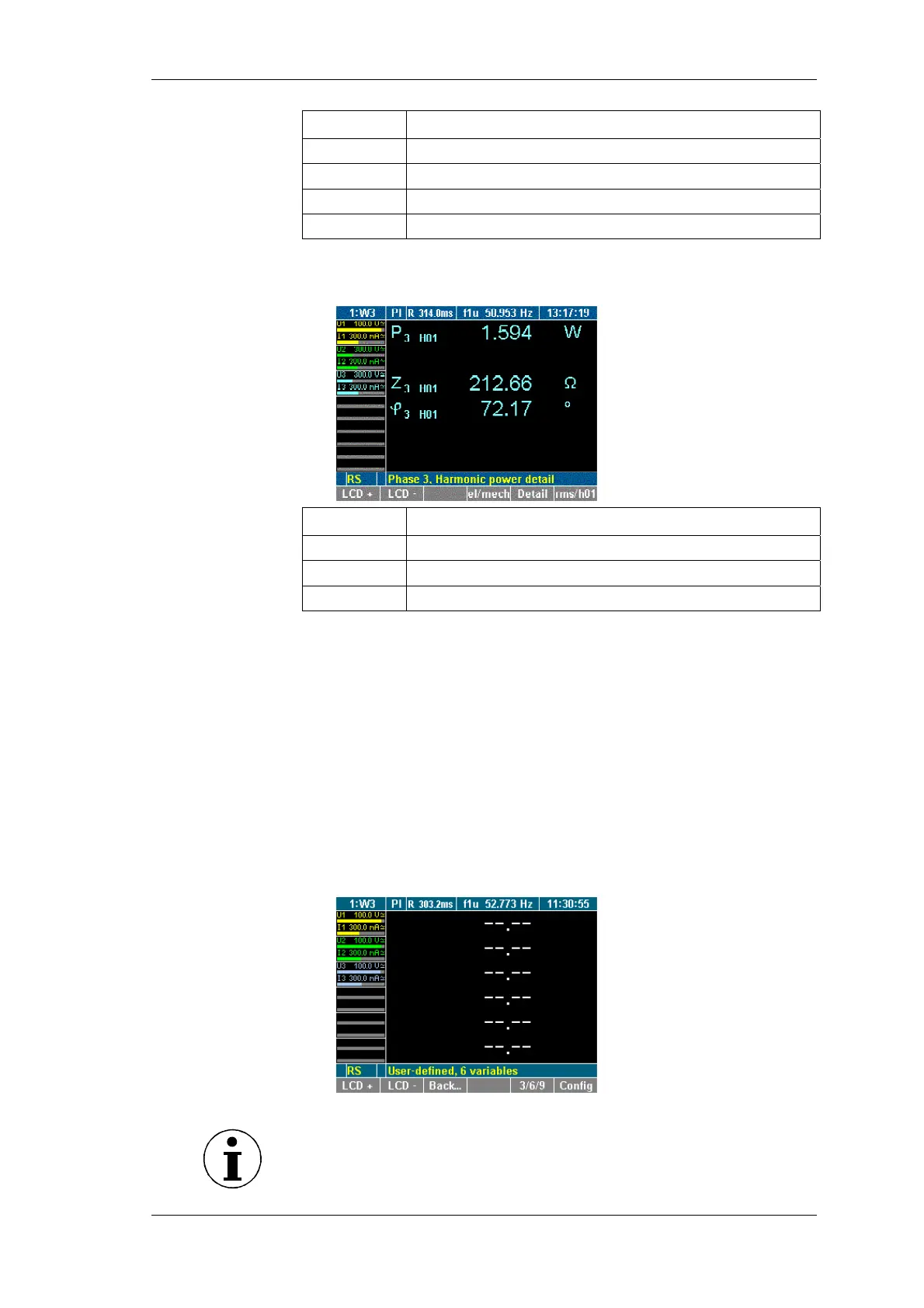
Press function key Detail twice.
Details of the power of the fundamental at channel 3 are
shown.
Display Description
P
2 H01
Power of fundamental
Z
2 H01
Apparent impedance of fundamental
φ
2 H01
Angle between U3 and I3 of fundamental
To return to the display of the fundamentals for channel 3,
press function key Detail twice.
To return to the measured values for channel 3, press function
key rms/h01 again.
8.2.5 User defined screen view
In this menu you can configure your own defined numeric screen.
Furthermore you can change this user defined screen to get 3, 6 or
even 9 values displayed on one screen.
Press function key User
The display shows the user defined screen.
Note
If you enter the user defined screen the first time it is empty,
showing dashes. In all other cases it shows the last saved
configuration or the recently selected values.
iew user defined
screen



 To Next Page