Configuration
30 Power Analyzer NORMA 4000, NORMA 5000
EO1111G REV G
7.6 Configure current and voltage channels
Prior to each measurement, you must configure the device inputs
(channels) to be used. The following example explains the
configuration procedure for current channel I1: The other current
and voltage channels can be configured in the same way.
The configuration procedure consists of the following steps:
- Call up Current Channel Setup
- Configure input range
- Configure scale
- Configure coupling
- Configure anti-aliasing filter
- Call up Voltage Channel Setup
Move the cursor to the status display of current channel I1 and
press Enter.
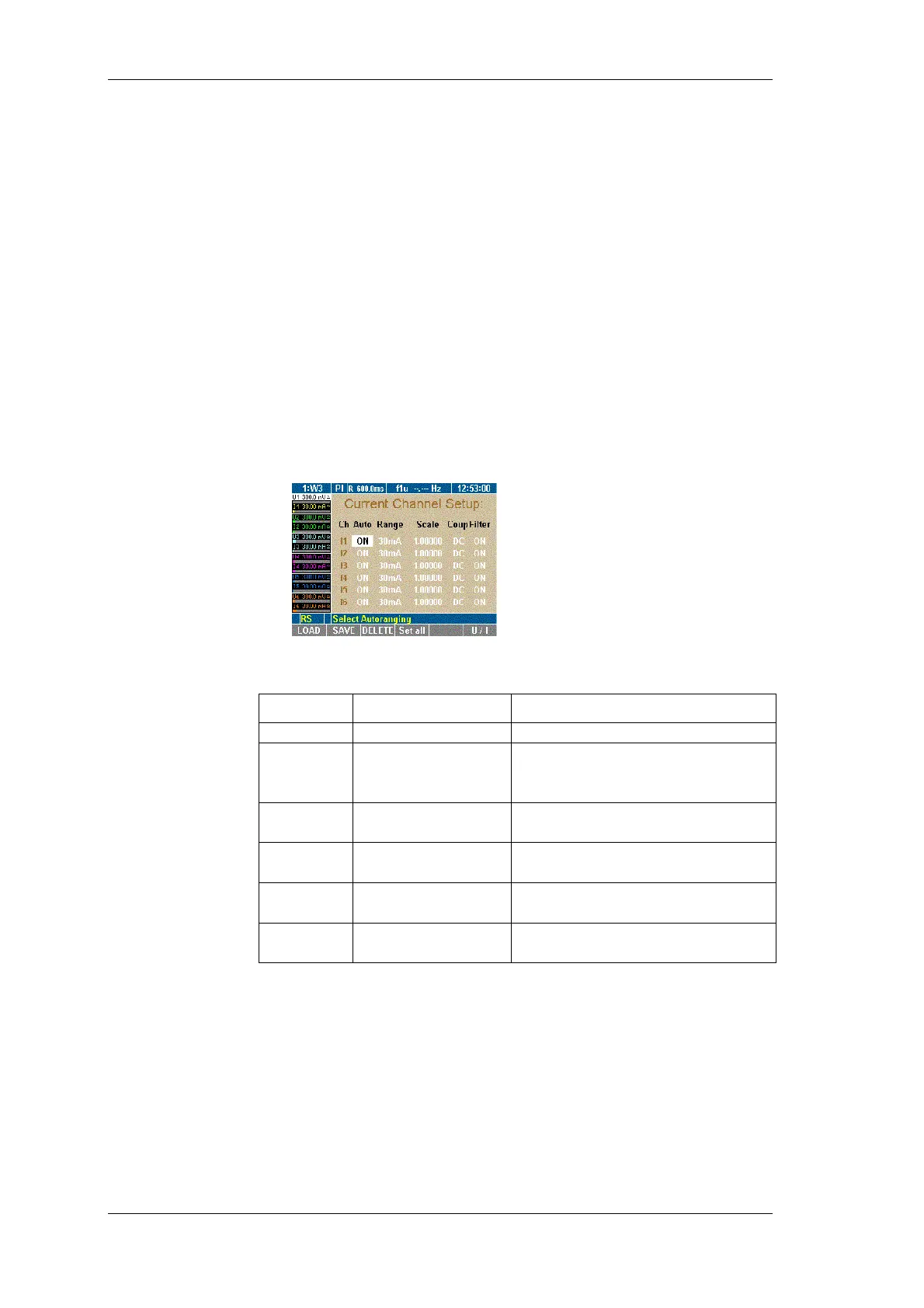
The Current Channel Setup menu is displayed. The first field in
column Auto of line I1 is highlighted.
In the Current Channel Setup menu, define the following settings:
Column Settings Description
Ch I1 … I6
Select input (channel)
Auto
ON
OFF
Automatic range adjustment
activated
... deactivated
Range 30 mA ...10 A
30 mV ... 10 V
Measuring range (in ampere or
volt)
Scale
Scale factor and
A/V ratio
Scale for external
probes/converters
Coup AC
DC
Coupling
Filter ON
OFF
Filter activated
... deactivated
You have the option to select automatic range configuration for the
connected current source (Auto). Alternatively, you can configure
the range manually (Range).
With automatic configuration, the analyzer determines and
selected the correct range for the connected current source.
First field in column Auto is highlighted.
Press Enter.
Select ON and confirm with Enter.
The selected settings are shown in column Auto.
Call up Current
Channel Setup
Configure input
range
Automatic range
adjustment (Auto)



 To Next Page