Measuring process
Power Analyzer NORMA 4000, NORMA 5000 43
EO1111G REV G
8.2.3 Compare measured values
You have the option to compare the values measured at the
different channels, e.g. all voltages measured at all channels.
When pressing measuring key WAV, the comparative display
switches from voltage to current and power, showing the
respective values of all three channels.
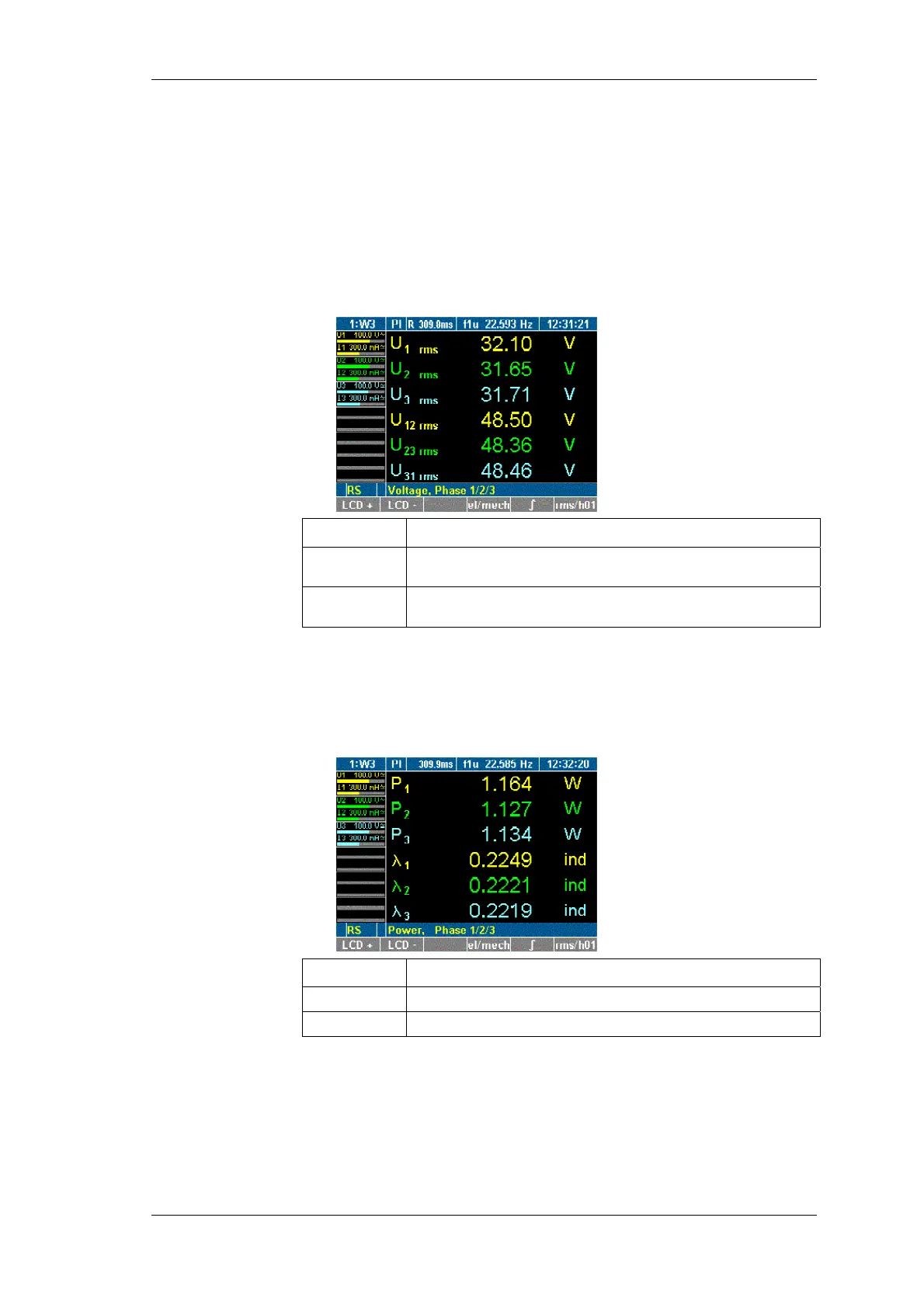
Press measuring key WAV.
The measured voltages and phase-to-phase voltages are
displayed.
Display Description
U
1 rms
...
U
3 rms
rms voltage at channels 1 to 3
U
12 rms
...
U
31 rms
Phase-to-phase voltage at channels 1/2, 2/3 and 3/1
Press key WAV again.
The measured current values I1 to I3 for the three channels
are displayed.
Press key WAV again.
The power and power factor values are displayed.
Display Description
P
1
... P
3
Power at channels 1 to 3
λ
1
... λ
3
Power factors at channels 1 to 3
To select channels 4 to 6, repeatedly press key WAV.
Compare
measured values



 To Next Page