Measuring process
44 Power Analyzer NORMA 4000, NORMA 5000
EO1111G REV G
8.2.4 View fundamentals
For each measured value, the power analyzer calculates the
fundamental by means of Fourier transformation (DFT).
Press measuring keys
∑
or 1...n and WAV to call up the
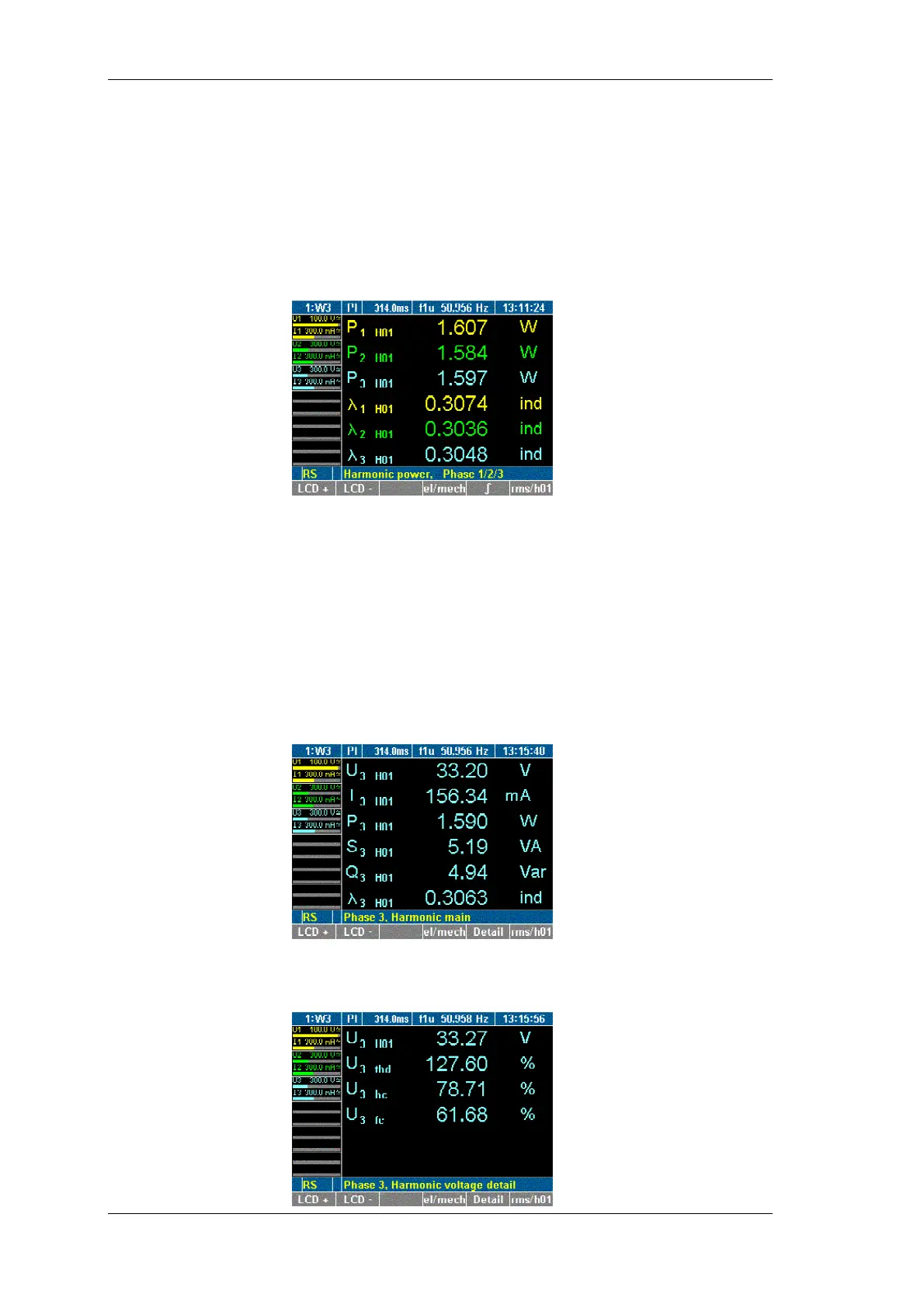
desired values, e.g. power at channels 1 to 3.
Press function key rms/h01.
The power of the fundamentals is displayed.
To return to the power values, press function key rms/h01
again.
You have the option to view detailed data regarding a
fundamental, such as voltage, current, power and phase-to-phase
voltage.
Press measuring keys
∑
or 1...n and WAV to call up the
desired values, e.g. values measured at channels 3.
Press function key rms/h01.
Detailed measured values in connection with the fundamentals
at channel 3 are shown.
Press function key Detail.
Details of the voltage of the fundamental at channel 3 are
shown.
iew
fundamentals
iew details of
fundamentals



 To Next Page