Configuration
Power Analyzer NORMA 4000, NORMA 5000 33
EO1111G REV G
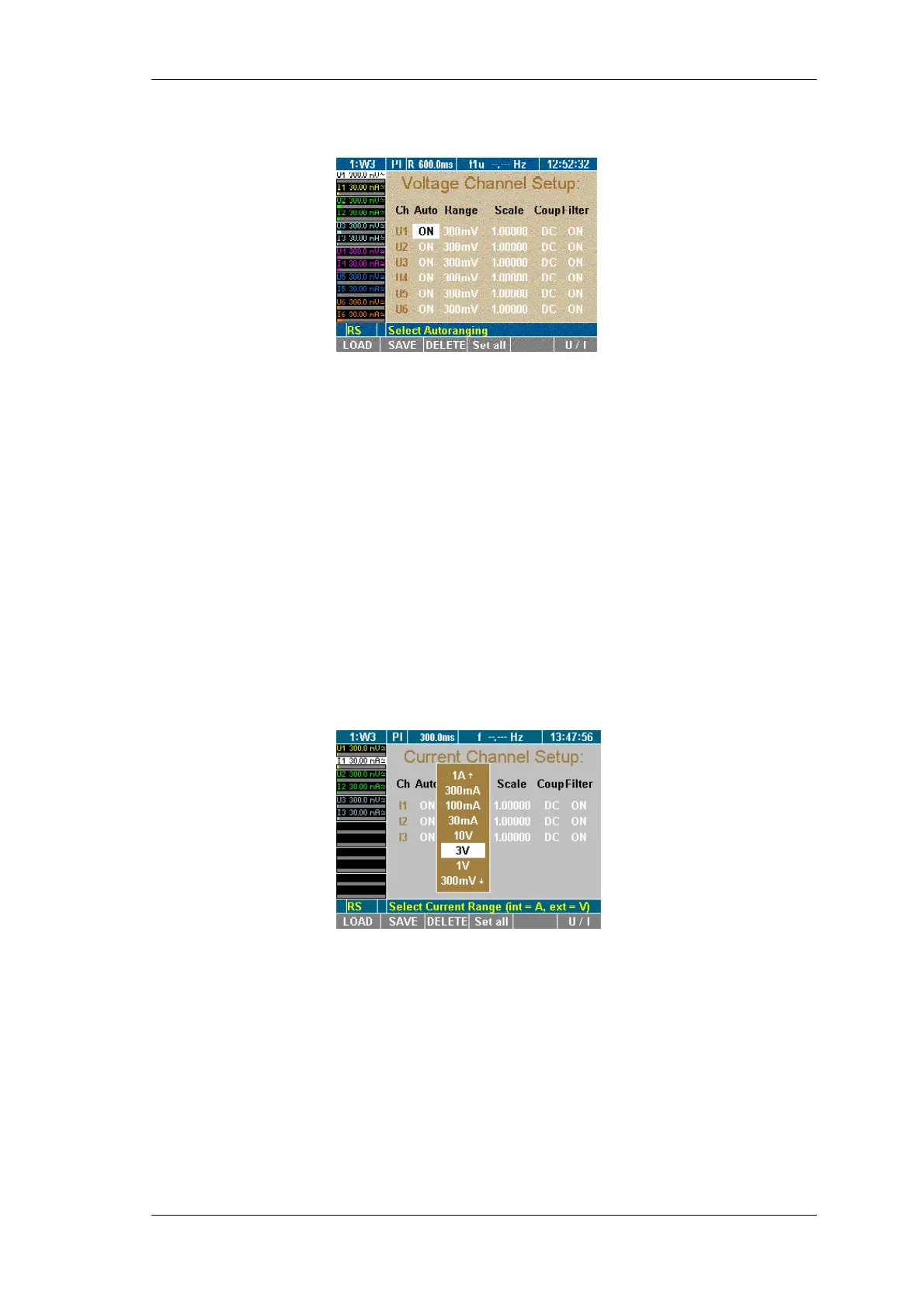
Press function key U/I.
The Voltage Channel Setup menu is displayed.
Configure voltage channels 1 to 6.
7.7 Switch current input to external input (BNC)
If you want to use an external shunt or probe you have to change
the current input from direct measurement to the BNC input. This
has to be done in the Current Channel Setup menu.
This procedure consists of the following steps:
- Call up Current Channel Setup
- Switch input
- Configure input range
- Configure scale
First filed in column Range is highlighted.
Press Enter, select a voltage range (e.g. 3V ) and confirm with
Enter.
If you wish to configure all three current channels in this way
press Set All.
Save the settings with SAVE in the desired configuration.
The current input is now changed to the external BNC input.
First filed in column Auto is highlighted.
Press Enter, select ON and confirm with Enter.
If you wish to configure all three current channels in this way
press Set All.
Save the settings with SAVE in the desired configuration.
Auto range is now enabled.
Switch Current
input
Configure auto-
range selection



 To Next Page