Configuration
Power Analyzer NORMA 4000, NORMA 5000 29
EO1111G REV G
to this fundamental. The low-pass filter is not located in the signal
path so that the input signal is not in any way interfered with.
Value in column Filter is highlighted.
Press Enter.
Select a value or OFF, depending on the expected
fundamental, and confirm with Enter.
The entered value, or OFF, is shown in column Filter.
Save the settings with SAVE in the desired configuration.
Value in column SyOut is highlighted.
Press Enter.
To activate output, select ON.
– or –
To deactivate output, select OFF.
Confirm with Enter.
The entered value is shown in column SyOut.
Save the settings with SAVE in the desired configuration.
Note
The synchronisation output is connected at the Sync-BNC plug on
the backside of the unit. The output signal is a TTL pulse with 5Volt.
Important
The BNC can be used either as input or output. As soon as the
BNC plug is switched to input (EXT sync source or OFF selected)
the sync output menu is automatically switched to OFF (disabled).
7.5 Adjust date and time
Note
Normally, date and time must be set only once, as they do not
change with different configurations.
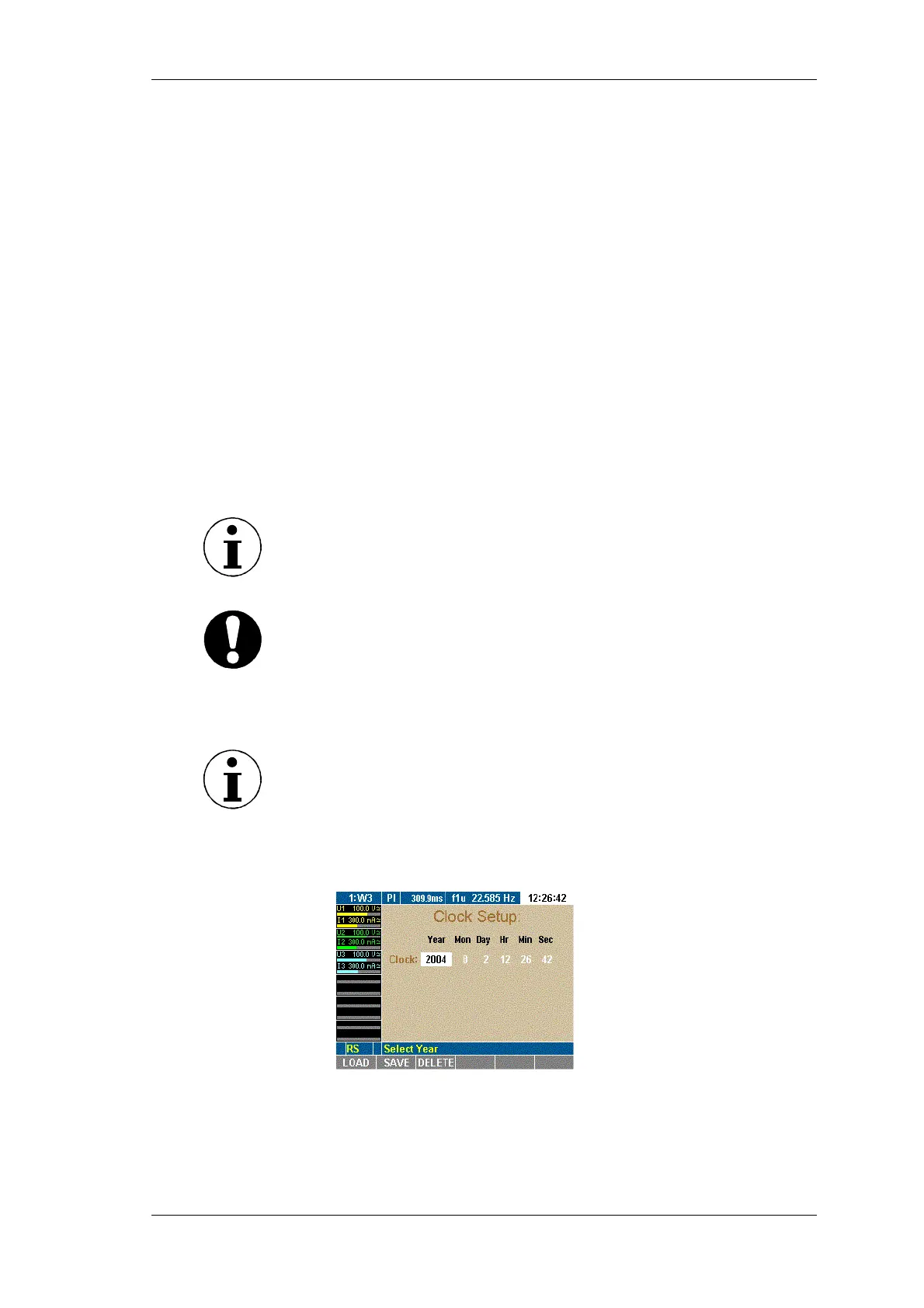
Move the cursor to menu item Clock Setup and press Enter.
The Clock Setup menu is displayed. The value in column Year
is highlighted.
Press Enter, select a year and confirm with Enter.
The selected year is displayed.
Move the cursor to the next field and repeat the above step
until the correct date and time are shown.
Menu field Clock Setup shows the time in hours, minutes and
seconds.
Configure signal
output
Adjust date and
time



 To Next Page