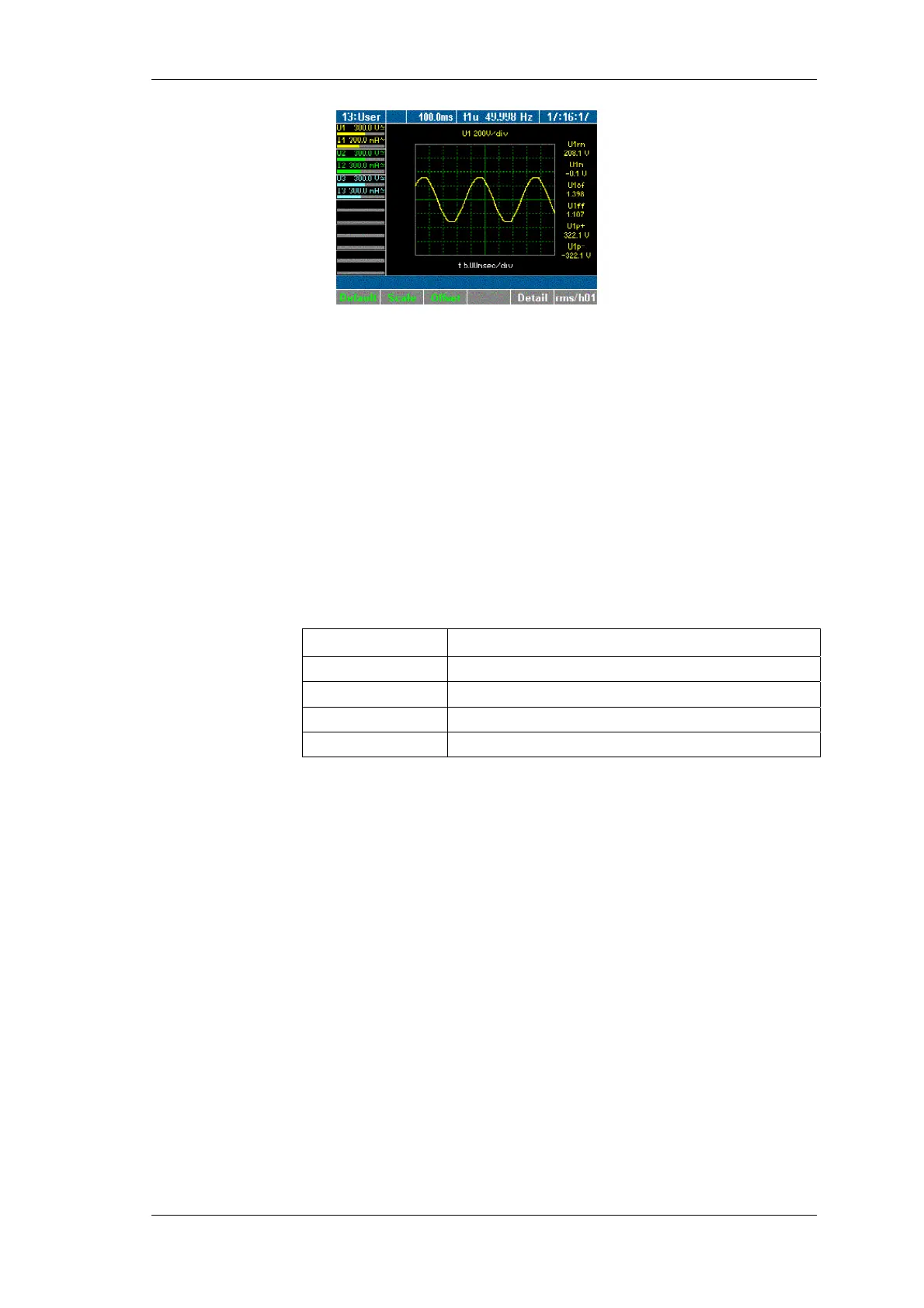
Measuring process
Power Analyzer NORMA 4000, NORMA 5000 49
EO1111G REV G
To view a different measure parameter, press function key
Detail again.
To return to an overview of all measured values for channel 1
in oscilloscope format, press function key Detail again.
To view a different channel or different measured values in
oscilloscope graph form, press measuring keys
∑
or 1...n and
WAV.
The oscilloscope display can be optimised in a number of ways.
To automatically optimise the scale of the graph, press function
key Default.
The scale is set to steps of 5 ms.
To change the scale of the axes, press function key Scale.
Adjust the scale, using the cursor keys as described below:
Cursor key Function
left, right
Adjust scale of time axis
up, down
Adjust scale of amplitude axis
Enter
Confirm settings
Esc
Exit scale mode
Adjust the scale of the axes, using the cursor keys, and press
Enter and Esc.
The oscilloscope display with the adjusted axes is shown.
Press function key Offset.
Adjust the zero point by using the cursor keys and confirm with
Enter.
The oscilloscope display with the adjusted zero point is shown.
8.3.4 Recorder view
The recorder allows you to monitor measured values, by recording
the mean measured values over time. This function is particularly
useful for the detection of trends and amplitude variations. The
actual graph depends on the configured range and average time
(see chapter 7.1 "Call up General Setup", page 23). Prominent
variations in the graph indicate errors in the measuring system.
Press measuring keys
∑
or 1...n and WAV to call up the
desired values, e.g. current measured at channels 1 to 3.
Press measuring key Recorder.
The display shows a recording of the measured values.
Adjust axial scale
Adjust zero
iew recorder



 To Next Page