Measuring process
Power Analyzer NORMA 4000, NORMA 5000 53
EO1111G REV G
Display Description
Order 0
DC content
Order 1
Fundamental
Order 2
2 x fundamental frequency
Order 3
3 x fundamental frequency
Order ...
n x fundamental frequency
Press function key scroll to enable scrolling and paging
through the table.
To scroll and page, use the cursor keys:
Cursor key Function
left, right
Page through table (screen by screen)
up, down
Scroll through table (line by line)
Enter
Confirm view and exit scale mode
Esc
Exit scale mode
When you have reached the table section you wish to study in
more detail, press Enter or Esc.
The selected table section is now displayed.
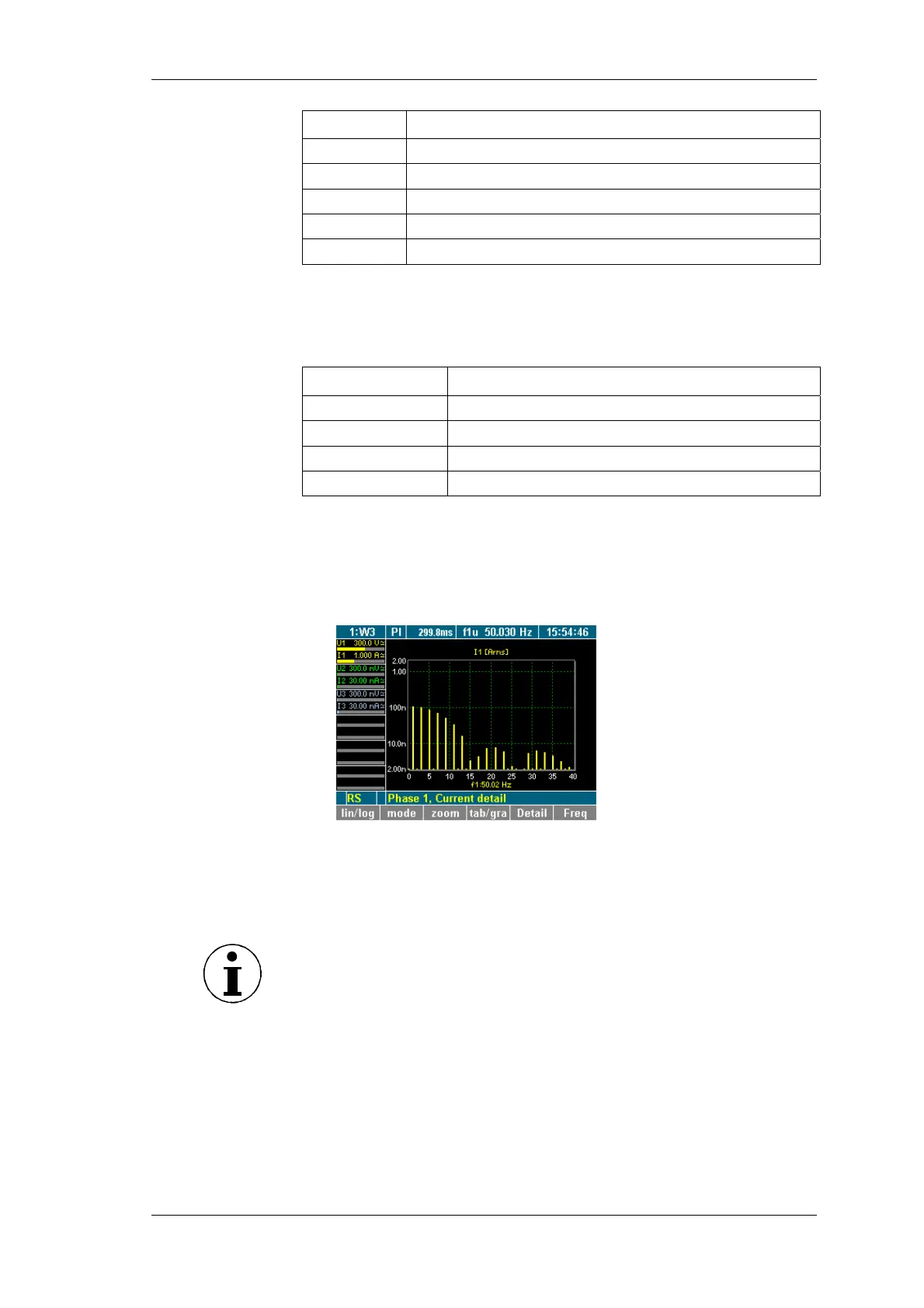
To change to a graphic display of the harmonics, press
function key tab/gra.
8.4.3 Harmonic Order mode related to fundamental in %
The harmonic spectrum can be viewed in percentages of
fundamental H01.
Note
This view is important for the analysis of the input signal.
Press function key mode.
iew spectrum
relative to H01



 To Next Page