Measuring process
42 Power Analyzer NORMA 4000, NORMA 5000
EO1111G REV G
8.2.2 View totals of all measured values
Press measuring key
∑
.
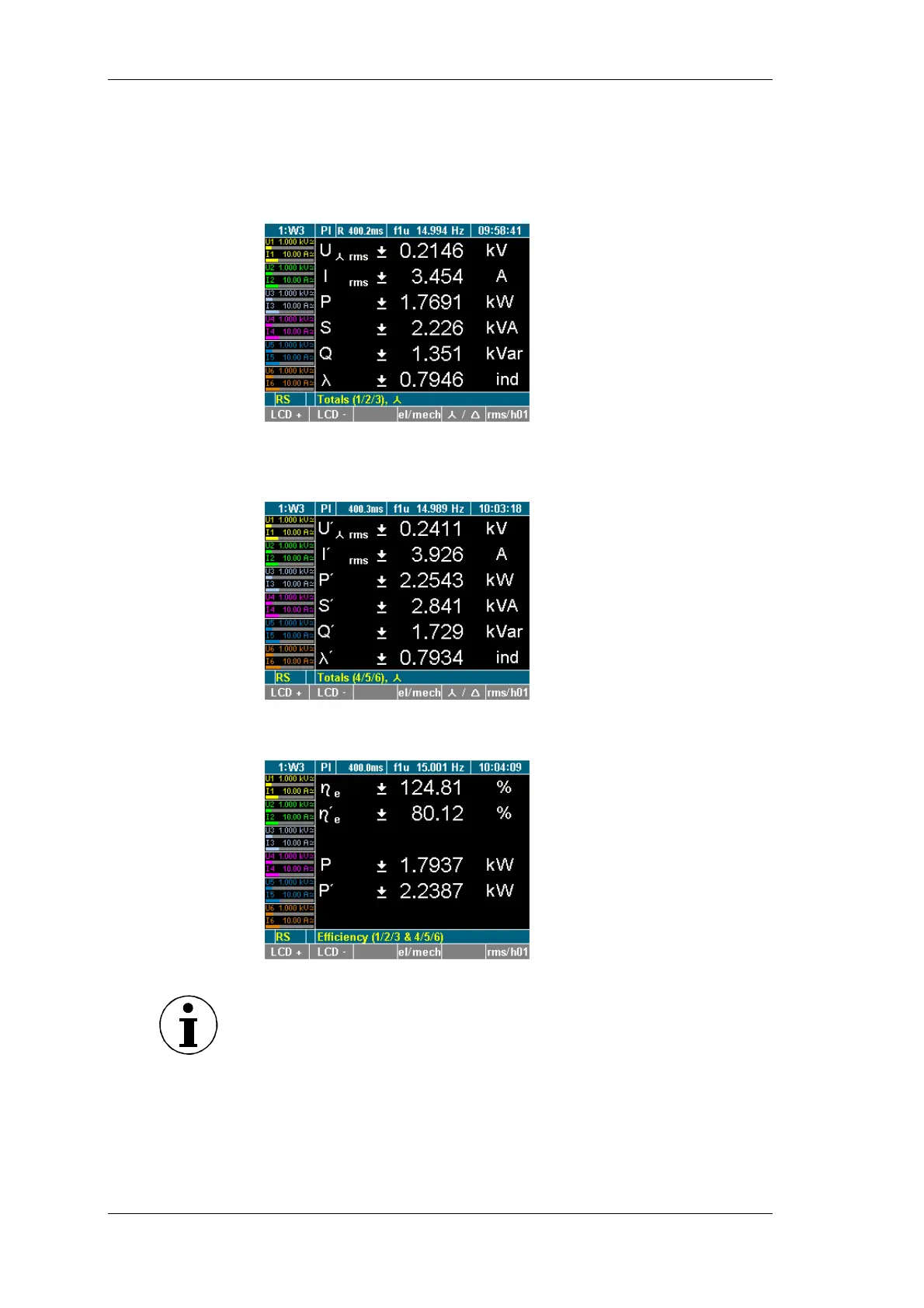
The totals of the measured values of the first three channels
are displayed (channel 1-3).
Press measuring key
∑
. again
The totals of the measured values of the second three channels
are displayed (P channel 4-6).
Press measuring key
∑
. three times (or again)
The efficiency and the total active power are displayed.
Note
The efficiency screen and totals channels 4-6 screen only appear if
there are 4 to 6 power phases equipped
iew totals
iew efficiency



 To Next Page