Measuring process
52 Power Analyzer NORMA 4000, NORMA 5000
EO1111G REV G
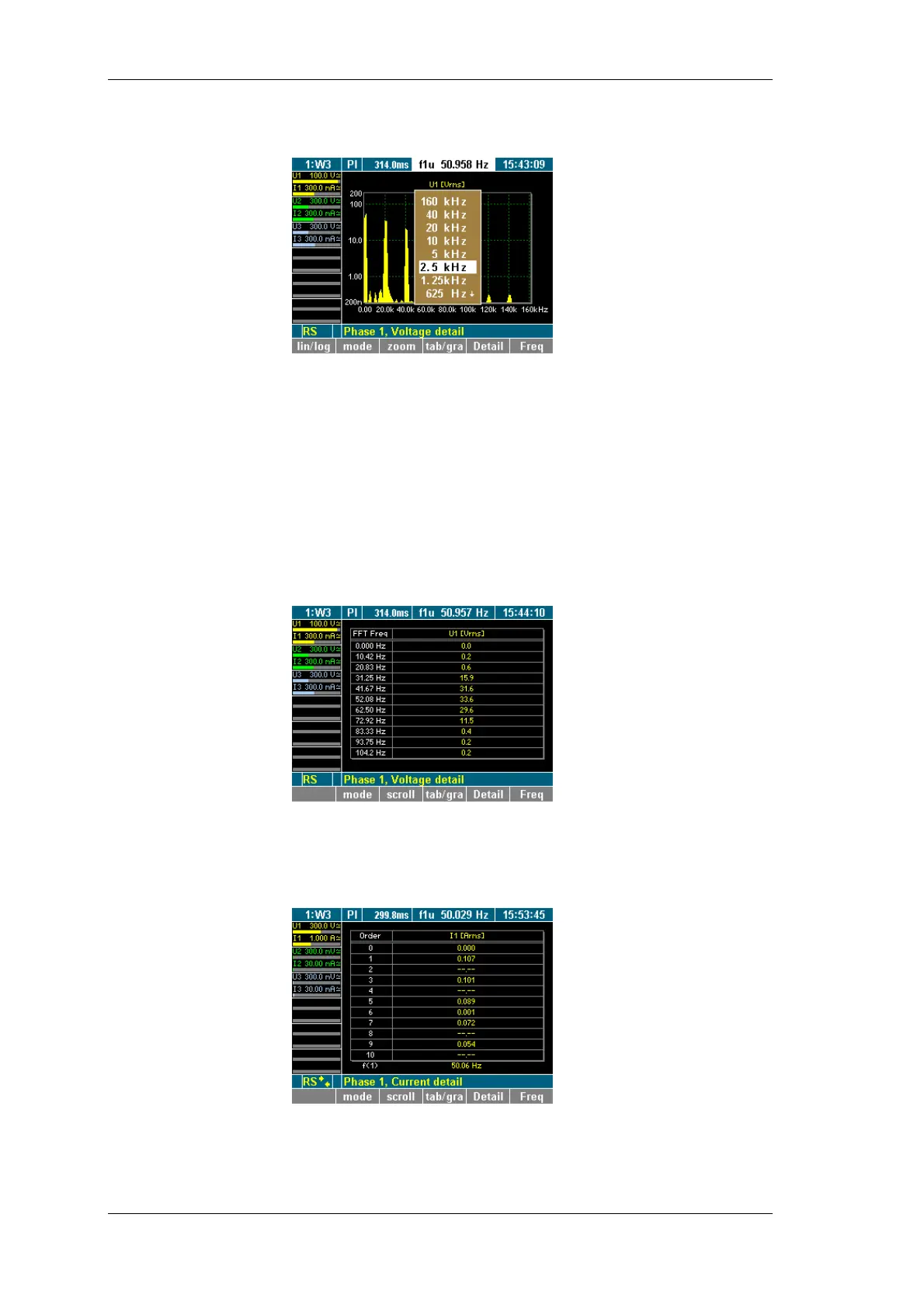
Press function key Freq.
A list of possible values is displayed.
Select a value, using the cursor keys, and press Enter.
The frequency analysis is carried out up to the selected value,
and the result is displayed.
You have the option to view individual measured values or a group
of up to three values (e.g. all measured values of channel 1) in
graphic or table format. By default, the measured values are
shown in graphic format.
Press function key tab/gra.
The raw data is now shown in a table (here: voltage on
channel 1).
8.4.2 Harmonic Order mode
Press function key mode to call up a table showing the
harmonics.
The table shows the integer harmonics (here: voltages of the
individual harmonics on channel 1).
Change view
mode
iew harmonics



 To Next Page