Measuring process
Power Analyzer NORMA 4000, NORMA 5000 51
EO1111G REV G
To change the scale of the axes, press function key Zoom.
Adjust the scale, using the cursor keys:
Cursor key Function
left, right
Shift frequency axis
up, down
Change frequency
Enter
Confirm settings
Esc
Exit scale mode
Adjust the scale of the axes, using the cursor keys, and press
Enter and Esc.
The graph with the adjusted axes is shown.
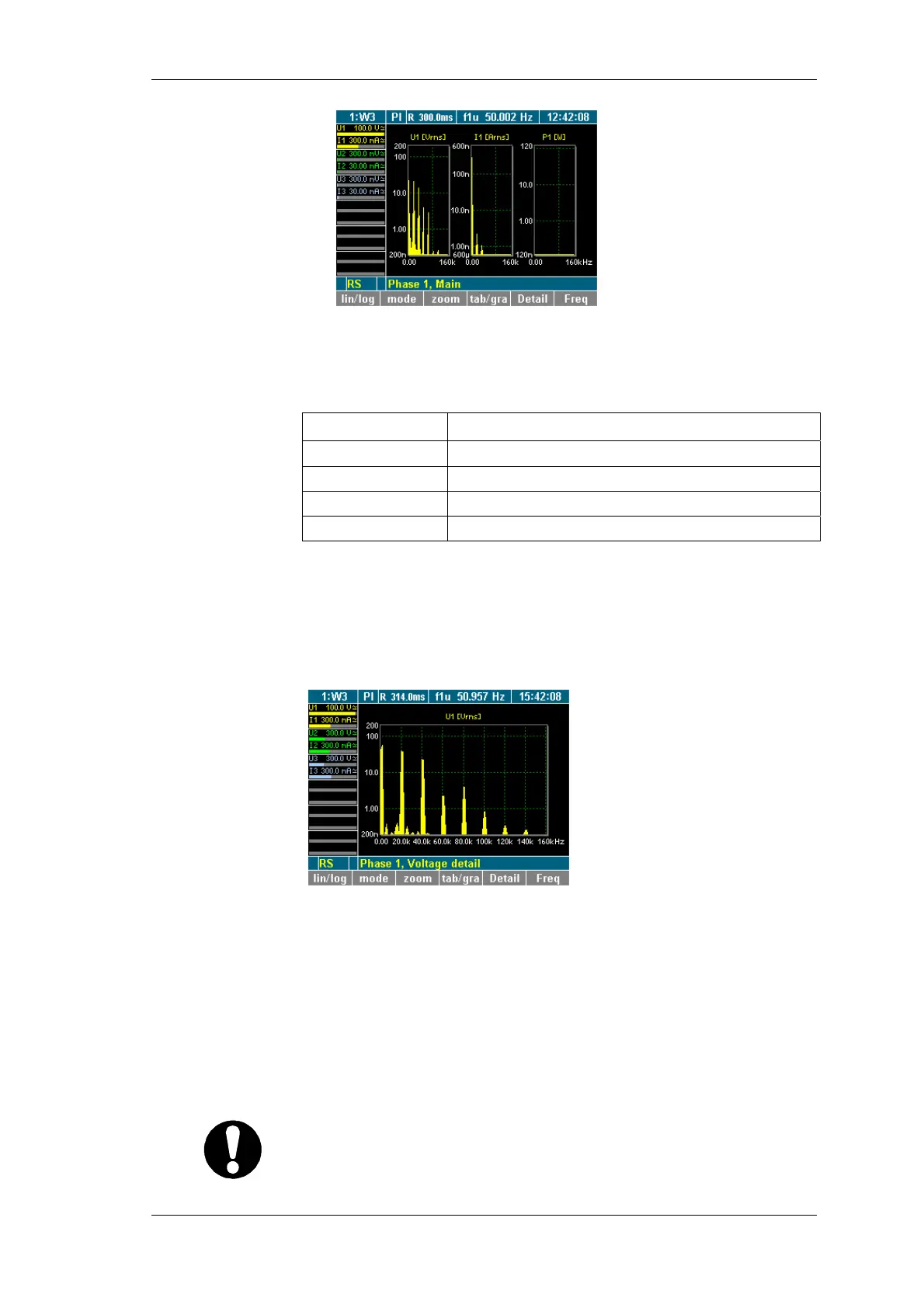
Press function key Detail.
The details of measured value U1 (voltage) are displayed.
Press function key Detail again.
The details of measured value I1 (current) are displayed.
Press function key Detail again.
The details of measured value P1 (power) are displayed.
To return to the overview of measured values of the selected
channel, press function key Detail again.
The default frequency range is set to maximum half of the
sampling frequency.
Important
For signals with a lower frequency (e.g. 10 Hz), the frequency
range must be adjusted, as measurements would otherwise be
inaccurate.
iew details of a
measured value
Set frequency
range



 To Next Page