Configuration
26 Power Analyzer NORMA 4000, NORMA 5000
EO1111G REV G
Settings Description
0.....
Device IP address
0.....
IP subnet mask address
0….
IP gateway address
Telnet
Protocol (fixed)
Before the Ethernet interface can be operated properly, enter the
correct network addresses.
Move the cursor to the field in line LAN and press Enter.
A window with a numerical entry field is displayed.
Enter the required address and confirm with Enter.
The address is shown in line LAN.
Save the settings with SAVE in the desired configuration.
Press ESC to leave the entry field without changing the address.
Note
The default address is 0.0.0.0 (factory settings). Addresses can
only be entered in conjunction with IP network addressing (e.g.
address 193.0.255.4).
Important
Network addresses are available from your network administrator.
7.4 Configure average time and synchronisation
This configuration concerns important parameters required for the
synchronisation of the measuring procedure. To configure these
parameters, proceed as follows:
- Call up Timing & Sync Setup
- Enter average time
- Select synchronisation source
- Set trigger level
- Select slope direction
- Select low-pass filter
- Configure signal output
Move the cursor to menu item Timing & Sync Setup and press
Enter.
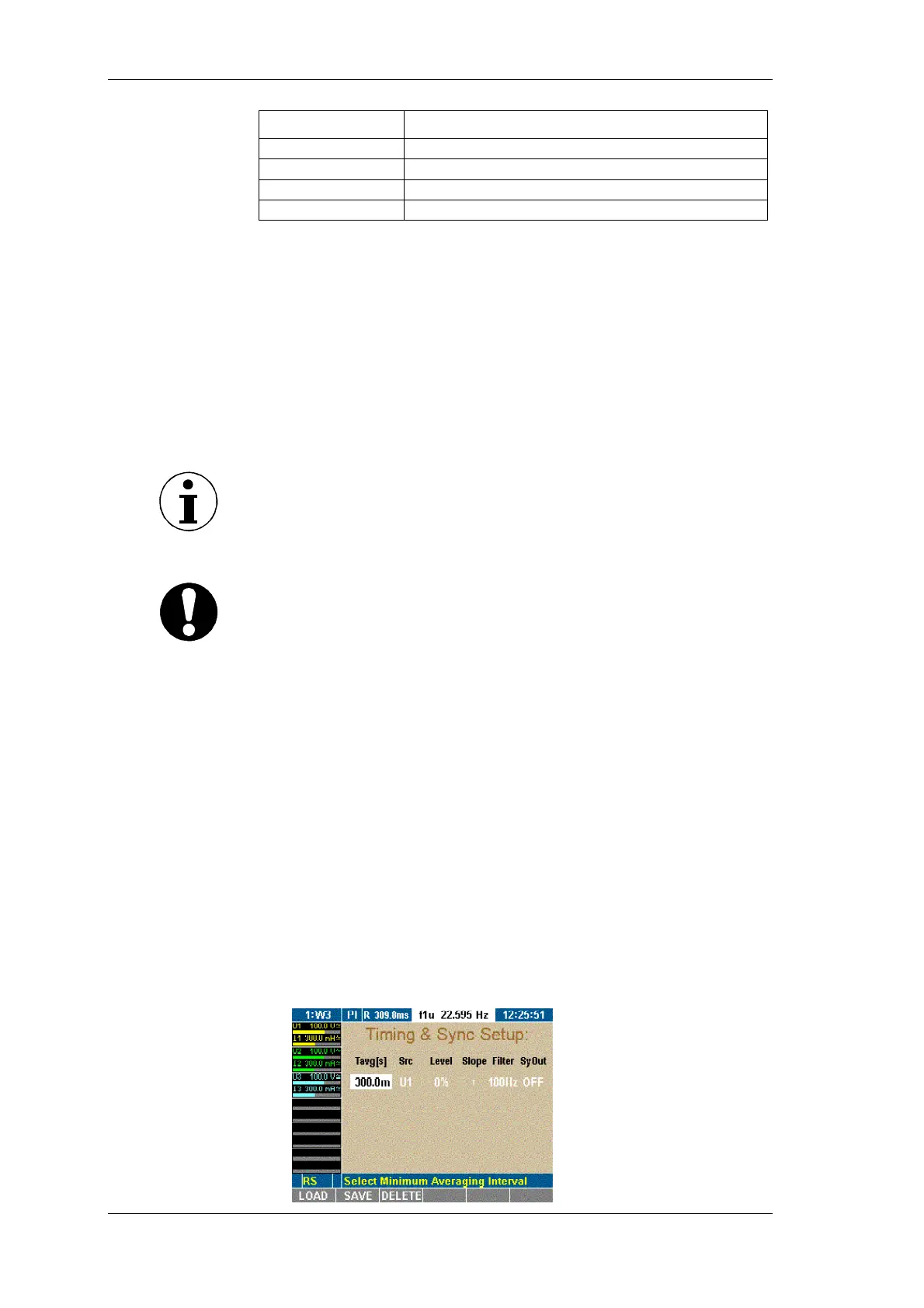
The Timing & Sync Setup menu is displayed. The value in
column Tavg[s] is highlighted.
Configure
Ethernet
Call up Timing &
Sync Setup



 To Next Page