Configuration
Power Analyzer NORMA 4000, NORMA 5000 27
EO1111G REV G
In the Timing & Sync Setup menu, define the following settings:
Column Settings Description
Tavg[s] 15 ms... 3600 s
Minimum average time (in
seconds)
Src U1 / I1 … U6 / I6
ext
Off
Synchronisation source
Fixed average time
Level −150 % ... +150 %
Trigger level
(in % of measuring range)
Slope
↑
oder
↓
Slope direction
Filter 10 kHz
1k Hz
100 Hz
off
Synchronisation filter
(filter is not in signal path)
SyOut On
Off
Signal output enabled
Signal output disabled
(at Sync Ext output)
The average time is a multiple of the period of the voltage of
current source. The settings are automatically adjusted during
measuring. Example: the average time is set to 19 ms; at a
frequency of 50 Hz, it is automatically adjusted to 1 period, i.e.
20 ms.
Note
Short average times are useful, if you wish to analyse individual
periods, measuring even minute interferences. With long average
times (e.g. 300 ms at 50 Hz), short-term interferences are not
shown.
Value in column Tavg[s] is highlighted.
Press Enter.
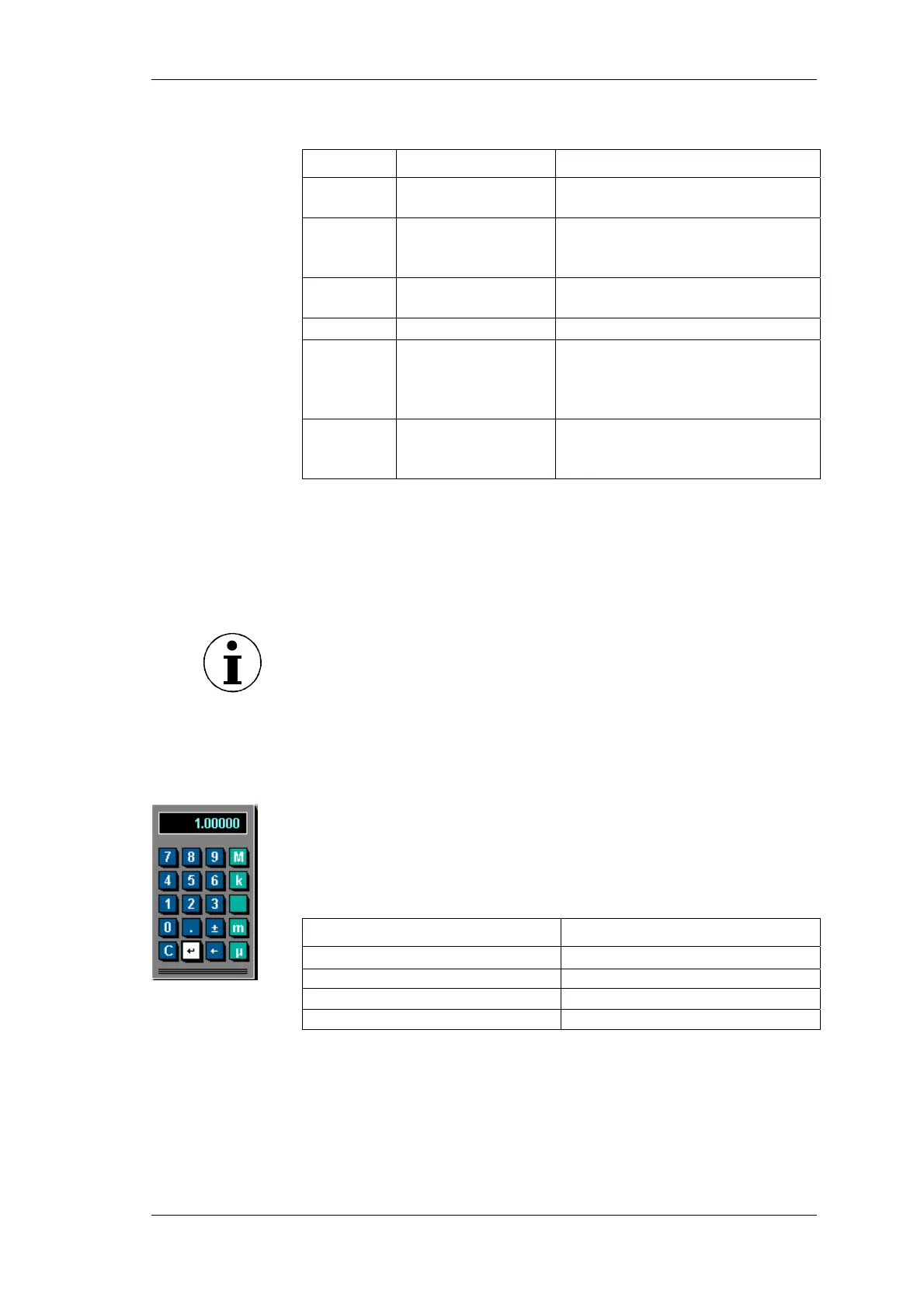
A window with a numerical entry field is displayed.
Enter the first digit of the average time and confirm with Enter.
Repeat the above step for the other digits.
The measuring time is entered in seconds. For exponential
powers, use the following keys on the numerical keypad:
Exponential power Key
micro [10
–6
]
µ
milli [10
–3
] m
kilo [10
3
] k
mega [10
6
] M
Enter the exponential power and confirm with Enter.
Move the cursor to the return field of the calculator and press
Enter.
The average time is shown in column Tavg[s].
Save the settings with SAVE in the desired configuration.
Set average time



 To Next Page