Measuring process
46 Power Analyzer NORMA 4000, NORMA 5000
EO1111G REV G
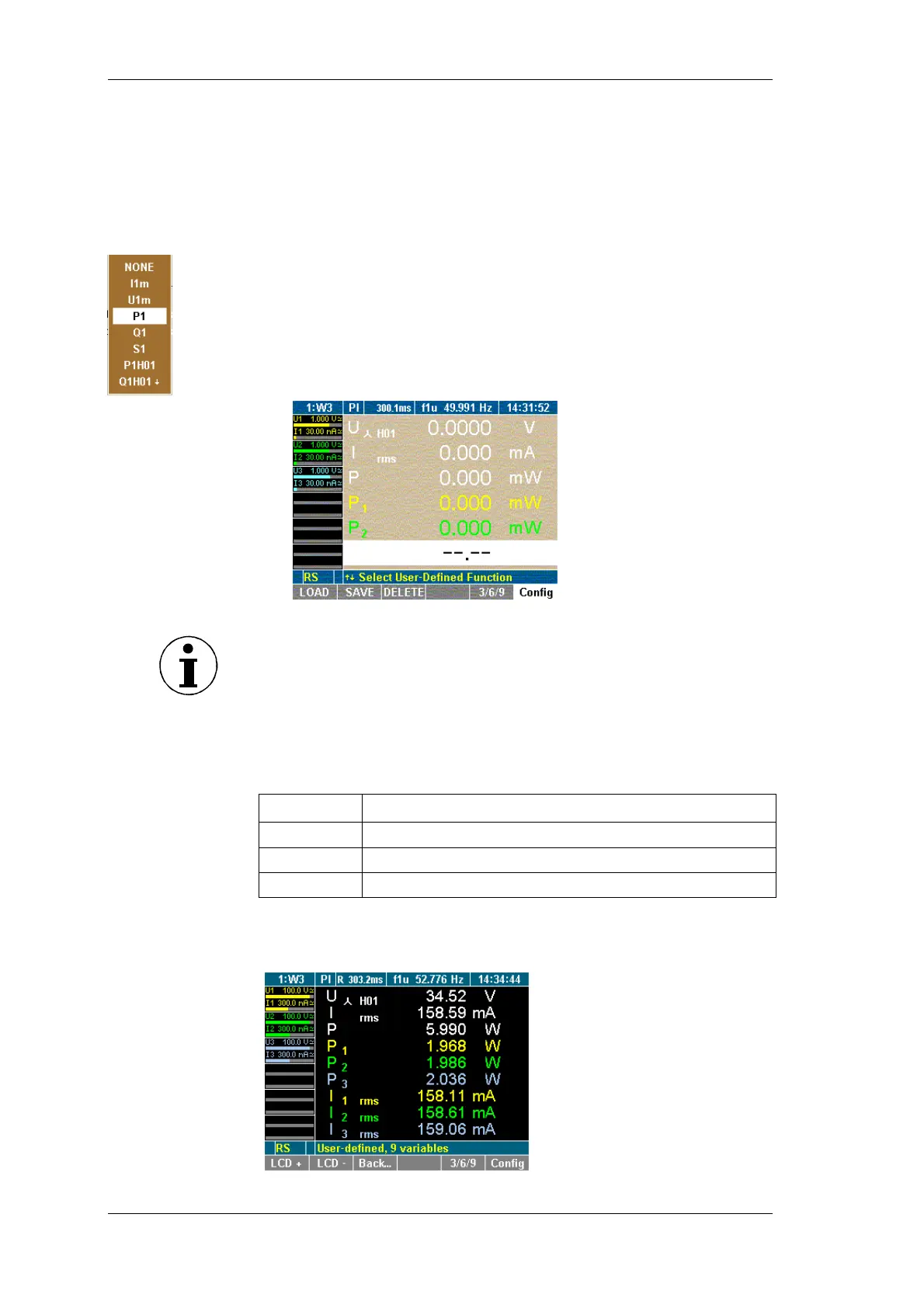
You can select values out of list of more than 450 variables
depending with how many channels the unit has equipped.
Press function key Config
The configuration menu is shown.
Select desired row with the Cursor and confirm with Enter.
A dialog window showing the selectable values is displayed
Select desired values with the cursor (up/down and left/right)
and confirm with Enter.
The selected values are shown on the display.
Repeat until all desired values are on the display screen
Press Esc to leave the configuration menu
Note
You can configure and display up to nine variables (values). Please
change the user defined display size (see “Change user defined
display size” below) to configure all nine values.
You can change the size of the numeric display in the user defined
screen. You can select between three sizes:
size description
3
3 numeric values, double size
6
6 numeric values, common size (7mm)
9
9 numeric values, with size 5mm
Press function key 3/6/9
User defined values are shown in desired size .
Select numeric
values
Change user
defined display
size



 To Next Page